

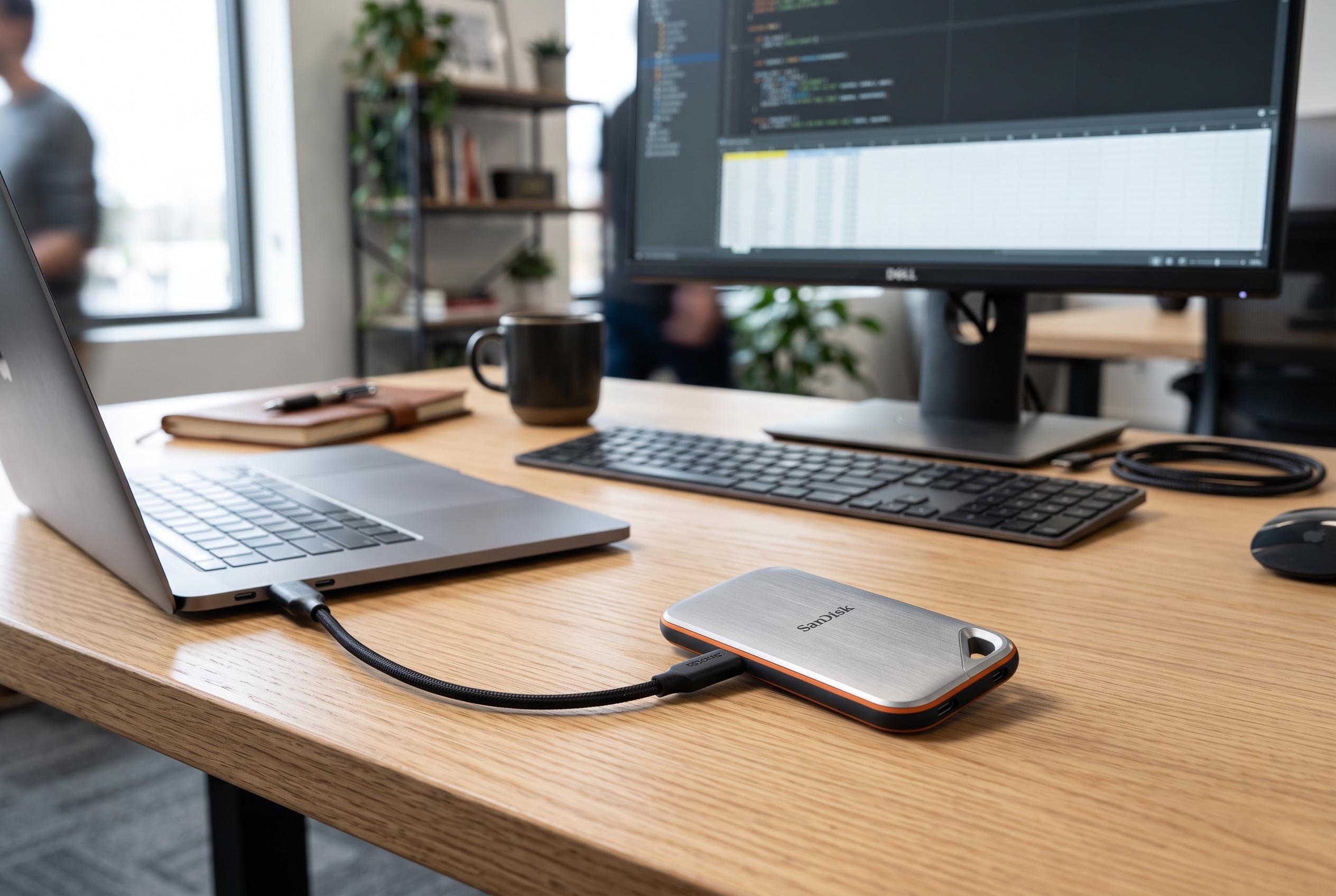

While USB flash drives remain popular for quick file transfers, portable SSDs are increasingly preferred for their superior speed and enhanced security features, especially in professional and high-volume use cases.
In offices, studios and home workspaces, the USB flash drive still has a place. It is cheap, pocket-sized and universally familiar, which makes it useful for quick handovers of documents, presentations and small media files. But according to technology guides from Integral Memory and PCWorld, that convenience comes with clear limits once file sizes grow or the device becomes part of an everyday workflow.
The main weakness is performance. Portable SSDs are built around more advanced controllers, cache and thermal management, and they can sustain far higher transfer rates than typical flash drives, especially when moving large folders or many small files at once. Integral Memory says portable SSDs commonly deliver speeds in the hundreds or even thousands of megabytes per second, while USB flash drives are usually far slower. OSCOO makes the same point, noting that real-world speed depends on the internal architecture, not just the label on the connector.
That difference matters in practice. A large video archive, a photo library or a working project can copy in minutes on an SSD, while a flash drive may slow sharply once its cache fills or when the job involves repeated writes. PCFFM notes that flash drives are more prone to heat build-up, performance drops and wear under frequent overwriting, which helps explain why they often feel fine for occasional transfers but less dependable for heavy use.
Security is another dividing line. Many ordinary flash drives offer little beyond basic physical storage, which leaves files exposed if the device is lost. Portable SSDs, by contrast, more often include hardware encryption, password protection and sometimes biometric access, according to the comparison material from Integral Memory and Accessories Computer. Some models also add tougher enclosures and better resistance to dust, water or drops, making them more suitable for travel and fieldwork.
The right choice therefore depends on how the device will be used. PCWorld’s buying guide suggests flash drives still make sense for light, occasional transfers, especially when price matters most. For backups, media work, repeated copying between computers or sensitive data, a portable SSD is usually the stronger option. The distinction is not marketing. It is about speed, durability and how much risk a user is prepared to accept.
Disclaimer: This content is intended for informational purposes only. Readers are advised to exercise their own judgement, conduct due diligence, or consult a qualified expert before acting on any information provided.



