

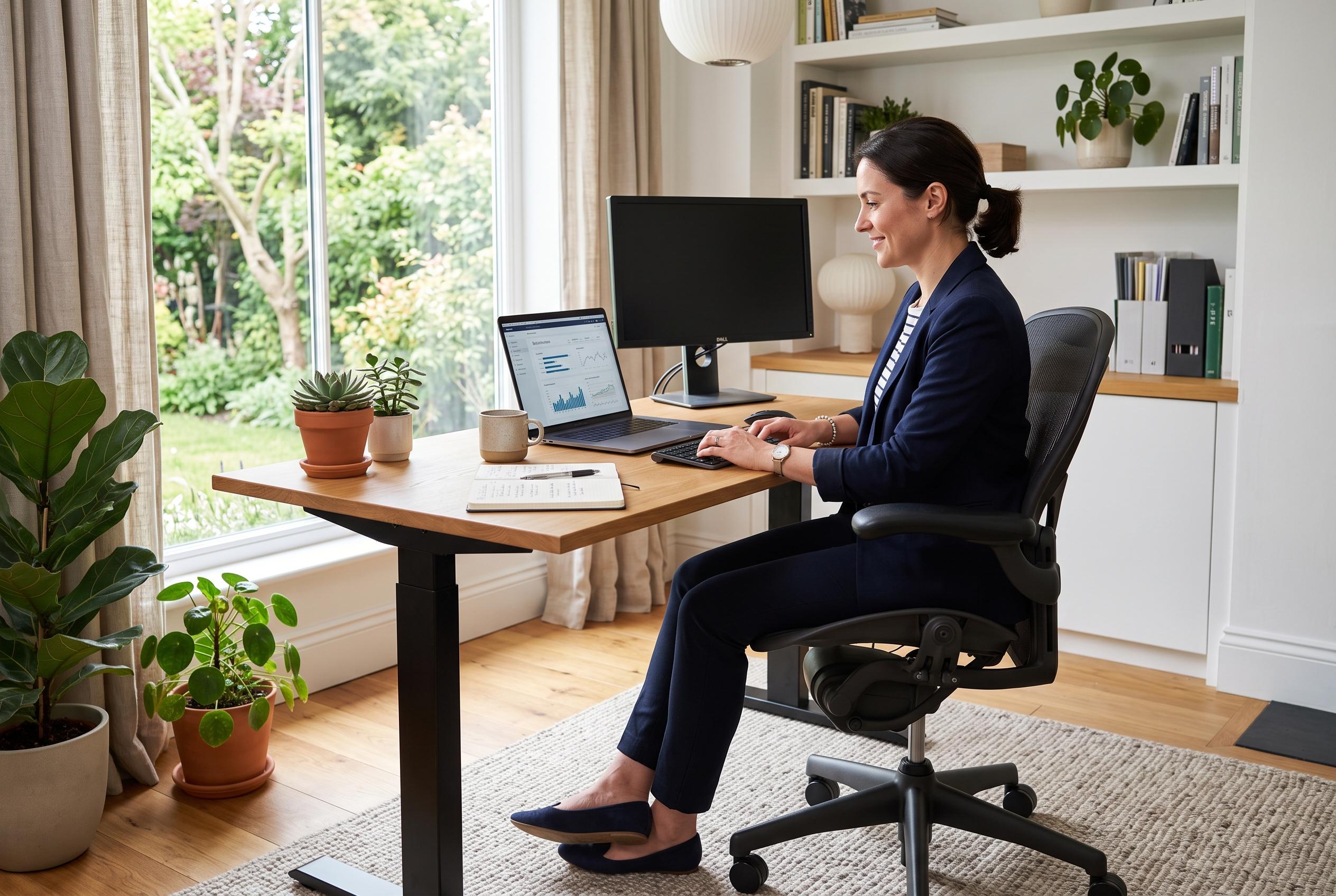

Investing in supportive, adjustable chairs is the crucial first step in creating a sustainable and productive remote workspace, with proper setup reducing discomfort and boosting concentration.
A good home office is no longer a makeshift corner with a laptop and a dining chair. For remote workers, it is now a basic working tool, with a direct effect on posture, concentration and long-term comfort. The central lesson from the available reporting is straightforward: if the desk setup is poorly designed, the body pays for it in back pain, neck strain and fatigue. Ergonomic seating is the first place to start because it supports the lower back, reduces stiffness and helps prevent the slow drift into bad posture that comes with long hours at a screen.
That focus on support matters because many standard household chairs were never built for full working days. They often lack proper padding, adjustment and lumbar support, which means the user adapts to the furniture rather than the other way round. Ergonomic chairs are designed to do the opposite. They encourage a more natural sitting position, reduce pressure on the spine and make it easier to stay comfortable through long calls, writing sessions and repetitive tasks. In practical terms, that can mean fewer interruptions, less fatigue and better concentration by the end of the day.
For that reason, an effective home office should be built in layers. Seating comes first, then monitor height, then keyboard and mouse position, then lighting and cable management. Each of these elements solves a different source of strain. A screen set too low encourages the head to tilt forward. A flat keyboard can force awkward wrist angles. Poor lighting can trigger eye fatigue, while cluttered wiring adds visual stress and makes the space harder to use. The goal is not a stylish showpiece. It is a setup that removes friction from ordinary work.
The same logic applies to standing desks and other movement-friendly additions. They can be useful, but they do not replace the basics. A desk that allows posture changes may help reduce stiffness during the day, yet it only works properly if the chair, screen and input devices are already arranged sensibly. In other words, movement is a supplement, not a substitute, for a properly supported workstation.
That is why the chair remains the foundation. The available material is consistent on this point: a supportive, adjustable chair is the most important investment for remote work because it protects comfort in a way that no accessory can match. Once that is in place, other upgrades become more effective. A better monitor stand, for example, is only useful if the user can sit correctly in front of it. Likewise, a high-quality keyboard and mouse matter most when the arms and shoulders are already positioned well.
For anyone building or improving a home office, the priority is therefore clear. Start with the chair, then correct the screen and desk position, and only then move on to extras. That approach is more practical than chasing gadgets or aesthetic trends. It targets the physical problems that most often disrupt remote work and gives the user a setup that is more sustainable over time.
Disclaimer: This content is intended for informational purposes only. Readers are advised to exercise their own judgement, conduct due diligence, or consult a qualified expert before acting on any information provided.



