

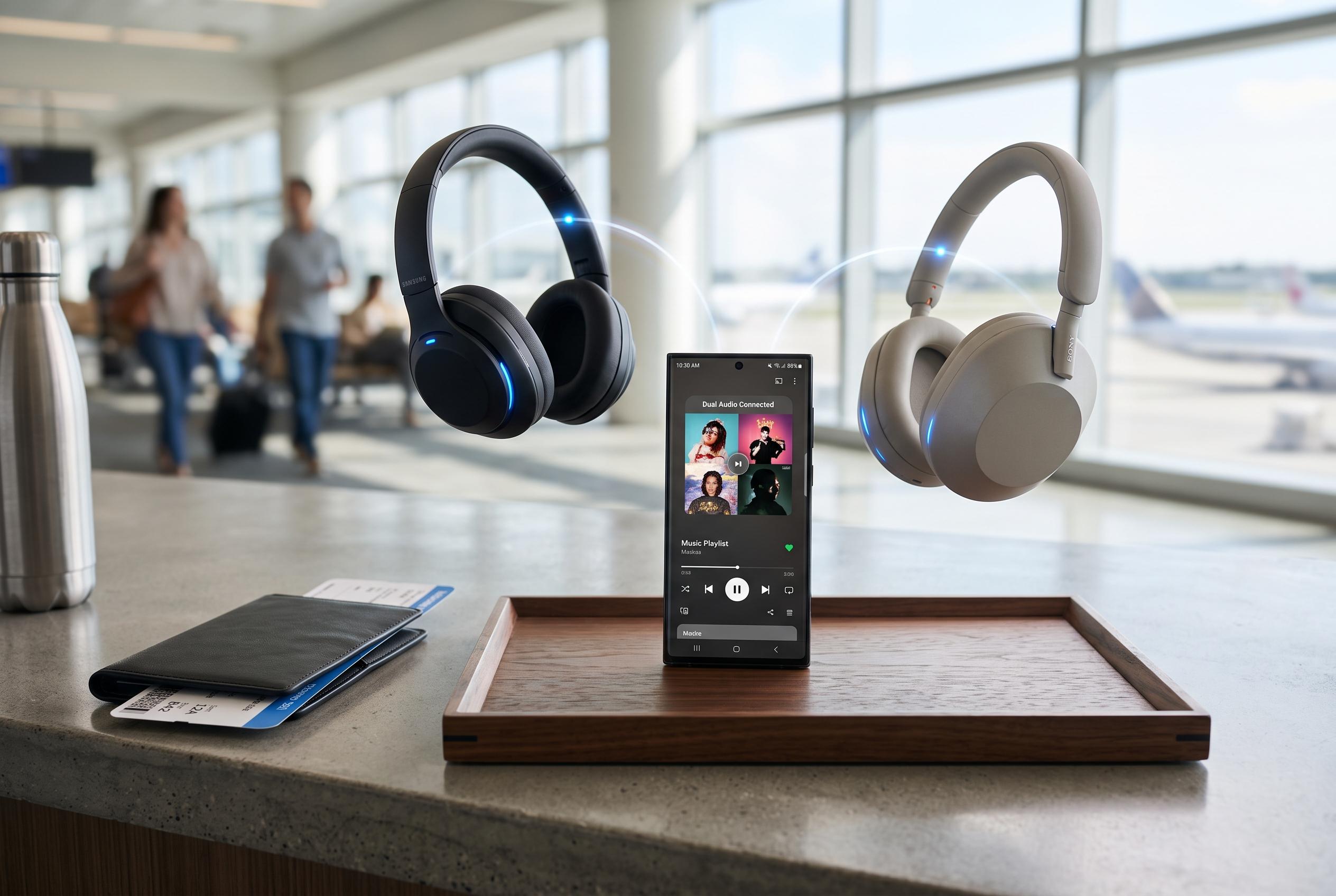

Samsung’s Dual Audio feature, allowing users to stream audio to two Bluetooth devices simultaneously, offers a valuable solution for travellers, though its obscure location in settings risks limiting its adoption among Galaxy owners.
Samsung’s Dual Audio feature is the sort of function that can quietly justify a handset choice. It lets one Galaxy phone send the same sound to two Bluetooth devices at once, which is useful on long journeys, in hotel rooms or any situation where two people want to listen without sharing one set of earphones. Samsung says the feature has been part of the Galaxy experience since the Galaxy S8 era and has been refined over time as part of its Bluetooth audio offering.
In practical use, Dual Audio solves a common travel problem: keeping two people on the same programme, song or podcast without forcing one person to sacrifice battery life or buy a second playback device. Samsung’s support guidance says the phone must be connected to both Bluetooth devices first, then the Media output control in Quick Settings is used to route audio to the second device. The company also says the feature can support separate volume levels for each connected device.
The feature is powerful, but Samsung has not made it especially easy to find. Dual Audio does not appear as a simple toggle in Settings, which means many users will miss it unless they know to look for the Media output button in the Quick Panel. That design choice is one reason the function feels more obscure than it should. Samsung’s own support materials confirm that compatibility also depends on the handset and Bluetooth version, with Bluetooth 5.0 or later required for simultaneous playback.
That limitation matters because Dual Audio is not universal across the Galaxy range, even though Samsung’s support pages list recent flagships and some Galaxy A models among supported devices. Still, for travellers, the appeal is clear: one phone can carry the entertainment for two people, reduce battery drain on a second device and keep playback perfectly in step. For couples, families or friends sharing a long journey, it is one of those small features that can make a device feel unexpectedly indispensable.
Disclaimer: This content is intended for informational purposes only. Readers are advised to exercise their own judgement, conduct due diligence, or consult a qualified expert before acting on any information provided.



