

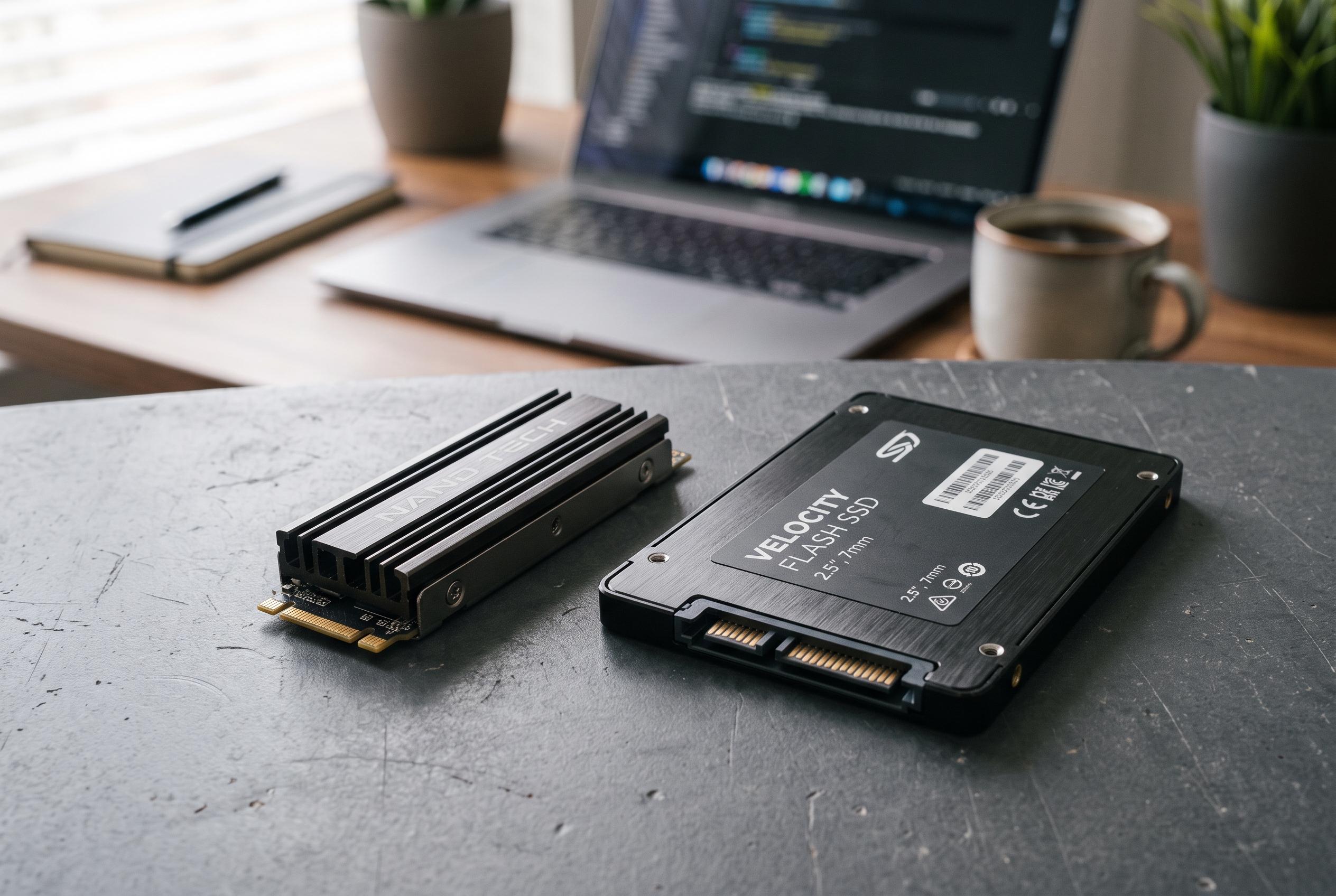

A deeper look at how NAND flash types, caching strategies, and DRAM presence influence the actual speed, endurance, and cost of SSDs beyond marketing figures, helping buyers make more informed choices.
For anyone building a PC, the number printed largest on an SSD box can be the least useful one. Peak read and write figures are usually measured under ideal conditions, and they do not always reflect what happens during sustained everyday workloads. The real difference often comes down to the NAND flash design underneath the label, which shapes speed, endurance and price far more than the headline figure suggests.
NAND flash comes in several forms, and the trade-off is simple: the more bits each cell stores, the cheaper the drive usually is, but the harder it becomes to keep performance and endurance high. TechRadar explains that SLC stores one bit per cell, MLC two, TLC three and QLC four, with each step towards higher density generally bringing lower cost but also weaker write endurance and slower operation. Techtarget and similar technical explainers make the same point, noting that denser NAND demands finer charge states and more controller work.
That is why many inexpensive SSDs rely on a pseudo-SLC cache. Rather than writing everything at the drive’s native speed, the controller first treats part of the NAND as if it were single-level cell memory, which creates a short burst of very fast performance. Once that buffer fills, speeds can fall sharply as data is moved into its normal storage format. Kalstor and Flexxon both describe this pseudo-SLC approach as a practical compromise used to improve perceived speed without the cost of true SLC NAND.
The effect is easy to miss if you only look at a spec sheet. A drive that advertises several thousand megabytes per second may deliver that figure only briefly, then settle much lower during long transfers or heavy installs. Reviews that test sustained writes are far more revealing than marketing claims, especially for buyers comparing cheaper TLC and QLC models against more expensive options. TechRadar’s overview and TechTarget’s analysis both support the wider point that NAND type is central to real-world storage behaviour.
There is another hidden factor: DRAM. On NVMe drives, onboard DRAM helps map where data lives on the SSD, and drives without it often borrow system memory instead, which is slower. That does not make DRAM-less models unusable, but it does mean they can fall behind in responsiveness and consistency, particularly when workloads become more demanding. For most buyers, the safest approach is to look beyond the advertised peak speed, check the NAND type, confirm whether the drive has DRAM, and read sustained-performance benchmarks before spending money.
Disclaimer: This content is intended for informational purposes only. Readers are advised to exercise their own judgement, conduct due diligence, or consult a qualified expert before acting on any information provided.



