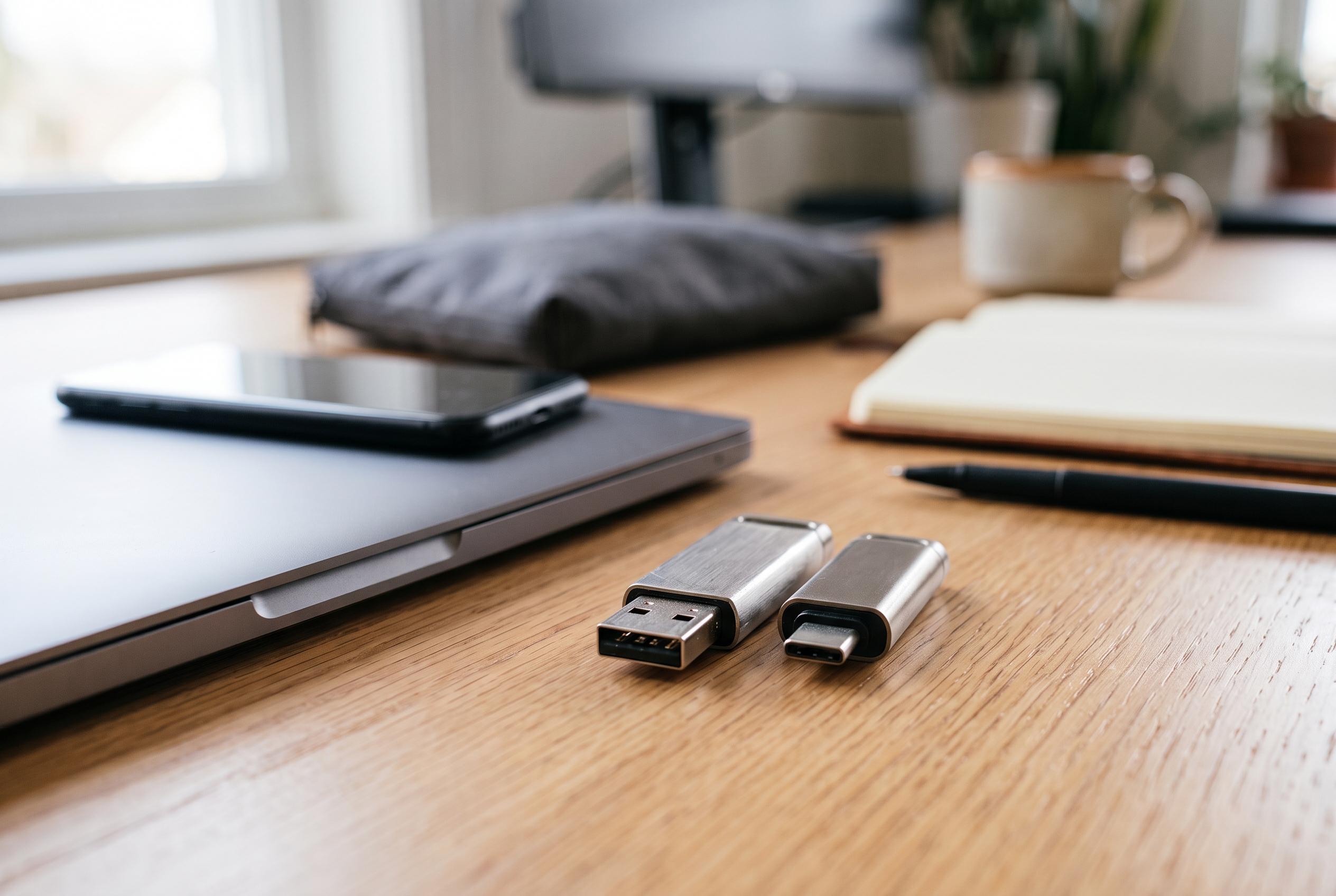

Choosing the right SanDisk USB flash drive depends on matching connector types, capacity needs, and transfer speeds, amid a market split between USB-A and USB-C options. This guide clarifies the factors shaping the best choice for different users, whether for mobile, desktop, or mixed hardware environments.
Choosing a SanDisk USB flash drive is chiefly a matter of matching the connector, the capacity and the transfer speed to the device and the task. The wider market remains firmly split between USB-A for older computers and USB-C for newer laptops, tablets and phones, while dual-connector models continue to serve households and workplaces that still move files between mixed hardware. USB-C itself does not guarantee fast transfers: the connector and the USB standard are separate specifications, and the slower element in the chain still sets the pace. SanDisk’s own support material underlines that point, noting that interface standards and connector types must be considered together rather than in isolation.
That basic distinction matters because flash drives still solve a practical problem that cloud storage does not. They provide offline file transfer without relying on a network connection, which is why they remain useful for students moving coursework, families copying holiday photographs, and professionals shuttling large media files between systems. SanDisk’s product guidance places typical use cases at different capacity levels, from modest personal backups through to larger media libraries, and the range covered here sits in the lower and middle part of that spectrum.
Within this group, the connector is the first filter. USB-C drives are the natural fit for current laptops, tablets and many phones, while USB-A remains the straightforward choice for desktop PCs and older notebooks. A dual-connector drive becomes the more flexible option if the user regularly works across both generations of ports. SanDisk has also long offered phone-oriented drives that are designed to bridge mobile devices and computers, which matters because handset storage is fixed at the point of purchase and cannot be expanded internally.
Capacity then narrows the choice further. The drives in this guide run from 64GB to 512GB, which is enough for documents, coursework, photo libraries and, at the upper end, substantial video collections. SanDisk’s broader line reaches 1TB and beyond in some product families, but these five models target everyday to semi-heavy use rather than large-scale professional archiving. For most buyers, 64GB is suitable for general file movement and basic backups, 256GB offers room for a growing photo archive, and 512GB is better for users who regularly handle video or large batches of media files.
Speed is the final practical variable, but it should be read carefully. SanDisk quotes maximum read speeds, which are useful for estimating how quickly files can be taken off the drive, but they do not necessarily reflect write performance, and real-world results vary by host device, capacity and workload. Among the drives highlighted here, all use USB 3.2 Gen 1, with the fastest quoted figure at up to 400MB/s on the SanDisk Ultra Luxe USB 3.2 Gen 1 Flash Drive and slower entries ranging from up to 150MB/s to up to 300MB/s. SanDisk’s wider USB literature also stresses that theoretical interface speed and everyday throughput are not the same thing.
That leaves the choice of model. The SANDISK Extreme Fit USB Type-C Flash Drive is the most discreet option for users who want something that can stay connected to a USB-C laptop with minimal protrusion, and its 64GB version is quoted at up to 300MB/s. The SANDISK USB-C Flash Drive is the simpler everyday USB-C pick, also at 64GB, with a quoted read speed of up to 250MB/s and a keyring attachment for portability. For USB-A users, the SanDisk Ultra Luxe USB 3.2 Gen 1 Flash Drive is the strongest fit here, offering 256GB in a metal enclosure and read speeds of up to 400MB/s.
For people who still need to cross between older USB-A ports and newer USB-C devices, the SanDisk Ultra Dual Drive GO remains the most adaptable option in this group, with both connectors on a swivel design and a quoted read speed of up to 150MB/s at 64GB. At the top end, the SanDisk Phone Drive with USB-C is aimed at users who want external storage for compatible USB-C iPhone, iPad and Android devices, including iPhone 15 or later, and its 512GB version is the largest capacity in this selection. Independent reporting on SanDisk’s newer compact USB-C designs has also noted their appeal for people who want to keep storage permanently attached to a device, though sustained-performance and heat behaviour still depend on the exact workload.
In practice, the decision is straightforward. Check the port first, then buy the capacity that matches the amount of data you need to move, and finally choose the speed tier that suits the size and frequency of the transfers. For buyers comparing products in retail listings, price and stock can change quickly, so the relevant product page remains the most reliable place to confirm the current configuration. Compatibility also matters: USB-C drives need a compatible USB-C port for full functionality, and older iPhones with Lightning do not fall into this product group.
Disclaimer: This content is intended for informational purposes only. Readers are advised to exercise their own judgement, conduct due diligence, or consult a qualified expert before acting on any information provided.