

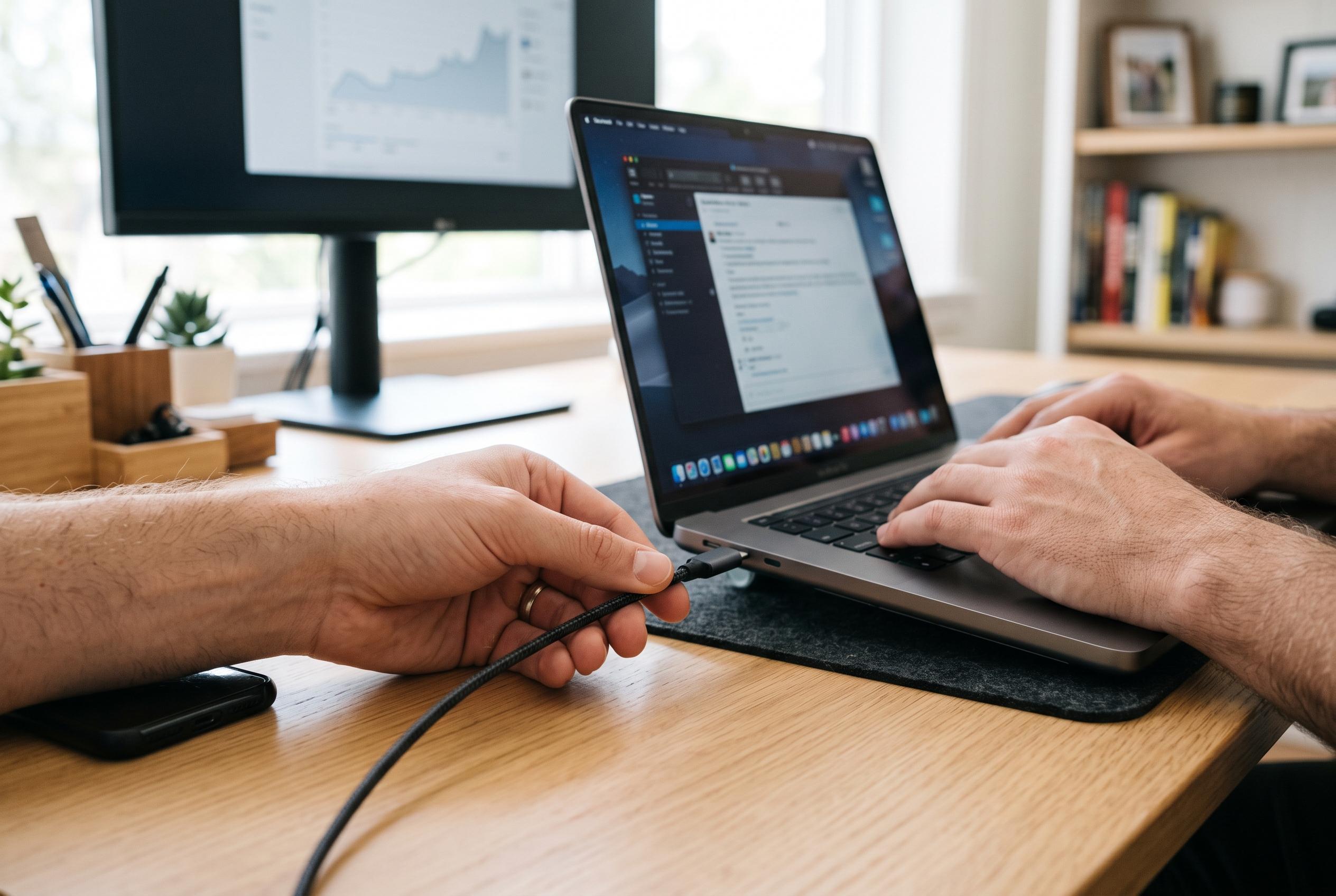

A cheap USB-C cable may perform just as well as an expensive one for a phone, but laptops, fast storage and monitors require careful checks of power ratings, data speeds and video compatibility.
A cheap USB-C cable can charge a phone just as effectively as a far more expensive one, provided both are rated for the device’s power requirements. What matters is not the price tag, but whether the cable can safely carry the wattage, data rate and, where relevant, video signal that the equipment needs. According to Canaltech, USB-C is only the connector format; it does not by itself guarantee performance.
That distinction matters because two cables that look almost identical may be built for very different tasks. A basic lead can be perfectly adequate for a handset, earbuds or other low-power accessories. A more capable cable may be needed to charge a laptop, move large files at speed or connect a monitor through a USB-C port. Guides from Tonetron and Synctronics both stress that cable design, internal wiring and supported features can vary sharply even when the exterior looks the same.
Power delivery is one of the main reasons prices diverge. Canaltech notes that a cable’s rating can limit charging speed even when the charger and device are capable of more. USB.info and FastChargeCheck explain that current ratings, especially 3A versus 5A, are central to how much power a cable can safely carry, and that higher-power cables may need additional identification to negotiate correctly with connected devices.
That is where the e-marker chip comes in. Chargetechlab describes it as a small identification component embedded in certain USB-C cables that tells devices what current and capabilities the cable supports. The chip is particularly important in higher-rated leads, because it helps the charger and device agree on safe operation. Not every USB-C cable includes one, and the absence of an e-marker is one reason cheaper cables may be limited even when the connector type is the same.
Data speed is another major dividing line. Canaltech points out that a USB-C cable can charge a device while still transferring data at a much lower speed than the ports support. Tonetron and Synctronics both list wide differences between basic USB 2.0 cabling and faster USB 3.x or USB4-class options, with the practical effect becoming obvious when copying large videos, backing up a phone or using an external SSD. In other words, a premium cable is not faster by default; it is faster only if both the cable and the connected hardware support the same standard.
Video output adds yet another layer of complexity. A USB-C plug does not automatically mean a cable can drive a monitor. Canaltech says the computer must support a video mode such as DisplayPort Alt Mode or a USB4 video function, and the cable must also be built for that purpose. USB-guide describes a full-featured USB-C cable as one able to handle charging, data and video through the same connection, but that is a capability that must be stated explicitly rather than assumed from the shape of the connector.
For most people, the sensible approach is to buy for the device, not for the label. Canaltech’s practical guidance is straightforward: a low-cost cable is often sufficient for phones, simple peripherals and modest charging needs, while a more expensive model makes sense for laptops, fast external storage, docking stations or monitor connections. The key checks are the rated wattage, the advertised data speed, video compatibility, build quality and, when claimed, certification. That is the difference between paying for what you need and paying for features your equipment cannot use.
Disclaimer: This content is intended for informational purposes only. Readers are advised to exercise their own judgement, conduct due diligence, or consult a qualified expert before acting on any information provided.



