

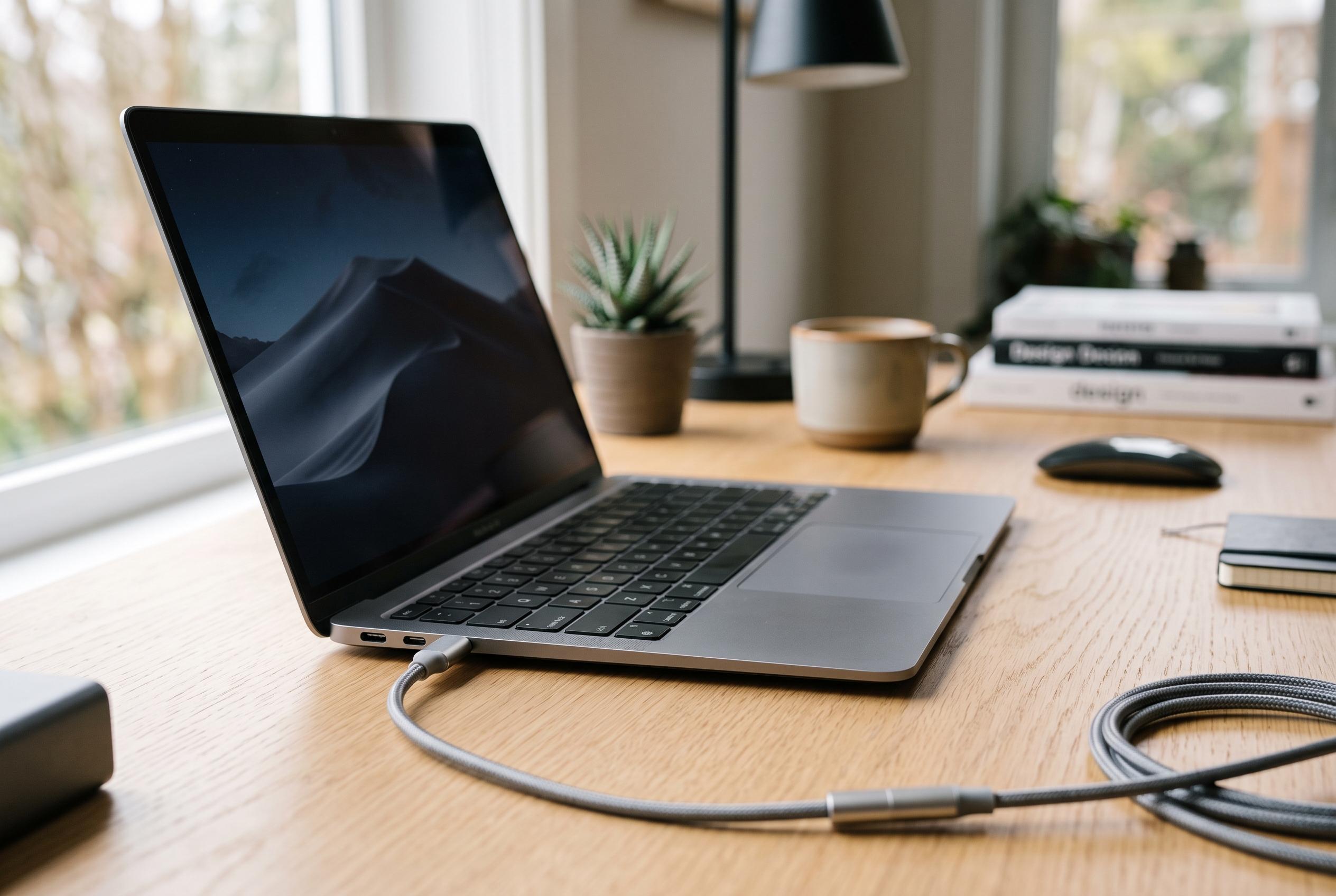

While USB-C has streamlined charging and connectivity, the real challenge lies in the unseen differences in cable capabilities, sparking new demand for testing tools to curb user confusion.
USB-C’s promise of one cable has not ended the confusion
USB-C was meant to simplify modern electronics, and in one respect it has succeeded: most new phones, laptops and small gadgets can now be charged through the same reversible port. European rules have helped accelerate that shift. But the apparent simplicity hides a new problem. The connector may be standardised, yet the cables themselves are not, and that leaves users with a pile of leads whose real capabilities are often unknown.
A cable that can charge a phone quickly may still be poor at data transfer, and a fast charger can be throttled by the wrong lead. As PCWorld and Tom’s Hardware have both noted, many apparently ordinary USB-C cables turn out to support only USB 2.0 speeds or modest power delivery when tested properly. That makes the original retail choice less important than the hidden specifications inside the cable, which are usually invisible at a glance.
One practical answer is to test the cables already in use. Devices such as the Treedix tester expose what a lead can actually do, showing support for USB 2, USB 3 or USB4, as well as different Thunderbolt and USB Power Delivery levels. They can also reveal whether a cable contains an eMarker chip and, in some cases, which pins are wired. That helps separate genuinely capable cables from leads that merely look the part.
The appeal of the Treedix device is its low price, but that comes with clear compromises. Reviews cited by PCWorld and others describe it as a basic Chinese gadget with uneven support and awkward firmware updates. A more polished alternative is the BLE Caberqu from Linz, which costs more but comes with its own software and a companion app for Android and iPhone. According to the report, it can save results, label them and even give a view of cable health.
For Mac users, there is also WhatCable, a software-only option that reads cable details directly on Apple hardware. Tom’s Guide has reported that the app can identify data-rate limits, charging ceilings and other specifications, and that work is under way on Linux ports. Broader operating-system support would make sense, because the burden of checking cables should not fall entirely on users. At present, Google’s ChromeOS is one of the few systems that already warns when a cable is not suitable.
The point is illustrated by the cables bundled with current smartphones. The report says both a recent Pixel phone and a newer iPhone ship with leads that support up to 60 watts of USB Power Delivery, but only USB 2.0 for data, leaving transfer speeds far below what the handsets themselves can handle. That is not a fault in the strict sense; it is a cost-saving choice. But it means the included cable is usually the minimum viable option, not the best one. In practice, a better cable is often worth buying separately, provided the charger and the device can make use of it.
Disclaimer: This content is intended for informational purposes only. Readers are advised to exercise their own judgement, conduct due diligence, or consult a qualified expert before acting on any information provided.



