

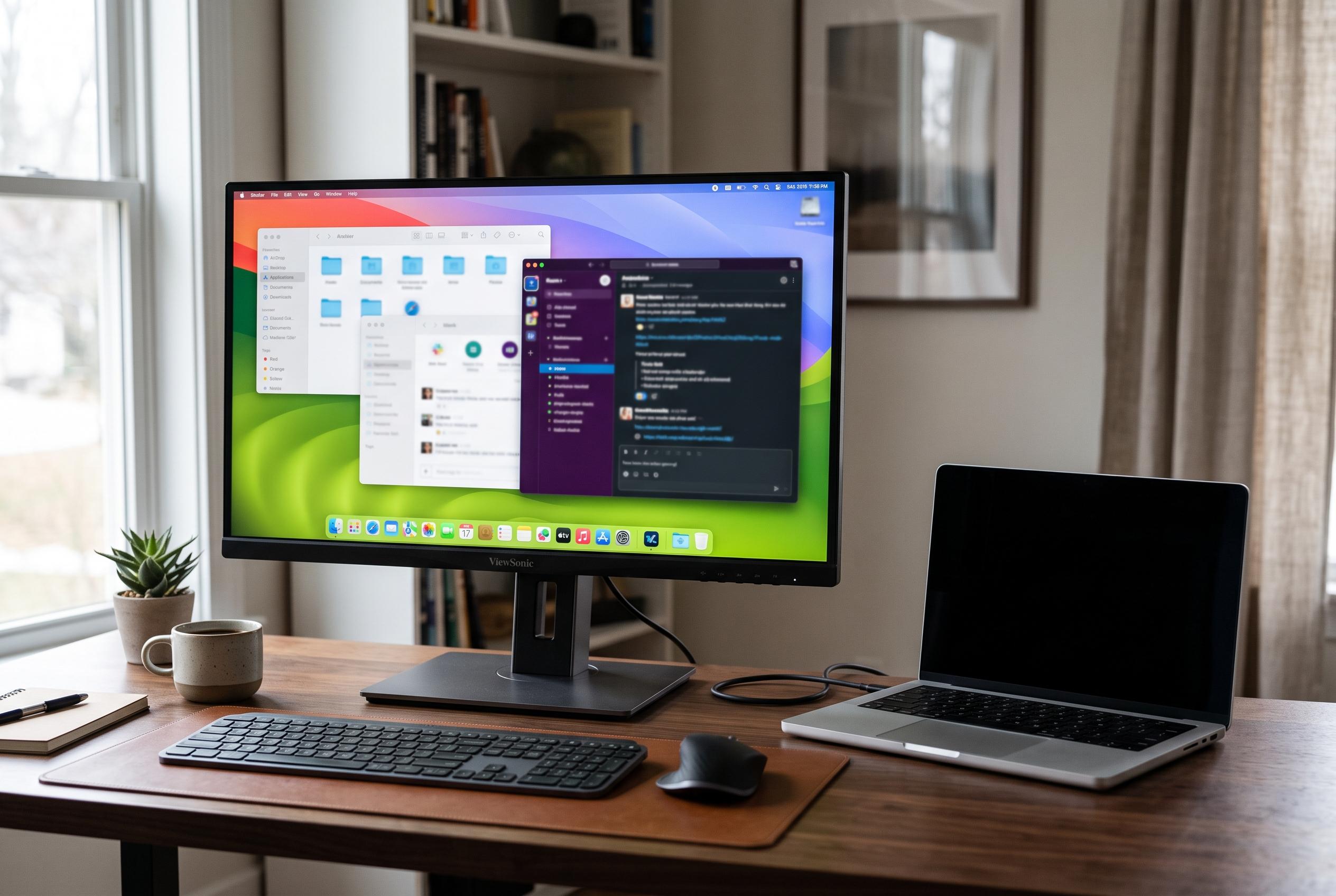

ViewSonic reveals that Apple-specific display features, proper EDID data, and connection protocols are essential for seamless macOS integration, transforming external monitor performance for Mac users.
External monitors for Macs often look fine at first glance, then disappoint in day-to-day use. Text can appear soft, colour can look off and basic system controls may not work as expected. According to ViewSonic, the difference is not simply whether a display has a USB-C socket, but whether it is built to work properly with macOS.
The key issue is how macOS handles sharpness and colour. ViewSonic says Apple’s HiDPI scaling model favours high pixel density, which is why 5K screens align especially well with MacBook displays and why 4K panels can still look excellent, but may rely on fractional scaling. The company also argues that wide-gamut colour support matters, with at least 95% DCI-P3 coverage and an accurate ICC profile helping macOS present colours more faithfully.
Identification data matters too. ViewSonic describes EDID as the data a monitor sends when it is connected, telling macOS its native resolution, colour capabilities and other display traits. If that information is incomplete or inaccurate, the system may offer the wrong resolution options, fail to recognise the screen properly or mismanage sleep and wake behaviour. This is one reason monitor makers increasingly test their displays specifically for macOS compatibility.
Connection type is another practical factor. ViewSonic says Thunderbolt 4 is the most capable option for Mac users because it can carry video, data and power over one cable, while also supporting daisy-chaining. USB-C with DisplayPort Alt Mode can be enough for a single display, but it does not offer the same docking flexibility. HDMI remains useful for basic video, but it does not deliver the same single-cable workflow.
Power delivery is closely tied to that setup. A monitor that charges a MacBook through the same cable must provide enough wattage to support the machine under load, not just when it is idle. ViewSonic says 100W over Thunderbolt 4 covers MacBook Air models and is sufficient for a 14-inch MacBook Pro at top speed, while larger models may charge more slowly when heavily used. The company also warns that uncertified cables can reduce bandwidth or cause instability.
Beyond image quality and charging, macOS integration depends on DDC/CI, the protocol that lets the computer communicate with the monitor over the display connection. That communication is what allows keyboard brightness keys, sleep commands and other controls to work properly. BenQ and Dell both note in their support material that DDC/CI support is essential for monitor-management software on macOS, while open-source tools such as MonitorControl exist largely to bridge that gap where hardware support is incomplete.
ViewSonic uses these requirements to position several of its own ColorPro models as Mac-friendly options. The VP2788-5K, VP2488-4K, VP2776T-4K and VP3276T-4K all pair Thunderbolt 4 with 100W charging, Pantone validation, tested EDID and DDC/CI support. The lineup ranges from a 27-inch 5K panel aimed at users who want Retina-like sharpness to 24-inch and 27-inch 4K models, plus a 32-inch version designed for larger workflows and dock-like use with Ethernet and USB hubs.
For Mac owners, the broader message is simple: compatibility is more than plug-and-play. A monitor may connect immediately and still fail to deliver the crisp text, accurate colour and seamless controls that make an external display feel native to macOS. The best results come from matching resolution, colour, communication and power delivery to Apple’s way of handling displays, rather than relying on the connector alone.
Disclaimer: This content is intended for informational purposes only. Readers are advised to exercise their own judgement, conduct due diligence, or consult a qualified expert before acting on any information provided.



