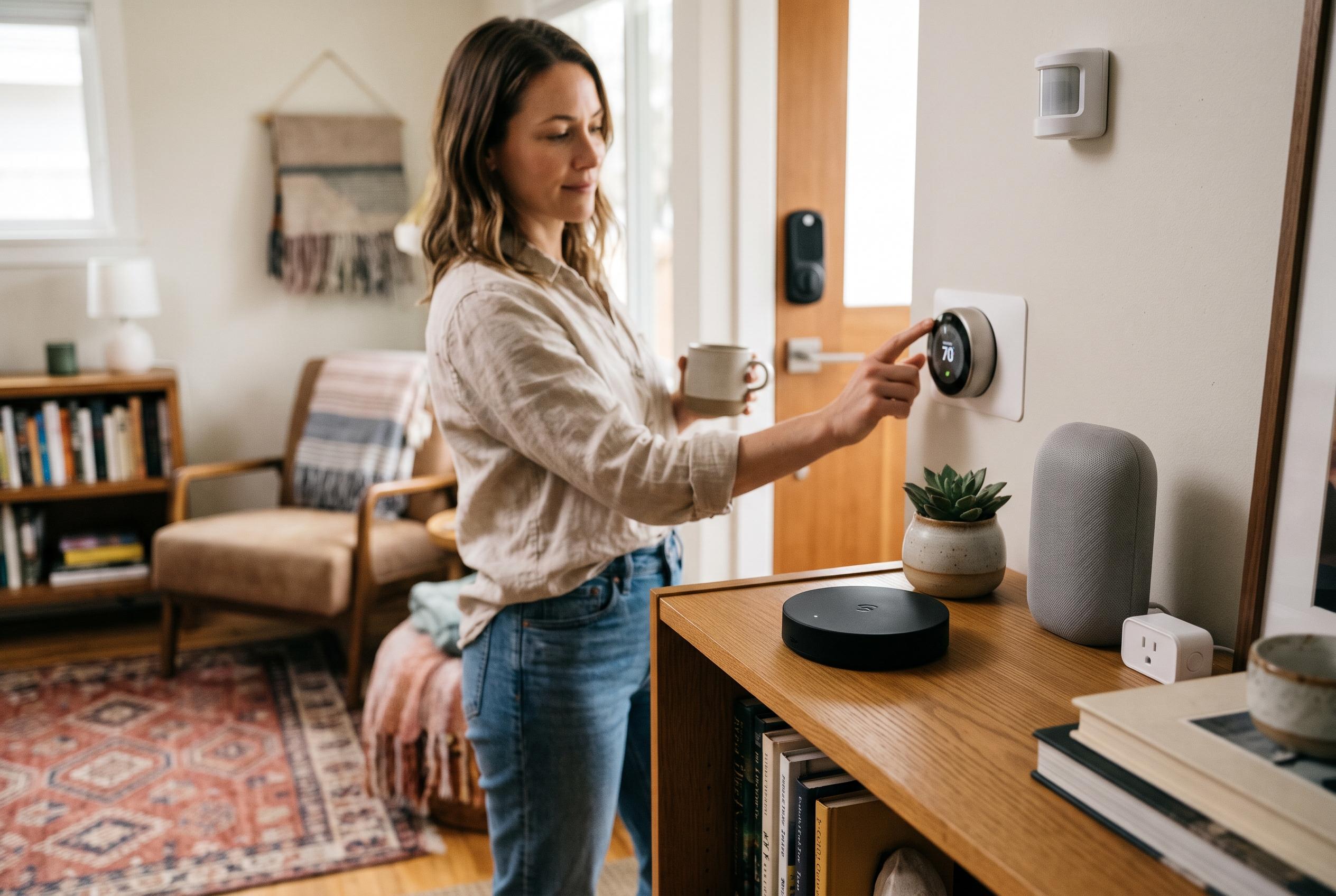

Home Assistant’s ZWA-2 controller and a carefully chosen mix of locks, thermostats, sensors and scene controllers can turn Z-Wave into a dependable local automation network.
Home Assistant users looking to build a dependable Z-Wave network are still best served by starting with the right controller. The official Home Assistant Connect ZWA-2 now stands out as the most natural choice for the platform, combining 800-series support with Z-Wave Long Range and a design intended specifically for Home Assistant. Official documentation from Home Assistant says users should choose a compatible adapter carefully, and recommends 800-series hardware with up-to-date firmware for the most stable experience. That matters because Z-Wave performance depends not only on the device itself, but also on whether the controller can handle the newer security and range features that many current products depend on. According to the Home Assistant docs, the ZWA-2 is the controller developed for that role.
Once the network is in place, the most useful Z-Wave devices are usually the ones that expose more than simple on-off control. Locks, thermostats and scene controllers tend to benefit most from Home Assistant’s Z-Wave JS integration because they can surface richer device functions locally. Community guides on Z-Wave JS note that the protocol is well suited to critical home functions such as access control and alarms, while also giving users the benefit of a mesh network that is less prone to interference than crowded 2.4GHz systems. That makes a strong case for choosing devices with clear support for user codes, button events, reporting parameters and over-the-air updates.
Among locks, the Kwikset HomeConnect 620 remains one of the most practical options for a Home Assistant household. The lock supports SmartStart pairing and Z-Wave Long Range, and Home Assistant users can manage it locally rather than through a proprietary cloud service. The same logic applies to fingerprint-enabled alternatives such as the ULTRALOQ Bolt Z-Wave, which adds biometric entry while still fitting into the same local automation model. In both cases, the value lies in dependable local control, with Home Assistant handling status, triggers and lock-code workflows where supported.
For heating and water protection, the most compelling devices are the ones that turn Home Assistant into a control layer rather than just a dashboard. The Honeywell T6 Pro Z-Wave remains a widely used thermostat because it can be managed as a climate entity inside Home Assistant without needing a separate vendor app. For leak defence, the Zooz Titan valve actuator and the matching Zooz water sensor pairing illustrate why Z-Wave still has a strong position in utility automation: the valve can physically close an existing shut-off, while the sensor provides the trigger. That combination is especially attractive in a local-first setup, where a leak event can be acted on immediately without relying on external services.
Scene controllers and multi-function switches are where Z-Wave can feel most polished inside Home Assistant. Devices such as the Zooz ZEN32 and ZEN37 are useful because they do more than flip a relay; they also generate Central Scene events that can drive automations based on single taps, double taps or holds. Home Assistant’s Z-Wave JS guide material notes that these devices become especially powerful when they are paired in place and used to trigger room-wide routines, such as bedtime, away or lighting scenes. In practice, that gives Z-Wave a control surface that is often more flexible than a basic smart switch.
The wider pattern across the recommended devices is clear: Z-Wave works best in Home Assistant when users buy for function, not just protocol support. Sensors such as the Zooz Q Sensor and Aeotec MultiSensor 7 can expose motion and environmental data, but the quality of the integration still depends on how well the device reports its values and whether the definition exists in Z-Wave JS. Installation advice across Home Assistant and third-party setup guides is consistent on the basics: use the correct regional frequency, pair mains-powered devices first to strengthen the mesh, and consider a USB extension cable to reduce interference from the host machine. For most users, that combination is what turns a compatible Z-Wave device list into a reliable home system.
Disclaimer: This content is intended for informational purposes only. Readers are advised to exercise their own judgement, conduct due diligence, or consult a qualified expert before acting on any information provided.