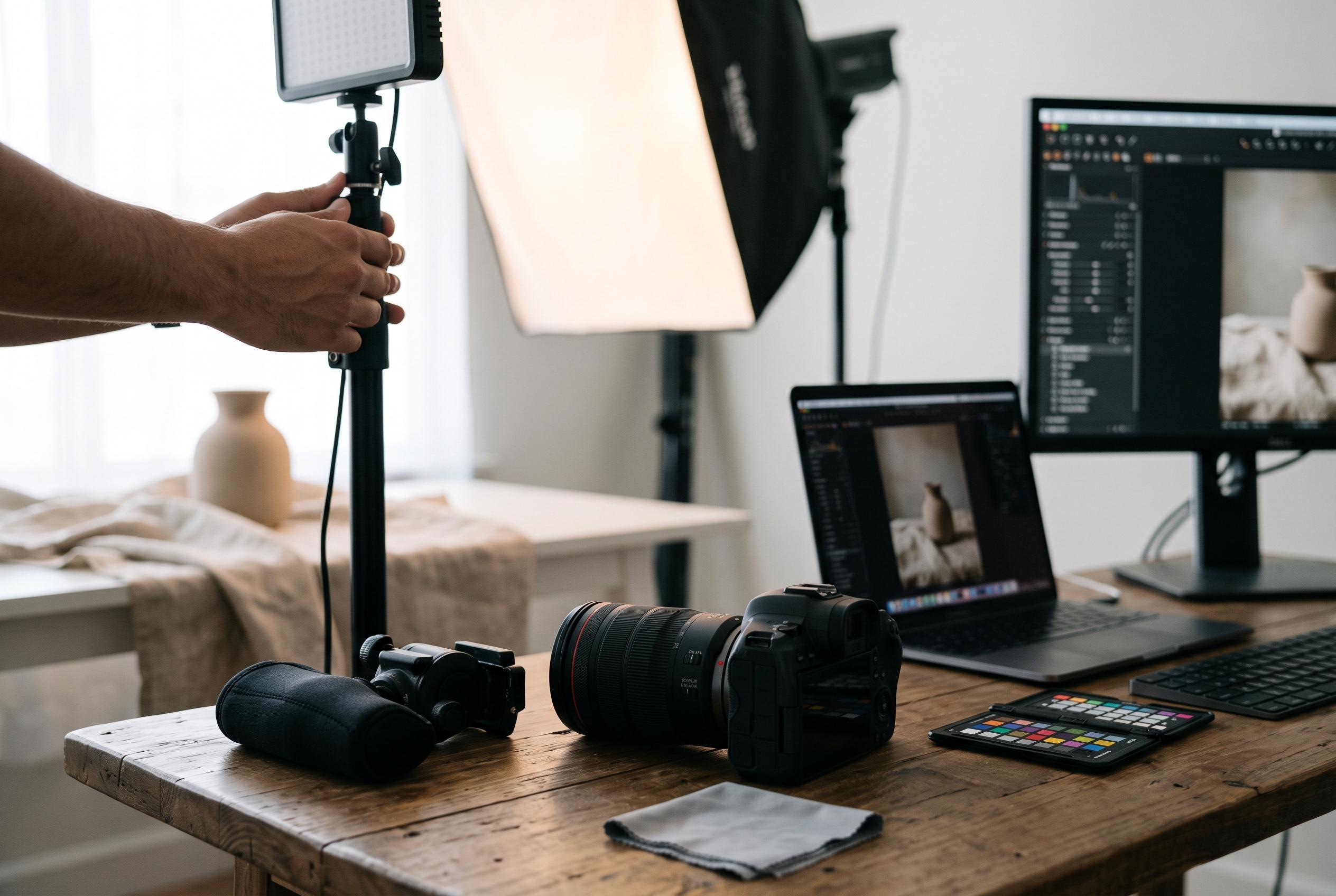

Adobe’s new Relight feature in Photoshop Beta offers users non-destructive, post-capture lighting adjustments with AI-driven controls, but raises questions over image fidelity and creative trade-offs amid early testing and debates.
Adobe’s new Relight tool in Photoshop Beta is pushing the software further into post-capture lighting control, letting users shift, soften and recolour illumination on an existing image with a small set of sliders. According to Fstoppers’ coverage and Adobe’s own announcement, the feature is designed as a generative, non-destructive adjustment rather than a traditional retouching tool, and it is currently available only in the beta build. It is aimed at cases where a portrait, product shot or interior would normally need a reshoot or lengthy manual dodging and burning.
Jesús Ramirez of Photoshop Training Channel spent more than 1,500 generative credits testing the feature and used a straightforward portrait to show how the controls behave. A Relight layer can be created from the Layers panel or the Layer menu, after which Photoshop hides the original and builds a new lighting layer from the image content. The Original lighting control can be reduced to zero to remove the existing illumination, while Intensity adjusts brightness, Diffusion widens or tightens the light source, and dragging the on-canvas light icon repositions highlights and shadows in a way that mimics studio relighting. A Close/Far control changes the apparent distance of the light, including a backlit look with a rim on one side.
The cost structure matters as much as the controls. Adobe’s announcement says the live preview is low resolution and free to adjust, but each final render consumes credits. Fstoppers reports that clicking Done uses 30 credits at document size, and re-rendering the same layer after further edits costs another 30. Escaping without saving is free. Ramirez also warns that the preview can differ from the finished result, so the final image should be judged only after rendering. He notes a reset quirk and a global slider that can make a light appear to disappear unexpectedly.
The tool appears to work best when the scene has a clear subject and a readable light source. In Ramirez’s interior test, a room without a window became dark once the original lighting was removed, but a similar room with a window retained some illumination because Photoshop treated the visible opening as part of the lighting model. Adobe describes that residual effect as ambient light. The limitation cuts both ways: Relight can reduce the contribution of a visible source, but it does not simply switch off something the software can see.
There are also creative and technical trade-offs. According to Fstoppers, the Diffusion control behaves much like a softbox in a studio, where size relative to the subject determines how soft or hard the shadows appear. The default 5,500K colour temperature sits close to daylight and typical flash output, and moving the light behind a subject produces a rim effect similar to a hair light. But the feature is less convincing on landscapes, where the result can resemble a torch beam rather than natural sun, and it can struggle with composites because it acts on the active layer rather than a full layered scene. Other reports on the beta note that some users are uneasy about softened textures and altered facial detail, which has fuelled a wider debate over whether the convenience of AI lighting justifies the loss of fidelity.
Disclaimer: This content is intended for informational purposes only. Readers are advised to exercise their own judgement, conduct due diligence, or consult a qualified expert before acting on any information provided.