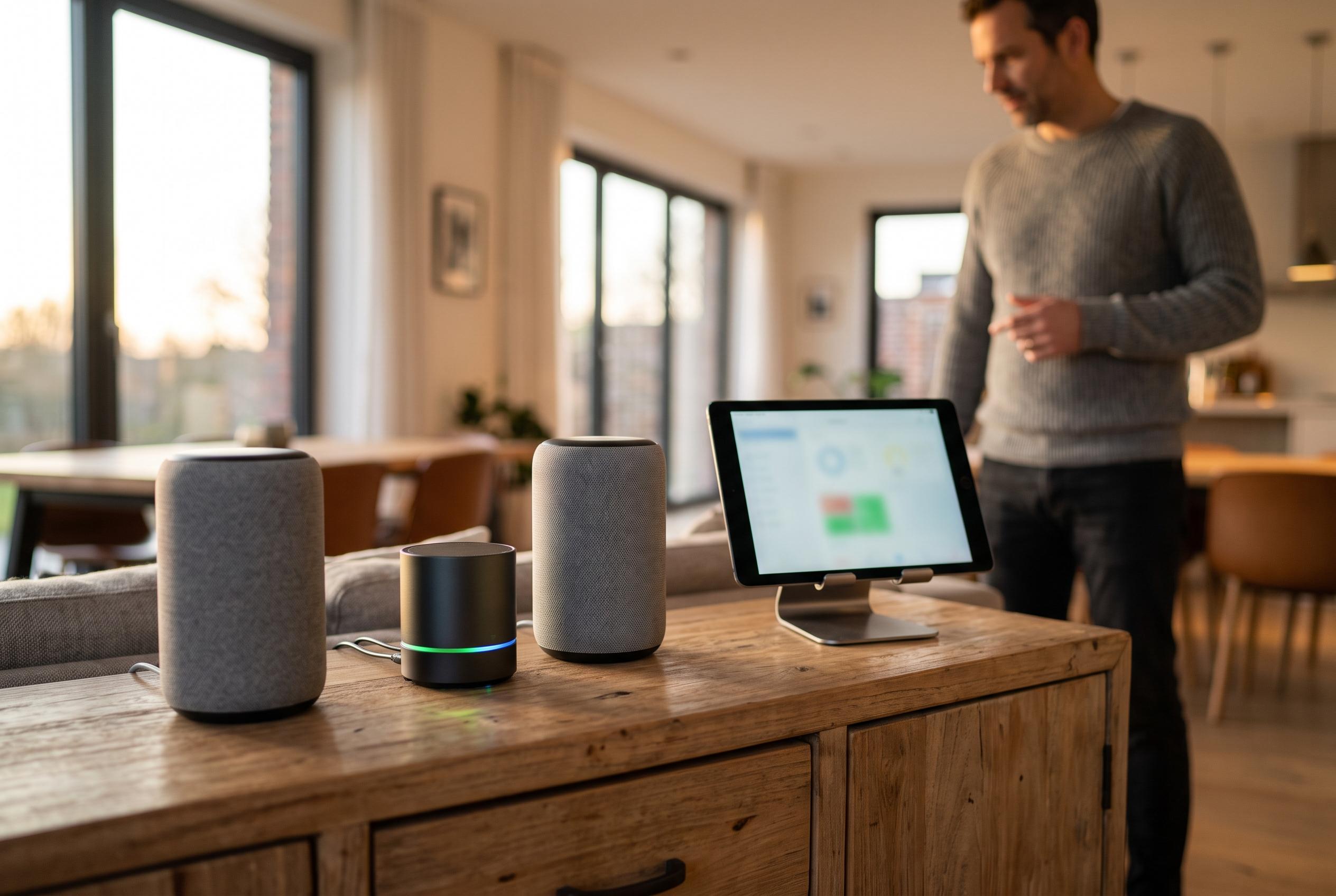

A new Marusya DIY integration simplifies the process of managing multiple VK smart speakers within Home Assistant, removing the need for manual configuration and app sign-ins, and offering automated updates and enhanced security.
A new Home Assistant integration now automates the awkward parts of connecting VK’s Marusya smart speakers to a smart home, replacing the manual YAML workflow that previously required repeated app sign-ins, file edits and re-pairing. The result is designed for households with several speakers on different VK accounts, where each device may need its own room, its own device list and its own configuration, rather than a single shared setup. According to the related announcement, the goal is to let users configure the system once and avoid returning to the Marusya mobile app for routine changes.
That matters because the old approach quickly became cumbersome. The article describes how manual DIY Hooks setup was tolerable with one speaker and a handful of devices, but far less practical when multiple speakers were spread across different rooms and accounts. Each change meant editing configuration files, uploading them again, disconnecting and reconnecting the service, and reselecting the right profile in the VK interface. It also left Home Assistant access tokens exposed in plain text during the process, which is an obvious weakness for anyone trying to keep smart-home credentials under control.
The new integration, called Marusya DIY, is available through HACS and is intended to take over the whole routine. It generates the YAML required by VK’s DIY cabinet, uploads the configuration, removes the old binding, applies the new one and completes the selection step that previously had to be done by hand. The developer says the integration can also manage updates automatically: if devices change, it pushes a revised configuration and rebinds the speaker, while unchanged setups are left alone.
A key point is that the integration creates its own Home Assistant user for each speaker account, so secrets do not need to be embedded in device descriptions. That also means the long-term token used for the hooks can be revoked simply by deleting the entry. The only real limitation inherited from VK’s DIY Hooks protocol is functional: the system still only covers on, off and state checks, so it cannot, for example, answer a temperature query from a sensor in the same way a full smart-home assistant might.
Installation still depends on some manual steps, but they are reduced to a one-time onboarding process. Home Assistant must be reachable from the internet over HTTPS, because the cloud service calls the hooks rather than the speaker itself. The integration reads the external address from Home Assistant’s network settings, and users can also enter it directly if needed. Because the project is not yet in the main HACS catalogue, it must be added as a custom repository before installation.
The setup then splits into two authentication stages. First comes the DIY cabinet session: the user signs into the cabinet in a browser, opens developer tools and copies the sh_data cookie from vc.go.mail.ru, then pastes it into the Home Assistant integration. The article notes that this cookie lasts for roughly 13 months, after which the integration will flag that reconfiguration is needed. The cabinet session is shared across speakers, even if the cabinet account and the speaker account are different.
The second stage is linking each VK speaker account. The integration presents a VK login link, the user signs in, and VK returns to a blank OAuth page whose full address must be copied back into Home Assistant. That slightly clumsy step is not accidental: the article says VK restricts the callback destination, and the login flow cannot be folded neatly into Home Assistant’s own interface. If several speakers live under different VK accounts, the process has to be repeated for each one, ideally in separate browser profiles or incognito windows.
Once a speaker account is connected, devices can be assigned in three ways. The simplest is by label: entities marked for Marusya are automatically included, and new devices can be added by applying that label in Home Assistant as usual. A second option is selecting entities directly from a list. The third is YAML, which is reserved for cases where the user wants to specify names, device types or service calls precisely. According to the article, the integration validates entity names, type values and duplicate identifiers before saving, and if a configuration error occurs it reports the exact device and reason.
The system also distinguishes between devices it can expose and those it cannot. Lights, switches, thermostats and similar entities can be mapped naturally, while unsupported sensors are ignored rather than misrepresented. Scripts, scenes and buttons are treated as a single action, which makes them usable from the speaker as simple “turn on” commands. If a service is defined explicitly in YAML, the integration can call that service instead of applying the usual on, off and state logic.
One of the more useful features is that the configuration can be driven entirely by automation. The article says the author generates speaker descriptions from Ansible and uses Home Assistant’s REST API to push those settings without opening the interface. Because the options flow replaces the full configuration each time, the process can be repeated safely on every deployment, as long as the automation supplies the full desired state rather than only part of it.
Under the bonnet, the project was built by reverse-engineering the Marusya Android app and observing how it talks to VK’s services. The article says there is no official API, so the integration relies on the behaviour of the app and the DIY cabinet as they exist today. That makes the project useful, but also fragile: if VK or Mail.ru changes the backend, the integration may need updating to keep working. Still, for households juggling several speakers and multiple VK identities, the gain is clear. The phone app is no longer part of the day-to-day workflow, and Home Assistant becomes the single place where the smart home is maintained.
Disclaimer: This content is intended for informational purposes only. Readers are advised to exercise their own judgement, conduct due diligence, or consult a qualified expert before acting on any information provided.