

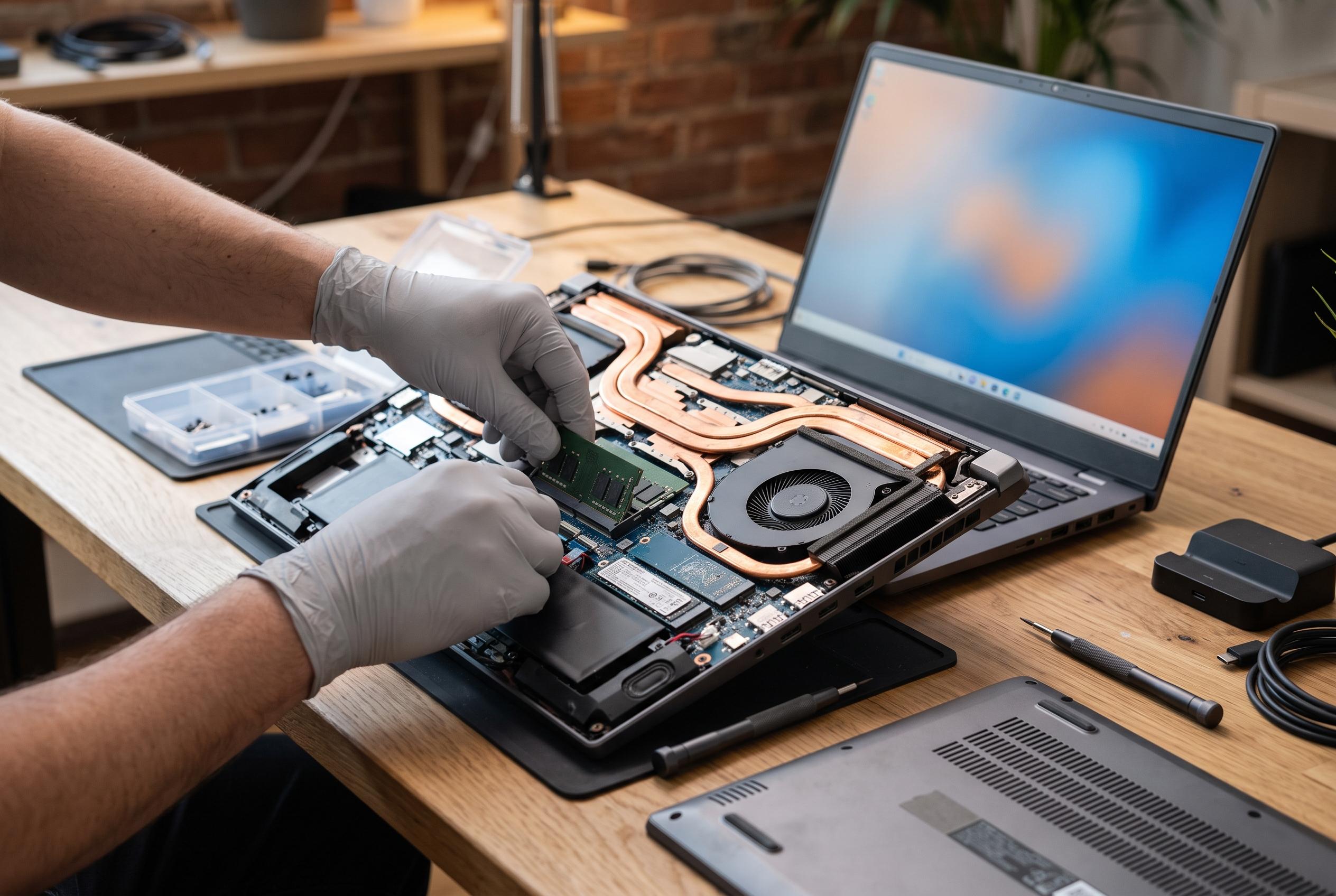

As gaming hardware advances, 2026’s top notebooks emphasise thermal management, display quality, and upgrade options, reshaping buying priorities beyond raw GPU power.
Choosing a gaming notebook in 2026 is still a matter of matching hardware to the games you actually play. Competitive titles such as “League of Legends” and “Valorant” can run well on more modest machines, but modern blockbusters with ray tracing, high-resolution textures and heavier effects place a far greater load on the processor, graphics chip and cooling system. That is why the strongest models in current buying guides tend to combine recent CPUs, dedicated GPUs, fast storage and higher-refresh screens rather than relying on raw graphics power alone.
Among the standout options, Acer’s Predator Helios Neo 16 AI is positioned as a high-end all-rounder. According to Acer, it pairs an Intel Core Ultra 9 275HX with an NVIDIA GeForce RTX 50 Series GPU, a 16-inch panel running at 240Hz and advanced cooling aimed at sustained performance during long sessions. That combination matters because many gaming laptops can post strong short-burst benchmark figures but fail to hold them once heat builds up; a better thermal design helps maintain frame rates for longer.
Lenovo’s Legion 5i remains one of the most balanced choices for readers who want strong performance without moving into extreme desktop-replacement territory. Lenovo’s US product page describes the Legion 5i Gen 9 with a 14th-generation Core i7-14650HX, an RTX 4060 Laptop GPU, a 15.1-inch WQXGA OLED display at 165Hz, its Legion Coldfront cooling system and a 1TB SSD. That mix is attractive because it brings together a fast chip, a capable graphics card and an OLED panel that should offer deeper contrast than conventional LCD alternatives.
Asus continues to cover both the enthusiast and value-focused ends of the market. The ROG Strix G16 in the guide is aimed at buyers who want a very fast display and high-end processing headroom, while the TUF line is built for users who care more about durability and price discipline. In practical terms, the Strix model is the more ambitious machine, whereas the TUF laptops trade some premium features for sturdier everyday use, more restrained pricing and specifications that are still ample for mainstream gaming.
Dell’s Alienware 16 Aurora sits in a different part of the market. It is not the most aggressive specification on the page, but it is meant to deliver a more measured balance between performance, build quality and portability. The guide highlights its dedicated RTX 4050 graphics, 16-inch WQXGA display and Wi-Fi 7 support, while noting that brightness is more limited than on some rivals. That makes it a better fit for players who want a dependable gaming system rather than the highest possible frame rates.
At the entry level, the Acer Nitro V15, Lenovo LOQ 15IRX9 and Lenovo LOQ-e are the most relevant names for cost-conscious buyers. These machines generally rely on RTX 3050 or RTX 4050-class graphics, 8GB to 16GB of RAM and 144Hz or 165Hz screens, which is enough for lighter titles and many current games at 1080p with settings adjusted sensibly. The guide also points out useful extras such as anti-ghosting keyboards, upgradeable memory and storage, and cooling layouts designed to reduce throttling under sustained load.
The practical buying advice remains consistent across all of these models. More VRAM helps when a game uses larger textures or more advanced effects, while newer CPUs improve efficiency and reduce bottlenecks in CPU-heavy titles. For most players, 16GB of RAM is the safer starting point, and faster refresh rates are most valuable in competitive games where response time matters more than cinematic image quality. OLED remains the best choice for contrast and colour, but a well-tuned IPS or LCD panel can still be the right compromise if budget and cooling are stronger priorities.
For most readers, the best value still depends on the gap between ambition and budget. The Lenovo LOQ 15IRX9 is the clearest cost-benefit pick in the guide, while the Predator Helios Neo 16 AI and Legion 5i are better suited to users who want more headroom for demanding games and longer product life. In the end, the right notebook is not the one with the highest specification sheet, but the one whose GPU, cooling, display and upgrade path are aligned with the games you will actually keep installed.
Disclaimer: This content is intended for informational purposes only. Readers are advised to exercise their own judgement, conduct due diligence, or consult a qualified expert before acting on any information provided.



