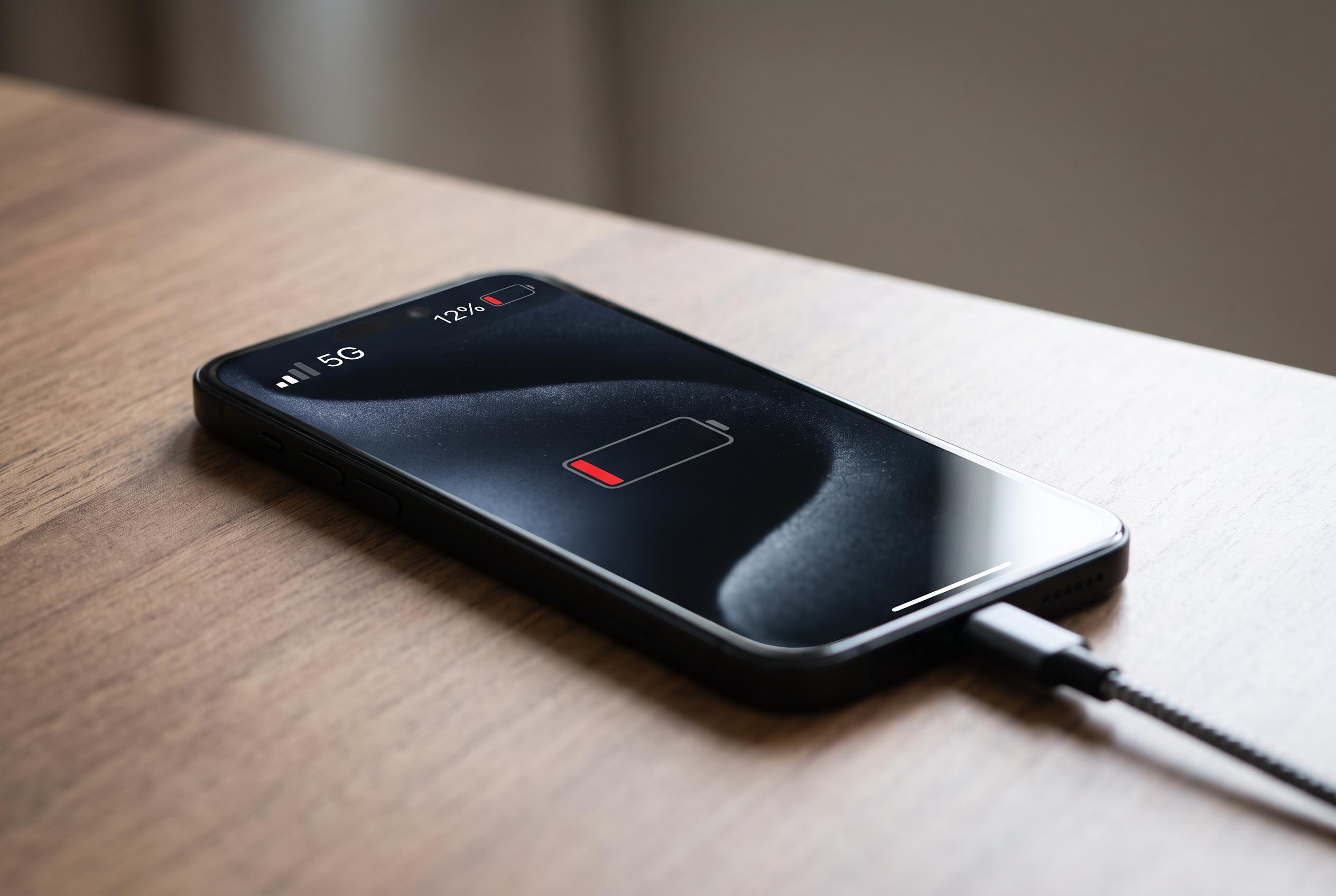

Users notice faster battery depletion on 5G networks, especially in areas with poor coverage or when dual connectivity is active. Experts advise leveraging Wi-Fi and smart connectivity features to conserve power as 5G remains more demanding than LTE or Wi-Fi under certain conditions.
Phone users noticing faster battery loss on 5G are not imagining it. Wireless networking on a handset is a balancing act between speed, signal quality and power use, and the general rule remains simple: Wi-Fi usually consumes less battery than mobile data, while 5G is often the most demanding option. Battery testing and manufacturer support guidance both point to the same pattern, with the biggest drain typically appearing when coverage is weak or the phone is juggling more than one network connection at once.
The main reason is range. A phone connected to Wi-Fi is usually talking to a router that is nearby, while cellular service depends on a tower that may be much farther away. The harder the handset has to work to maintain that link, the more power it uses. Industry explainers and vendor support pages also note that many 5G systems still rely on dual connectivity or non-standalone setups, where the device keeps an LTE connection alive alongside 5G. That extra radio activity raises energy use, especially when signal conditions are poor.
Not every 5G experience is equally costly. Reports from phone makers and technology sites say the battery hit depends heavily on the handset, modem design and network conditions. On a strong, stable 5G signal, faster data delivery can reduce the time the radio stays active, which may narrow the battery penalty and, in some cases, even improve efficiency. But where 5G coverage is patchy, the phone may repeatedly hunt for a stronger signal, and that can erode battery life more quickly than many users expect.
The old advice to switch down to 3G to save power no longer helps in the US. Major carriers have already shut off 3G service, and 2G is also disappearing from the remaining networks. That means the practical choices in 2026 are narrower than they used to be. For most users, the better approach is to lean on Wi-Fi whenever possible, turn on Wi-Fi Calling, and let the phone manage network changes automatically through features such as iPhone’s 5G Auto or Android’s adaptive connectivity controls.
For day-to-day use, the most effective battery-saving habits are still the least complicated. Connect to Wi-Fi at home or work, avoid forcing the device to cling to a weak mobile signal, and switch on Low Power Mode or Battery Saver when the charge starts running low. The core lesson is unchanged: 5G is not inherently broken, but it is usually more power-hungry than Wi-Fi and often less efficient than a strong LTE connection in poor coverage areas.
Disclaimer: This content is intended for informational purposes only. Readers are advised to exercise their own judgement, conduct due diligence, or consult a qualified expert before acting on any information provided.