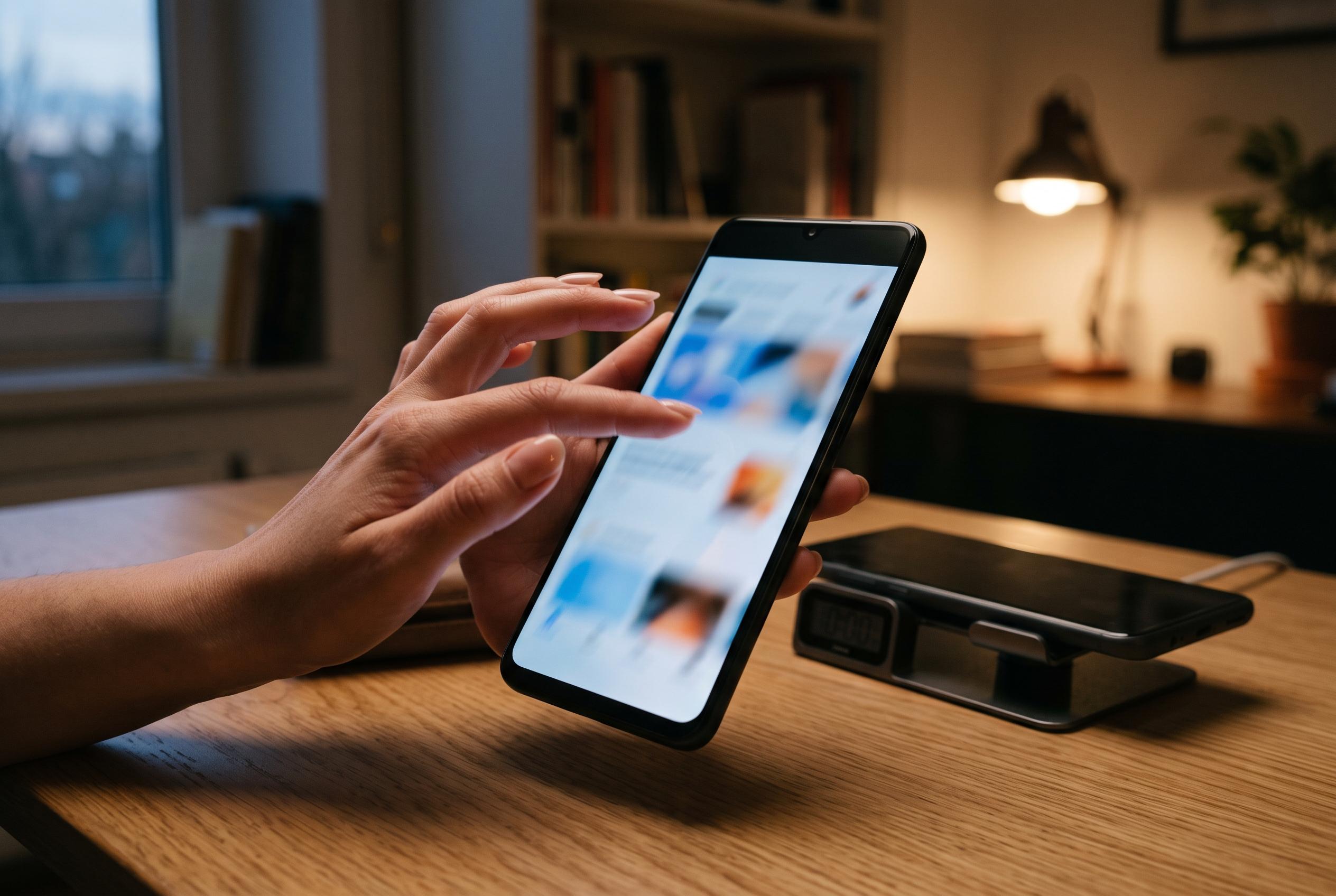

Adjusting a little-known Android setting to reduce system animations can significantly enhance the device’s responsiveness without any hardware changes, offering a perceptible speed boost for users eager for a more fluid experience.
A little-known Android setting can make a phone feel noticeably quicker without changing the hardware at all. The trick is to reduce the system’s built-in animations, which can make app launches, screen changes and unlock actions appear more immediate. According to Engadget, the feature has existed since Android 4.0 and is available on almost all devices, regardless of maker or price.
To reach it, users first need to open Settings, go to the About phone section and tap Build number seven times. On some devices, that item sits inside a sub-menu such as Software information. Once Developer options are enabled, the new menu appears in the main settings list, although its position varies by brand. Android Central and other how-to guides note that this menu contains many advanced controls, so users should avoid changing anything they do not understand.
The three settings that matter are Window animation scale, Transition animation scale and Animator duration scale. These control how long Android spends animating windows, switching between screens and playing interface effects. The usual value is 1x; changing each one to 0.5x shortens those effects and can make the device feel more responsive. The Last Tech explains that these values affect the speed of visual transitions rather than the phone’s underlying processing power, and that distinction is important.
The benefit is therefore perceptual, not mechanical. The processor does not become faster, and apps do not complete tasks in less time. What changes is the length of the visual pauses that make the interface seem slower. On stronger phones, that can be enough to create a sharper, more agile feel. On older or cheaper devices, however, the same adjustment can make loading delays more noticeable because the animations are no longer masking them as effectively.
The effect also depends on the software skin. Reuters-style technology coverage from Engadget said the change can be particularly clear on Google’s Pixel phones, where animations tend to be longer by default. On OnePlus devices running OxygenOS, the interface already moves more quickly, so the gain may be smaller. Even so, the setting is easy to reverse: if the faster look is not to a user’s taste, the three values can simply be put back to 1x.
Disclaimer: This content is intended for informational purposes only. Readers are advised to exercise their own judgement, conduct due diligence, or consult a qualified expert before acting on any information provided.