

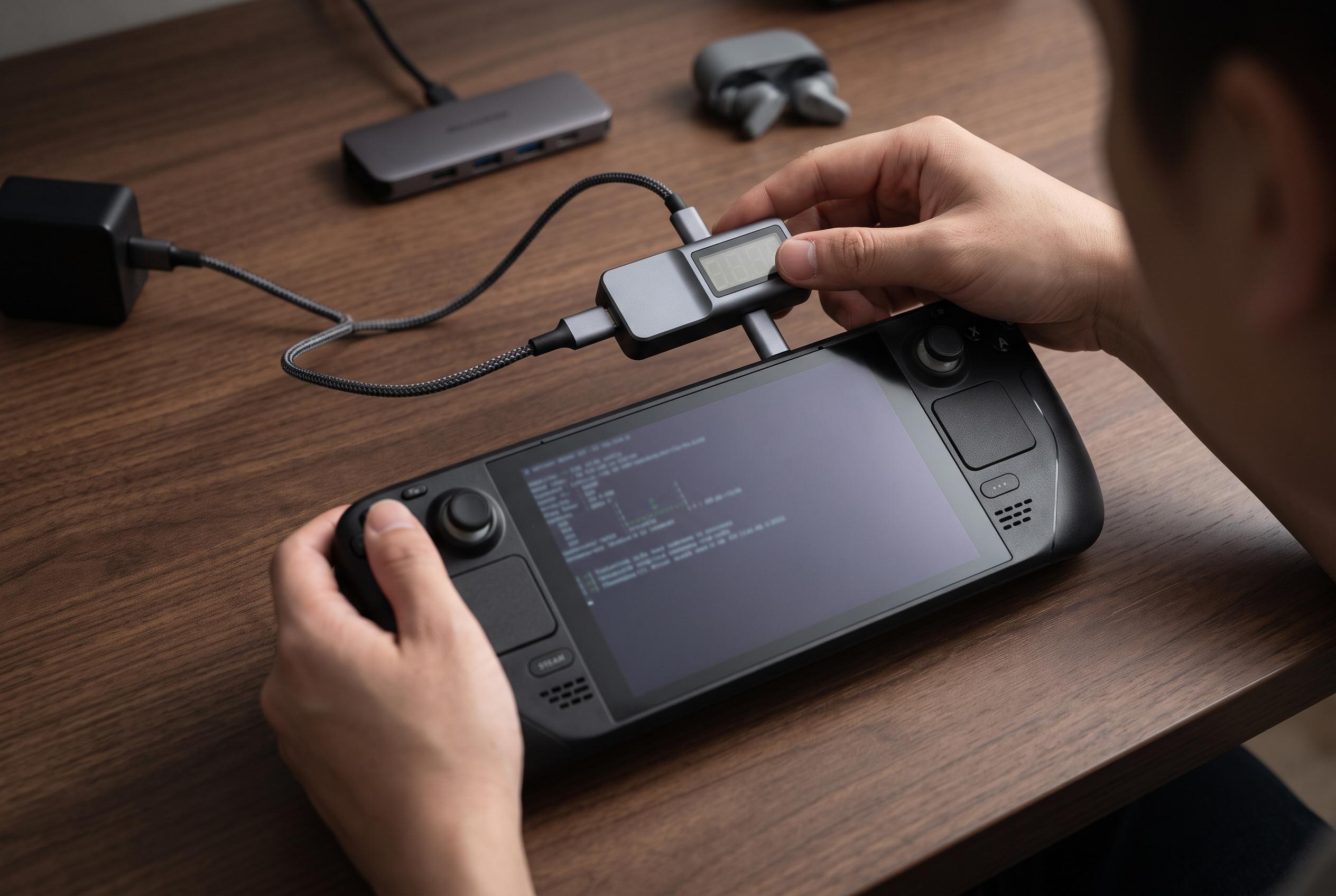

A Shattered.io guide outlines a repeatable way to balance frame rate and battery use on handhelds, while stressing its sample results are fictional and not device benchmarks.
A new how-to from Shattered.io argues that the usual way of comparing handheld gaming PCs misses the point. Rather than treating Steam Deck, ROG Ally and Legion Go as a simple race for the highest frame rate, the guide focuses on the wattage at which a chip stops gaining meaningful performance. It proposes a do-it-yourself TDP sweep, but the publication is explicit that its sample results are synthetic and generated from fictional devices, not real handheld benchmarks.
That matters because the guide’s published numbers are not measurements of actual Steam Deck, ROG Ally or Legion Go hardware. The only real device reference point it uses is Valve’s published Steam Deck OLED specification, which lists a 6nm AMD APU with a 4W to 15W power range, a 7.4-inch HDR OLED panel with up to 90Hz refresh, and a 50Wh battery with an estimated three to 12 hours of gameplay depending on content. Valve presents that runtime figure as content-dependent, rather than a promise for any specific game or scene.
The core of the method is straightforward. Fix one game scene and one set of display settings, then test a series of power limits and record frame times plus battery discharge at each step. The guide then plots the results to find the point it calls the “knee”: the lowest setting that reaches 90% of the device’s peak average frame rate in that scene. That 90% threshold is a judgement call, not a universal standard, and the guide notes that users can move it up or down depending on whether they value speed or runtime more highly.
To make the comparison repeatable, the article recommends a disciplined test protocol: run six evenly spaced TDP values, repeat each three times in shuffled order, capture 120 seconds per run, discard the first 10 seconds, and leave roughly three minutes between runs for cooling. It also advises battery-only testing, fixed brightness, fixed resolution and refresh rate, and turning off HDR, V-Sync, frame limiters and upscalers. The guide estimates about two hours for one scene on one handheld, but that is its own suggested workflow rather than independently validated best practice.
The software setup differs by platform. On SteamOS, the guide relies on MangoHud and its Steam launch options to log frame data, while on Windows it uses PresentMon’s console build from an elevated PowerShell session. MangoHud’s project documentation confirms that it can log frame rate, frame times and other system metrics, while PresentMon’s console documentation describes timed captures, process selection and output files for graphics performance analysis. The article also warns that version differences matter: older PresentMon releases use different flag syntax, and some MangoHud options can affect whether logging actually occurs.
The guide’s platform notes are equally cautious. For Steam Deck, it points to the performance panel’s advanced view and thermal power limit slider, with a reminder to check the setting again after suspend and resume. For ASUS’s ROG Ally, it cites Armoury Crate’s manual mode and notes that a configured cap does not necessarily match the power actually drawn. More broadly, it warns that a TDP setting is only a control, not proof that the device is drawing that exact wattage, so users should verify the logging data before trusting the sweep.
The article’s strongest caution is that this is a whole-device efficiency test, not a pure chip benchmark. Battery discharge includes the display, radios and other system loads, so “frames per watt” reflects the complete handheld, not just the APU. It also flags practical failure points: Windows power readings can return zero, modified timestamps matter when pairing logs with frame captures, and a short run is not enough to expose thermal throttling. In other words, the method is useful for finding a sensible power setting, but only if the tester is willing to treat it as a controlled experiment rather than a quick spec comparison.
Disclaimer: This content is intended for informational purposes only. Readers are advised to exercise their own judgement, conduct due diligence, or consult a qualified expert before acting on any information provided.



