

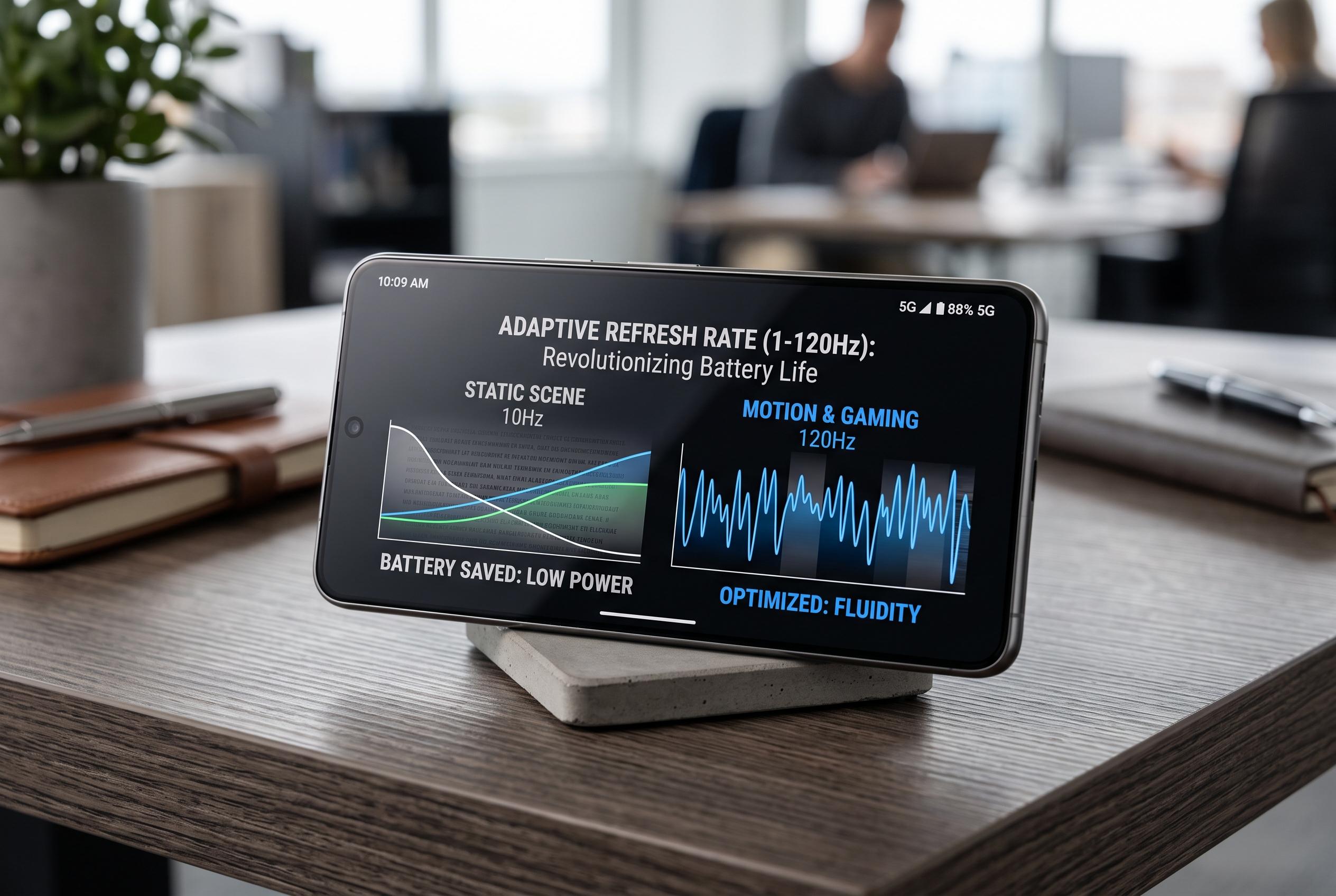

Adjusting display refresh rates, especially with Android 15’s adaptive support, offers a promising way to extend smartphone battery endurance without sacrificing user experience.
Battery drain is often blamed on apps, signal strength or background activity, yet the display remains one of the biggest hidden factors. In practical use, refresh rate is a major part of that equation. A screen running at 120Hz updates twice as often as one capped at 60Hz, and that extra work adds up. Android Central notes that higher refresh rates make the CPU and GPU do more work, which raises power use, while reporting on a Tom’s Guide test found a Samsung Galaxy S20 Ultra lasting nearly three hours less at 120Hz than at 60Hz.
That is why lowering a handset from 120Hz to 60Hz can be a simple way to extend endurance. The trade-off is less fluid motion in menus, scrolling and fast swipes, but the difference is far less important in everyday tasks such as messaging, reading email, browsing social feeds or watching video. MakeUseOf’s experience suggests that many users adapt quickly once the change is made, especially if they are not actively comparing the two modes. For people who value battery life over animation smoothness, the adjustment can be worthwhile.
Not every phone forces such a blunt choice. According to Android Developers, Android 15 introduces adaptive refresh rate support, allowing compatible devices to scale dynamically with the content on screen. In static views, the display can fall to very low rates, even 1Hz, while still ramping back up for gaming or scrolling. Android Authority and Gadgets 360 both described this as a more efficient approach than older mode-switching systems, because it reduces unnecessary power use without making the experience feel inconsistent. TechRadar has similarly noted that variable refresh rate systems aim to balance smoothness and battery life more effectively than a fixed high-refresh setting.
Refresh rate is only one part of the display power picture. Brightness often has a larger effect, particularly when users manually push it higher than needed. On OLED and AMOLED panels, dark mode can also help because black pixels are effectively switched off rather than illuminated. Screen timeout matters too: shortening the period before the display sleeps can trim wasted power over the course of a day. For users who want a straightforward battery saving measure, though, the simplest change may still be the most obvious one: stop keeping the screen at 120Hz unless you really need it.
Disclaimer: This content is intended for informational purposes only. Readers are advised to exercise their own judgement, conduct due diligence, or consult a qualified expert before acting on any information provided.



