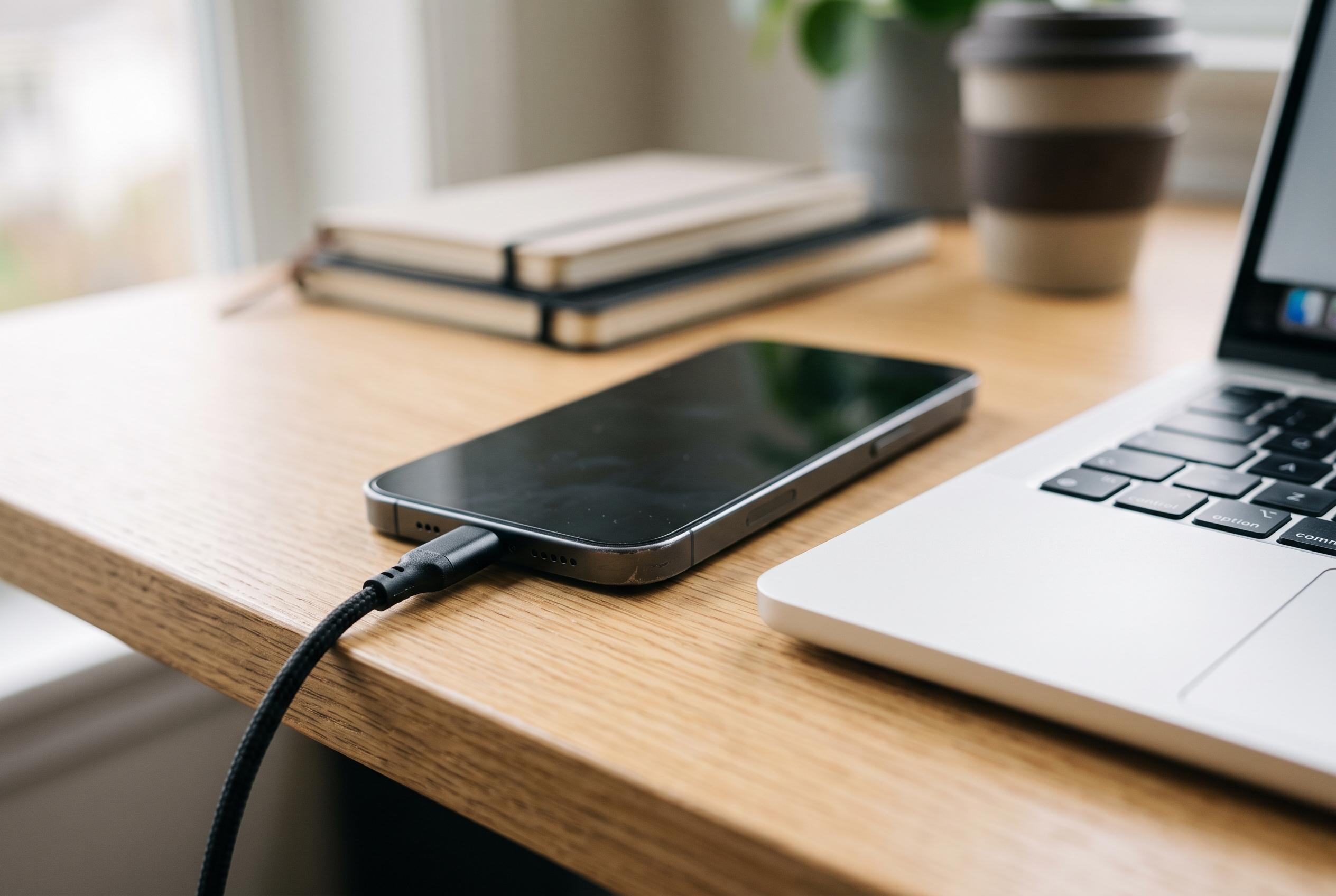

Google is tightening USB access on supported Android devices while users are urged to check cables, connection modes and drivers when phone-to-PC transfers fail.
Android users who connect their phones to a PC for file transfer or syncing are dealing with two issues at once: basic connectivity and device security. A faulty cable, an incorrect USB mode or outdated drivers can stop transfers altogether, but the same connection can also create an avenue for data exposure if the phone is unlocked on an untrusted machine. Google’s support guidance now places more emphasis on USB protection, reflecting a wider shift towards limiting what a locked device will accept over the port.
According to Google’s Android support pages, one of the most effective safeguards is to enable USB protection through Advanced Protection on supported devices. The feature is designed to reduce the risk of unauthorised access when the phone is locked, particularly in situations where a device has been lost, stolen or temporarily seized. Android Authority reported that Android 16 expands on this approach by blocking USB devices while the handset remains locked, helping to prevent attacks that rely on physical access to the port.
For day-to-day troubleshooting, the basics still matter. A USB lead must support data, not just charging, and it should be in good condition. Guides from PositionIsEverything and Android Central both stress that cheap or worn cables are a common cause of failed transfers and unstable connections. Users should also check that the correct USB mode has been selected on the phone, since charging-only settings will not allow file access.
If the phone still fails to connect, a methodical reset is usually more effective than repeated plugging and unplugging. Restarting both the phone and the computer can clear temporary faults, while switching ports can reveal whether the problem lies with a particular socket or hub. Updating the PC’s USB drivers and confirming that the Android system software is current can also resolve compatibility issues, especially after security patches or operating system changes.
Security should remain part of the troubleshooting process rather than a separate concern. Google advises using USB protection where available, while also limiting exposure by avoiding unknown computers and restricting access when a connection is not needed. PositionIsEverything recommends trusted hardware and cautious use of connection modes, a practical warning given how often convenience overrides security when users are simply trying to move files quickly.
The broader risk is not theoretical. Reporting from Tom’s Hardware has shown how USB flaws in consumer devices can be used to install unauthorised software, while TechRadar has highlighted Android hardware weaknesses that could expose private data even when a phone is powered down. Those cases concern more serious attacks than routine file transfer errors, but they underline the same lesson: a USB port is both a utility and a potential attack surface. Keeping cables, drivers and software updated, and enabling stronger protections where available, is the most reliable way to keep Android connections both usable and secure.
Disclaimer: This content is intended for informational purposes only. Readers are advised to exercise their own judgement, conduct due diligence, or consult a qualified expert before acting on any information provided.