

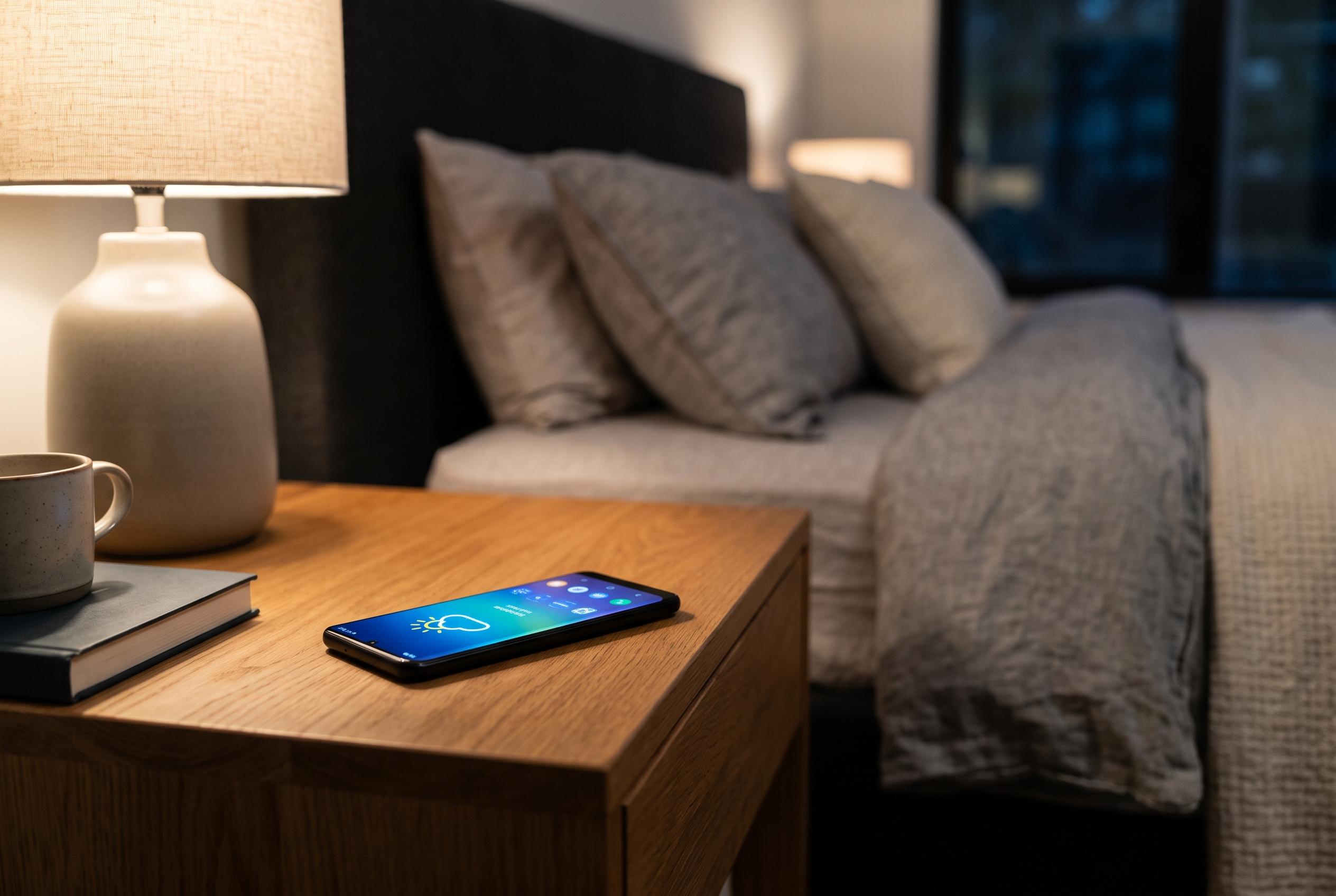

Built-in screensaver modes on Android phones, including Pixel and Samsung Galaxy devices, enable users to turn charging time into useful displays such as clocks, photos, weather updates, and smart home controls, enhancing functionality while charging.
Many Android phones include a built-in screen saver mode that turns charging time into something more useful than a black display. On compatible devices, the feature can show a clock, photos, weather updates and, in some cases, smart home controls. Google’s Pixel support pages say the screensaver can be configured to start while charging or docked, with different display options and low-light settings. That makes it especially effective on a vertical wireless charger, where the handset stays visible rather than lying flat and hidden from view.
On Pixel phones, the setting is usually found in the display menu, where users can decide when the feature starts and what it shows. Google says the screensaver can present a digital or analogue clock, a photo feed from Google Photos, or a weather display, and it can also be limited to wireless charging or docking. Android Central recently described how newer Pixel models can be set up as bedside clocks, with the screensaver giving the phone a more dedicated nightstand role when paired with a suitable charger.
Samsung Galaxy phones offer a similar feature inside One UI, although the available choices are less uniform across the range. TechBone’s guide says users can typically find the setting in the display menu and choose from options such as colour change, a single photo, photo frame or photo table. In practice, that means Samsung owners can also turn a charging handset into a simple digital photo frame, though the exact names and behaviours of the modes vary by model and software version.
There is, however, a practical caveat. Both Google and third-party guides warn that OLED and AMOLED panels can suffer from burn-in if static images remain in the same place for long periods. Google’s own advice on Pixel screens is to keep brightness modest, use the default sleep timer and avoid leaving fixed images on display for too long. Screensavers help by changing what is shown, but the safer choices are those that move or rotate content, such as photo slideshows, rather than an always-static clock at full brightness.
Used sensibly, the feature gives an ordinary charging routine a second purpose. A phone on a stand can become a bedside clock, a small photo display or a modest smart-home panel without extra hardware. The main point is to choose a mode that suits the device, keep brightness under control and avoid leaving the same fixed layout running night after night.
Disclaimer: This content is intended for informational purposes only. Readers are advised to exercise their own judgement, conduct due diligence, or consult a qualified expert before acting on any information provided.



