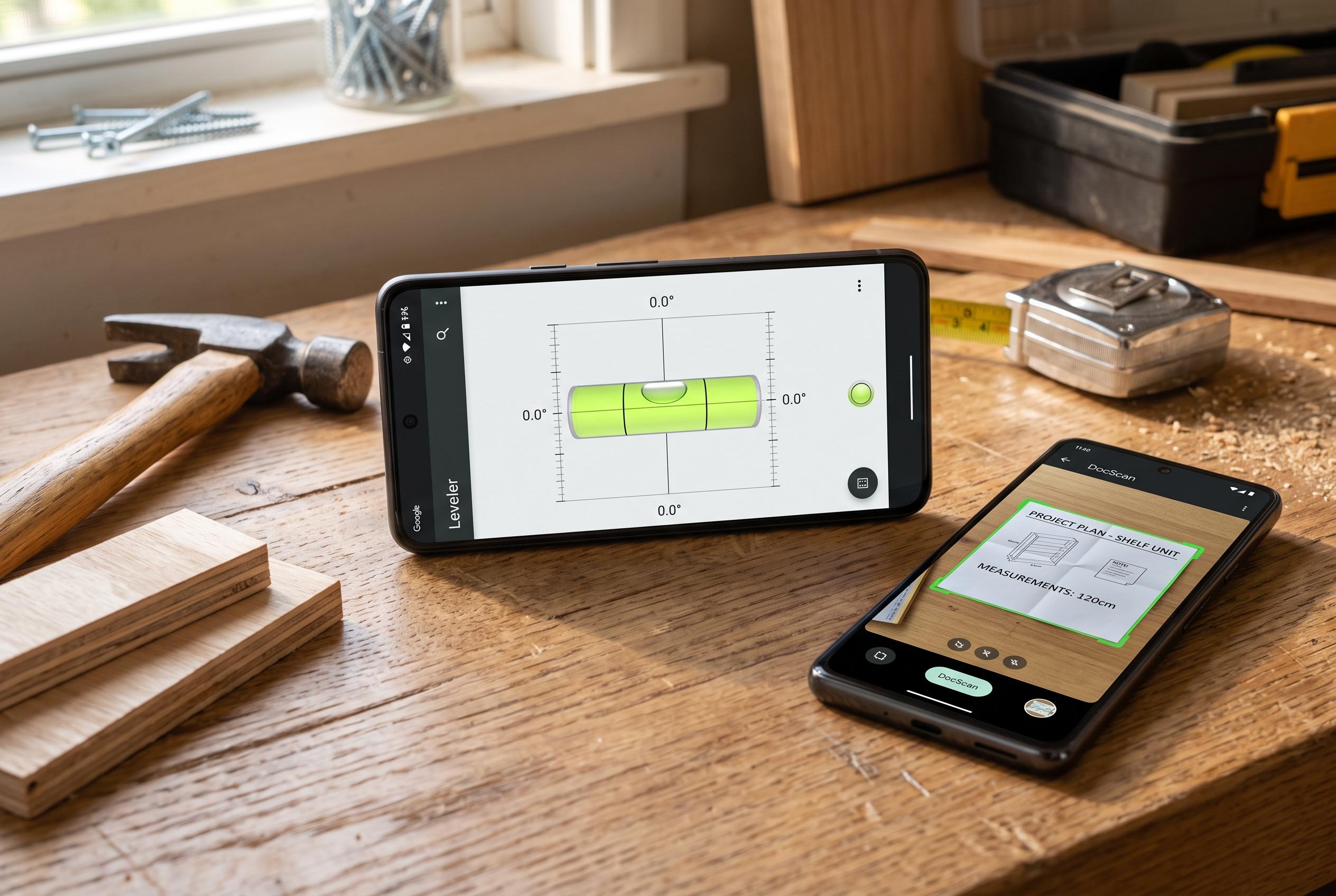

Modern Android devices can discreetly replace a variety of small household gadgets, from spirit levels to document scanners, leveraging built-in sensors and Google tools, thereby reducing the need for separate tools.
Android phones can quietly replace several small household tools, and most owners never open the features that do it. A handful of built-in functions or widely available Google tools can stand in for a bubble level, document scanner, torch, compass and magnifier, removing the need to buy separate gadgets for jobs that are often occasional but still useful. Third-party app listings also show that developers continue to bundle these utilities into single Android toolkits, which reflects how common this use case has become.
One of the simplest examples is the bubble level. Google Search can surface a digital level if a user types “bubble level” or “spirit level” into the Google app or a mobile browser, then activates the tool. The feature relies on the phone’s motion sensors to judge horizontal and vertical surfaces, so it can help with hanging frames or checking whether a shelf is straight without a physical level.
The same idea applies to document scanning. Google Drive includes a scan function that lets users capture pages with the camera, correct perspective, improve contrast and export the result as a PDF. That makes it a practical substitute for a home scanner when signing forms, saving receipts or sharing paper documents, especially because the app can handle multiple pages in one file.
Android phones can also double as torches, and on some recent Pixel and Samsung devices the light output can be adjusted rather than simply switched on or off. The brightness control is not always obvious, but it can be reached by adding Flashlight to the quick settings panel and then pressing and holding the tile. That is useful for tasks where a full-strength light is unnecessary and battery conservation matters.
For navigation, the phone’s compass functions are driven by its magnetometer, the sensor that detects the Earth’s magnetic field. In Google Maps, the location dot and compass icon can help users orient themselves, while phones with a dedicated Compass app offer a quicker route to north when maps are not available. And for close-up reading, Pixel owners can use Google’s Magnifier app, which adds real-time text recognition, while other Android users can often get a workable magnifying effect through the camera app’s zoom.
The broader pattern is clear: a modern Android handset is no longer just a communication device but a compact toolkit. Third-party apps in Google Play continue to package these same functions together, but many users already have enough capability built in to avoid buying separate tools for routine jobs at home, on the road or outdoors.
Disclaimer: This content is intended for informational purposes only. Readers are advised to exercise their own judgement, conduct due diligence, or consult a qualified expert before acting on any information provided.