

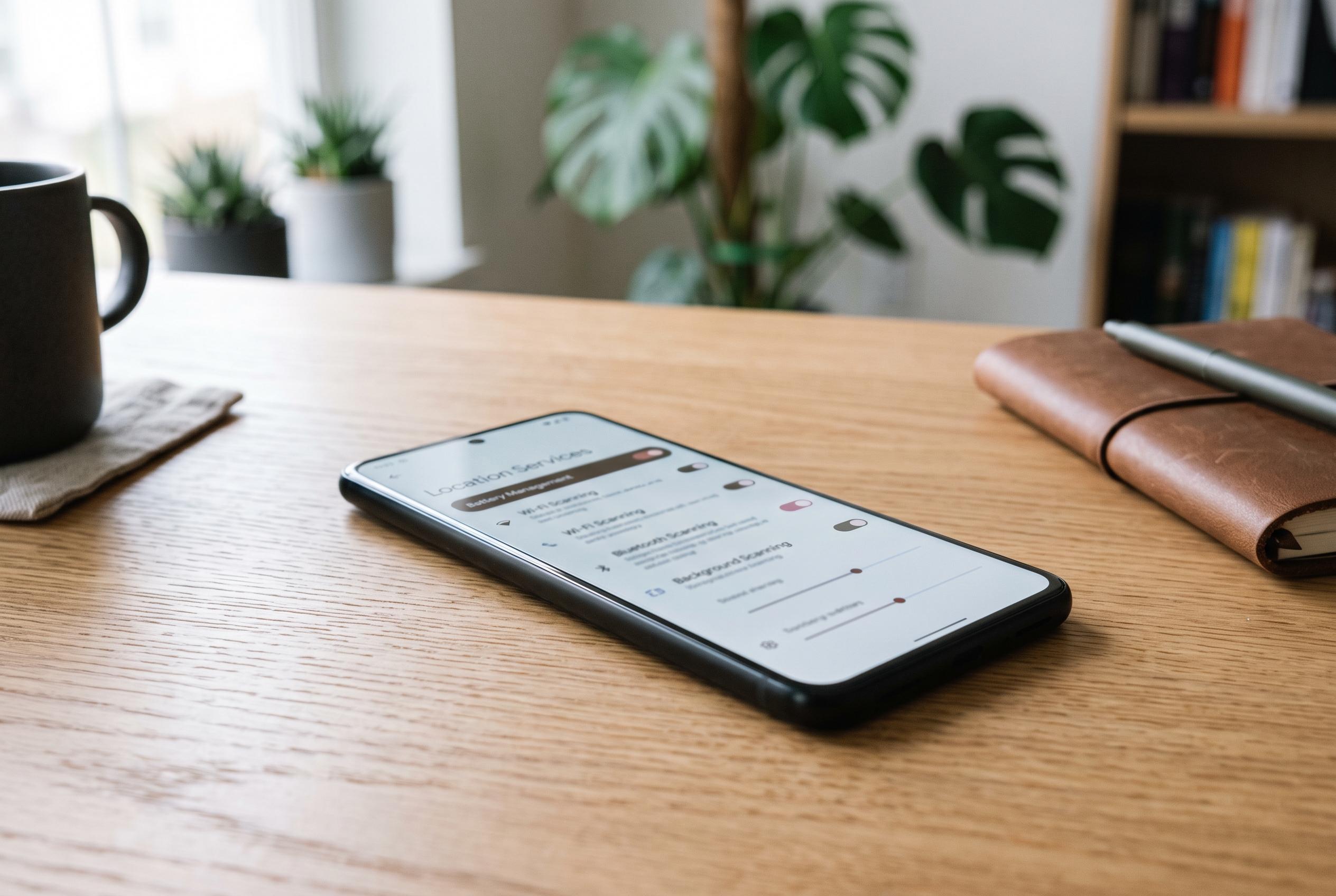

Android devices offer more granular control over background Wi-Fi and Bluetooth scanning, enabling users to reduce battery drain at the cost of indoor positioning accuracy, unlike iPhones which offer limited such controls.
Many Android phones continue to search for nearby Wi-Fi networks and Bluetooth devices even when both radios appear to be switched off. That background scanning supports location services, helping the handset work out where it is by comparing nearby access points and Bluetooth beacons with location databases. In practical terms, it can improve positioning indoors and in dense urban areas, but it also creates a small, persistent drain on standby battery life.
On Android, the controls are usually found under Settings, then Location, then Location Services. There are separate switches for Wi-Fi scanning and Bluetooth scanning, and both are typically enabled by default. Google’s support guidance confirms that these options can be turned off individually, and that they are part of the broader location-accuracy system used by the device.
The trade-off is clear. Disabling the scans can trim overnight battery loss, especially when the phone is idle and the screen is off. In one reported test, nightly drain fell from roughly five or six per cent to close to three per cent over a two-week period after the feature was turned off, with the same charging routine and wake-up alarm. The downside is reduced precision indoors. Outdoor navigation is usually little changed, but apps such as ride-hailing services can place the user on the wrong side of a building or even on the wrong street edge.
Apple takes a different approach. Support material from the company says switching Wi-Fi or Bluetooth off from Control Centre disconnects devices, but does not fully disable the radios; some features remain active unless the user turns them off in Settings. However, iPhone users do not get the same Android-style control over location scanning. For people mainly concerned about battery life, Android offers a direct way to reduce standby loss; for those who rely on the most accurate positioning, leaving scanning enabled remains the safer choice.
Disclaimer: This content is intended for informational purposes only. Readers are advised to exercise their own judgement, conduct due diligence, or consult a qualified expert before acting on any information provided.



