

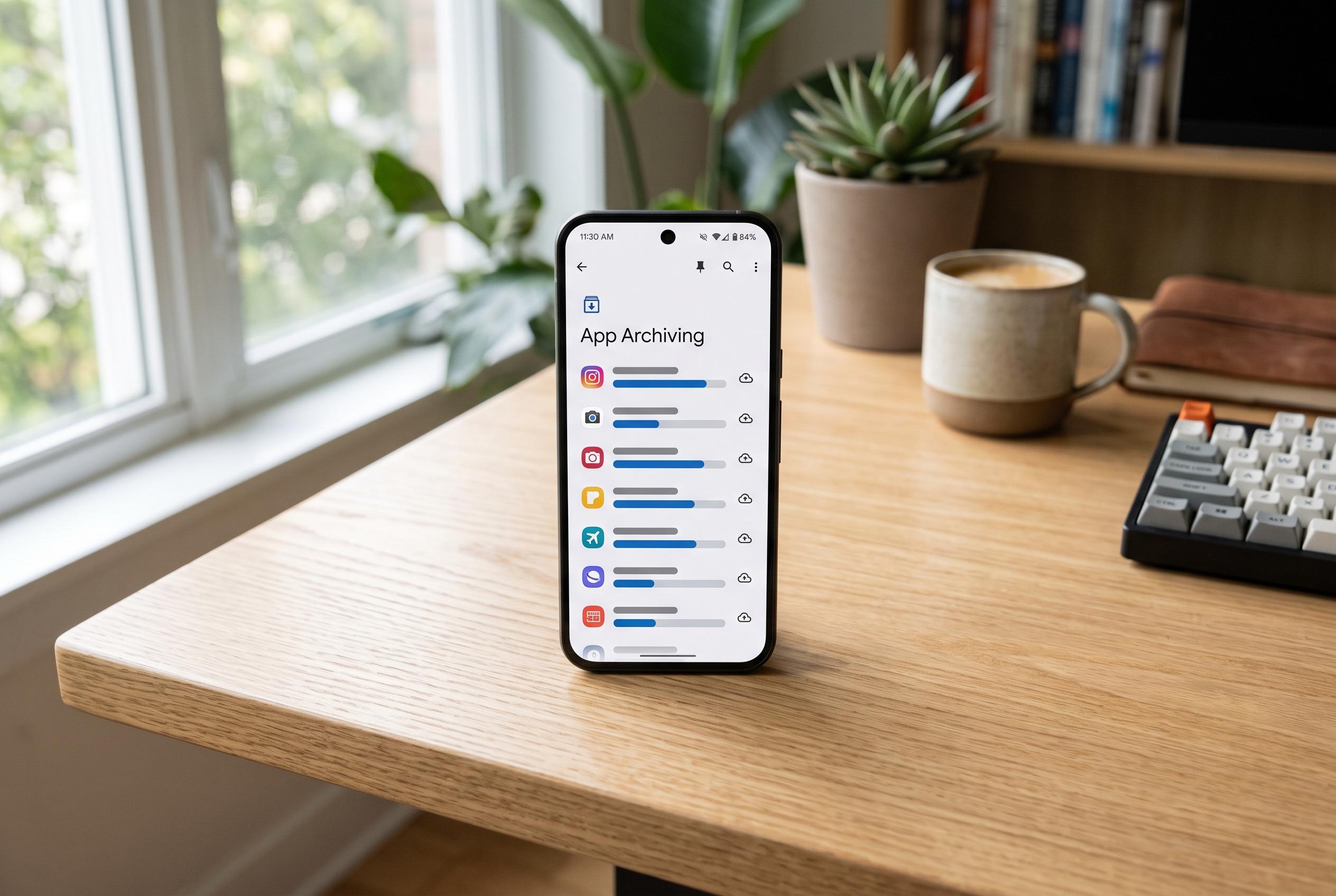

A new approach combining Android 15’s built-in app archiving feature with the open-source Obtainium app offers Android users an efficient way to free up space without losing app data, particularly benefiting those with limited storage and sideloaded apps.
Internal storage on Android phones is easy to overrun, especially once messaging tools, social apps, games and editors begin to accumulate cache and downloaded files. The usual response is to uninstall whatever is least used, but that often means losing account state, settings and other local data. Android Police says one user found a more efficient approach by combining Obtainium, an open-source app manager that tracks updates from project pages, with Android’s own app archiving system.
The underlying feature is Android’s built-in archiving capability, which Google says is available on devices running Android 15 and later. According to Google’s support documentation, archiving removes an app’s software, permissions and temporary files while preserving the app icon and stored data, so the app can be restored without a full re-setup. Android Central reports that the feature can be triggered manually from device settings or, on supported setups, through Play Store controls, and that automatic archiving can be enabled for infrequently used apps.
Obtainium adds value for users who install software outside the Play Store. Android Police notes that the app can monitor release pages on services such as GitHub and F-Droid, then notify users or install updates automatically when enabled. That matters because archived sideloaded apps still need a fresh package when they are restored, and obtaining that update manually can be awkward. By keeping a source link attached to each app, Obtainium removes that extra step and makes reinstallation more predictable.
In practice, the combination can be a useful way to claw back meaningful space without permanently giving up apps that are only used occasionally. Android Police says the setup helped free up about 15GB, while less-used apps could be archived and later brought back with their data intact. The result is a compromise between storage relief and convenience: the app is removed from active use, but not from the user’s broader setup, which is particularly valuable on devices with limited internal storage.
Disclaimer: This content is intended for informational purposes only. Readers are advised to exercise their own judgement, conduct due diligence, or consult a qualified expert before acting on any information provided.



