

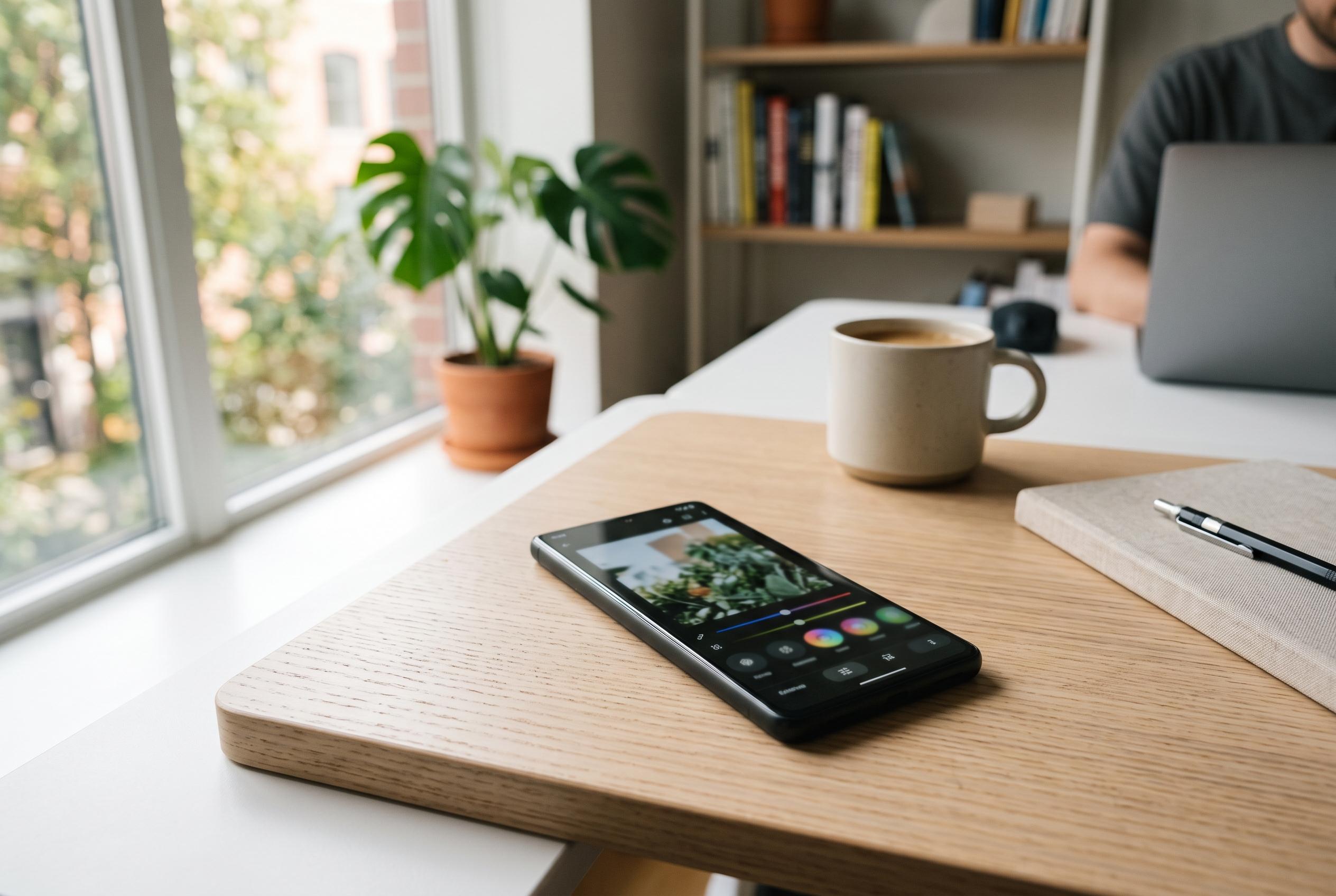

Google enhances Android’s native capabilities, making routine tasks like editing, scanning, and sharing increasingly integrated within the operating system, reducing reliance on third-party apps.
Android’s built-in toolkit has reached the point where several once-standard downloads now look optional rather than essential. Google’s current support documentation shows that tasks which used to send users to separate utilities, including file transfers, QR scanning and document capture, are now handled inside the operating system and Google’s core apps. For many users, the change is not dramatic because it has happened gradually, but it alters the value of whole app categories.
Photo editing is the clearest example. Google says the editing suite in Google Photos now includes tools such as Magic Eraser for removing distractions, Photo Unblur for sharpening soft images, Portrait Blur, Portrait Light and Cinematic Photos. The company says these features run on supported devices with at least 3GB of RAM, 1GB of free storage and Android 8.0 or later. That means the routine fixes most people want, such as removing an unwanted passer-by, correcting blur or improving a portrait, can often be done without opening a separate editor.
That does not mean specialist photo apps have become irrelevant. TechRadar has noted that Google Photos still is not a full professional editor: there is no RGB curve control or masking workflow, and the app is designed around speed and guided adjustments rather than deep manual work. Its guide says the mobile app opens on a Suggestions tab, where Google analyses the picture and offers quick edits, while an always-available Enhance button handles a general tune-up. TechRadar also points out that some premium editing features on non-Google Android phones may require a Google One subscription, so the built-in option is powerful but not universally equivalent to Lightroom or Photoshop-style software.
Scanning is another area where the old reflex to install a third-party app is harder to justify. Google’s Drive help pages show that Android users can scan receipts, letters and bills directly in the Drive app and save them as searchable PDFs or JPGs. The process includes automatic document detection with a blue crop outline, plus tools to crop and rotate pages, change colours or switch to grayscale, erase stains or fingers from the frame, and add extra pages to a multipage document. Google also offers a “Drive scan” widget for the home screen, which turns document capture into a one-tap shortcut.
QR code readers have been absorbed in a similar way. Google says many Android handsets can read a Quick Share QR code straight from the default camera app in ordinary photo mode, while phones that do not support that route can use a QR scanner placed in Quick Settings. The same support material says Quick Share works across Android 6 and later devices, Chromebooks and selected Windows PCs. Google has also expanded the system beyond Android-only sharing: current instructions cover sending files to iPhone, iPad and macOS devices either through direct support on Pixel 8a or later and some partner handsets, or through a QR-based web transfer when direct discovery is unavailable.
That marks a notable step on from earlier in 2026, when Tom’s Guide described QR sharing as an increasingly useful bridge to iPhones while Google’s compatibility update was still rolling out. What looked then like a workaround has now been folded into Google’s official cross-platform instructions. The company says QR-based transfers to Apple devices remain end-to-end encrypted, stay available for 24 hours and can be used for up to 10GB of files in a 24-hour period, with as many as 1,000 files in one session and up to 20 Apple-device recipients at once.
The case against so-called cleaner apps is slightly different, but still strong. Rather than promising to “boost” a phone, Android’s own utilities now cover the more practical part of the job: reclaiming storage. TechRadar points to Google Photos’ “Free up space on this device” option, which removes local copies of images and videos after they have been backed up, though it warns that Google’s Storage saver mode can reduce quality, including scaling 4K video down to 1080p. In the Files app, the Clean tab can suggest duplicates, meme images, old screenshots, blurry pictures, downloads and large files for removal. Deleted items sit in the bin for 30 days before disappearing permanently, which gives users a recovery window that many aggressive cleaning tools do not emphasise.
None of this means every Android phone behaves identically. Google itself notes that QR support in the default camera varies by model, and Quick Share troubleshooting still includes basic steps such as enabling Bluetooth and Wi-Fi, moving devices within 30cm of each other and using fallback scanners in Quick Settings where needed. Even so, the broader direction is clear. Everyday editing, scanning, sharing and storage management increasingly happen inside Android’s default software, leaving third-party apps with a narrower role: advanced creative work, niche workflows or features that phone makers have not yet matched.
Disclaimer: This content is intended for informational purposes only. Readers are advised to exercise their own judgement, conduct due diligence, or consult a qualified expert before acting on any information provided.



