

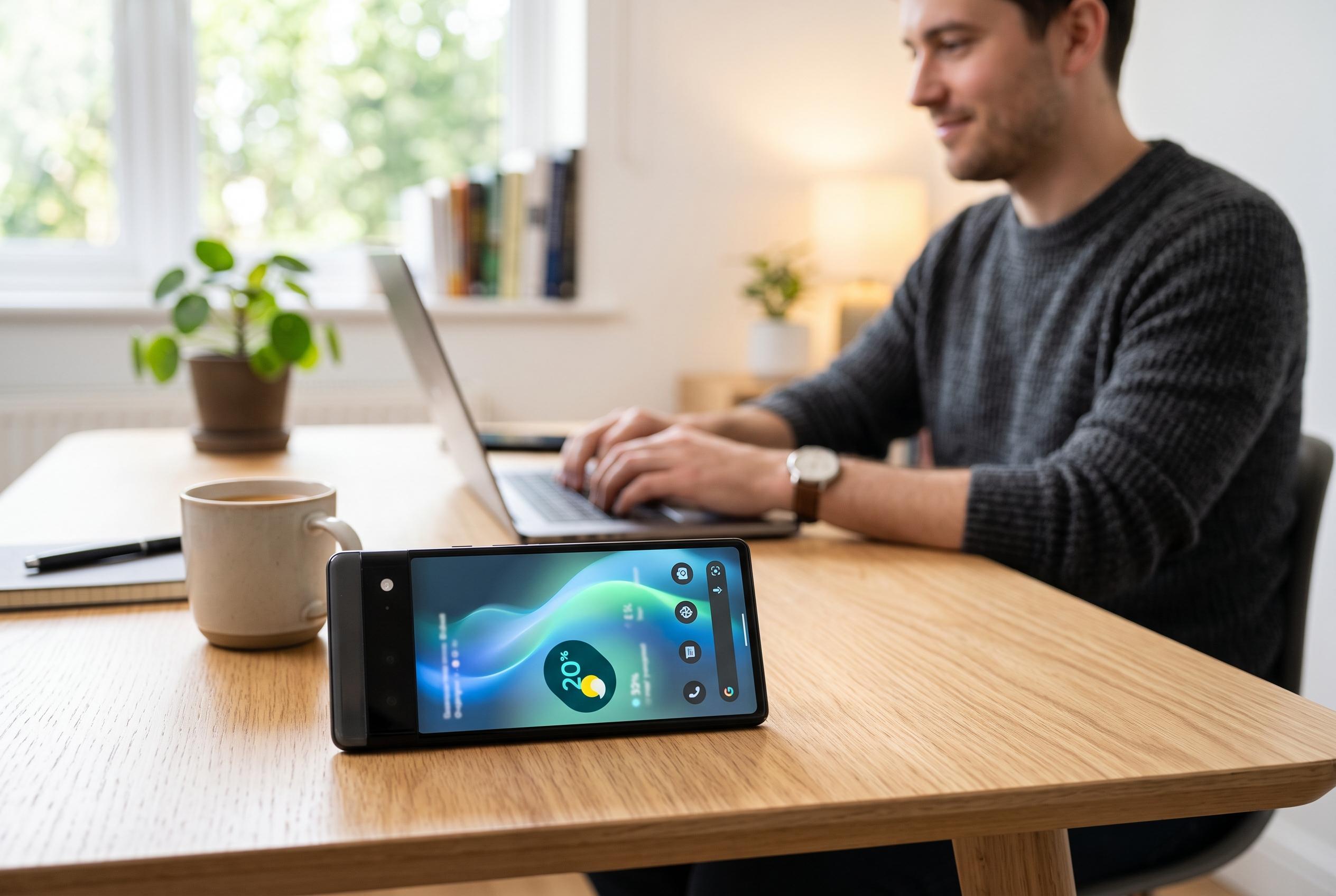

Google enhances its battery-saving tools on Pixel devices, giving users more control over app background activity to improve device longevity and notification reliability.
Android already has a built-in answer to the common complaint of standby drain, but it sits in a less obvious place than Battery Saver. On Pixel devices, Google has gradually made the app-level battery control more visible, including the “Allow background usage” switch introduced in Android 14 QPR2. That setting is presented as a trade-off between real-time updates and longer battery life, while Google’s own support guidance still says “Optimized” is the right choice for most apps rather than a blanket ban or a blanket exemption. (9to5google.com)
That matters because Android treats background data and background battery use as separate levers. Per-app data controls let users block an app from using mobile data entirely, or only stop it from using data while it is not on screen. Android Authority notes that the data page can split usage into foreground and background traffic, which makes it easier to spot apps that consume resources when they are barely used. The menu paths vary by brand: Google lists app data usage under Network & internet and SIM settings on Pixel, while Samsung and OnePlus place the same information elsewhere. There is also a system-wide Data Saver mode, but it is broader and works best when paired with an exceptions list. (androidauthority.com)
The technical case for trimming background activity is straightforward. Google’s Android developer documentation says Doze and App Standby already defer jobs, syncs, alarms and network access when a handset is left unused, and the maintenance windows become less frequent the longer a device stays idle. In prolonged inactivity, an idle app may get network access only about once a day. Doze also suspends network access, blocks sync adapters and prevents JobScheduler work from running until the next window, which explains why a small background refresh can have a larger battery cost than its data size suggests. (developer.android.com)
The same documentation also explains why restricting background activity does not always silence notifications. Google recommends Firebase Cloud Messaging for real-time messages because apps can share one persistent connection instead of each holding its own. That shared channel is less demanding on battery. High-priority FCM messages can briefly wake an app to deliver a user-visible alert even in Doze, while normal-priority messages are generally held until a maintenance window or until the user wakes the device. In practice, that means chat apps may remain mostly reliable while widgets, niche utilities or proprietary sync systems fall behind. (developer.android.com)
The drawback is that Android’s own safeguards can look like app failures. Android Authority says delayed notifications are often caused by per-app data or battery limits, and the fix may be as simple as long-pressing the app, opening its info page and switching background data back on, or moving battery behaviour to “Optimized” or “Unrestricted”. The same report points to Adaptive Battery and Adaptive Connectivity as additional causes of lag because they reduce activity for rarely used apps or adjust network behaviour, including switching between 5G and 4G, to save power. A phone that seems to be “missing” alerts may therefore be following policy rather than malfunctioning. (androidauthority.com)
Google’s broader battery-saving tools are much more aggressive than simply cutting background data for selected apps. Pixel support pages say standard Battery Saver makes apps refresh content such as email or news only when they are opened, stops location services when the screen is off and may delay low-priority notifications. On supported models it can also drop 5G usage in favour of 4G. That is effective, but it is a system-wide compromise, not a surgical fix for one or two badly behaved apps. (support.google.com)
Extreme Battery Saver pushes the same logic further. According to Google, it can pause most apps, prevent notifications from paused apps, slow the CPU, switch off Wi‑Fi and Bluetooth scanning for location, disable a work profile, cut screen timeout to 30 seconds and stop hotspot or tethering. Google’s Pixel blog says users on Pixel 3 and later can choose which apps remain active, and can schedule Battery Saver to come on automatically when the battery reaches 10% or 20%. That underlines the company’s wider position: background access is useful, but it is also one of the first things Android reduces when runtime matters more than immediacy. (support.google.com)
The practical lesson is not that every app should be starved of background access, but that most do not deserve unrestricted privileges. Google’s settings language now makes that trade-off explicit, and the supporting documentation shows why. A sensible approach is to inspect per-app battery and data screens, keep core services such as calls, messages, maps and calendar on normal settings, and be more sceptical about social feeds, shopping apps, low-value utilities and software that refreshes mainly for advertising or habit. Android already has system-wide tools for emergencies; the more useful long-term tactic is deciding which apps genuinely need to talk when you are asleep. (9to5google.com)
Disclaimer: This content is intended for informational purposes only. Readers are advised to exercise their own judgement, conduct due diligence, or consult a qualified expert before acting on any information provided.



