

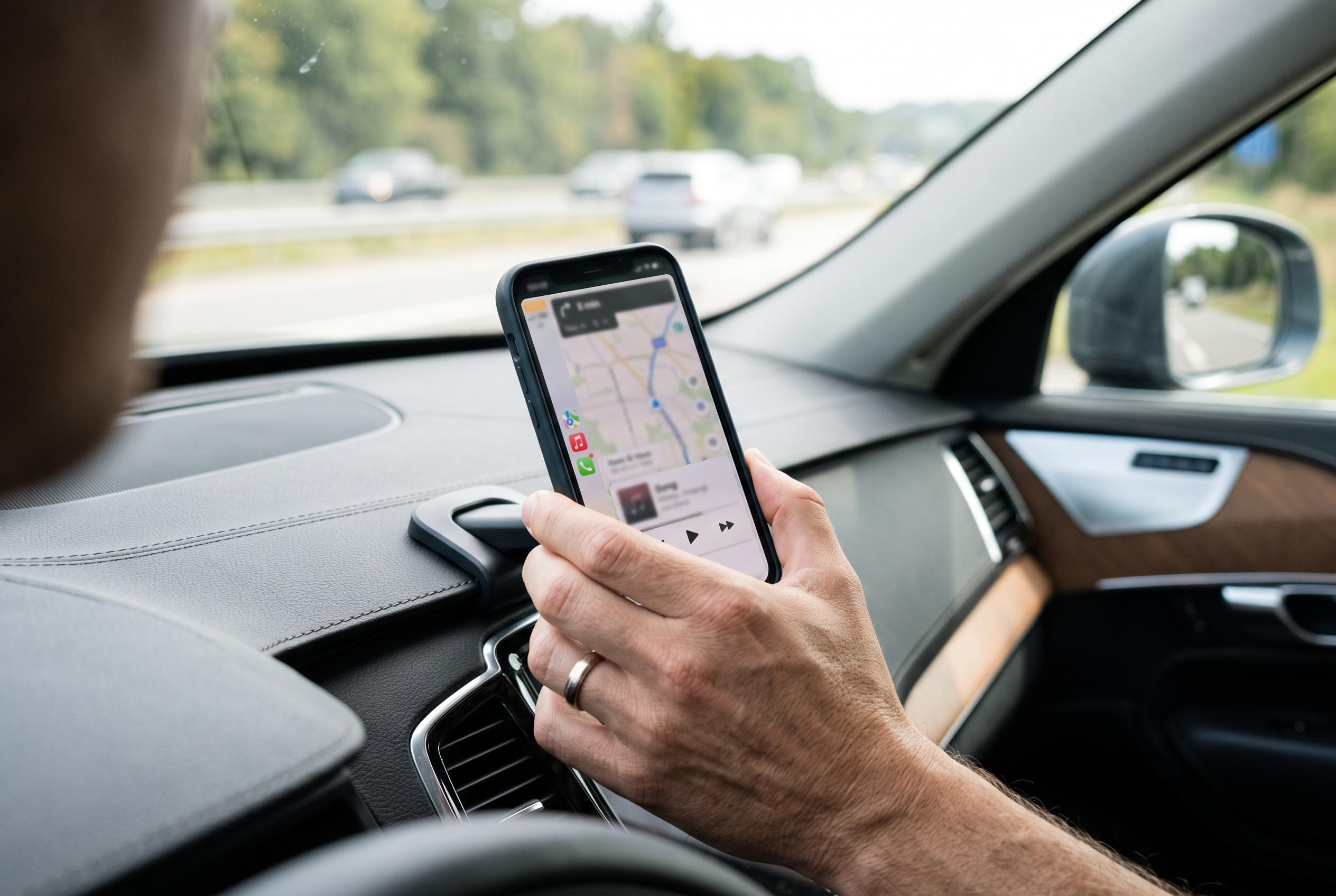

Enhanced troubleshooting tips and customisation options are transforming Apple CarPlay from a convenient feature into a more reliable and user-friendly system, addressing common faults with innovative solutions for safer driving experiences.
Apple CarPlay is designed to make in-car smartphone use safer and simpler, but it is not immune to faults. The most common complaints involve dropped connections, awkward audio levels, cluttered screens and navigation that fails when mobile data is weak. Practical fixes usually involve checking the basic link between iPhone and vehicle before moving on to more specific settings.
For wireless CarPlay, the first step is to confirm that both Wi-Fi and Bluetooth are switched on, because the wireless system depends on both. Restarting the iPhone and the car’s infotainment unit can clear temporary faults. If the connection still fails, removing the vehicle from CarPlay settings and pairing it again often helps. GMC’s support guidance also recommends checking for software updates on both the phone and the vehicle, while third-party troubleshooting advice points to cables, ports and VPNs as frequent causes of disconnection.
Offline maps are another useful safeguard. Apple’s own support notes that users can save map areas in advance through the Maps app, which is helpful when driving through places with weak or no signal. That advice is especially relevant for longer journeys, rural routes and off-road use, where continuity matters more than live traffic updates.
Several CarPlay irritations can also be reduced through automation. Apple’s Shortcuts app can be used to stop music from playing automatically when CarPlay connects, or to launch a preferred navigation app as soon as the car is detected. Siri’s volume can be adjusted separately by activating the assistant and changing the sound level while it is speaking. The CarPlay interface itself can also be reorganised in iPhone settings, allowing drivers to move the most-used apps to the front and hide those that are less important.
Display and notification settings can make a further difference. Apple offers display zoom options that change how much information is shown on screen, which can improve readability in different cabin layouts. Turn-by-turn alerts can also be sent to an Apple Watch, reducing the need to glance at the dashboard. Together, these adjustments turn CarPlay from a useful convenience into a more stable and less distracting system.
Disclaimer: This content is intended for informational purposes only. Readers are advised to exercise their own judgement, conduct due diligence, or consult a qualified expert before acting on any information provided.



