

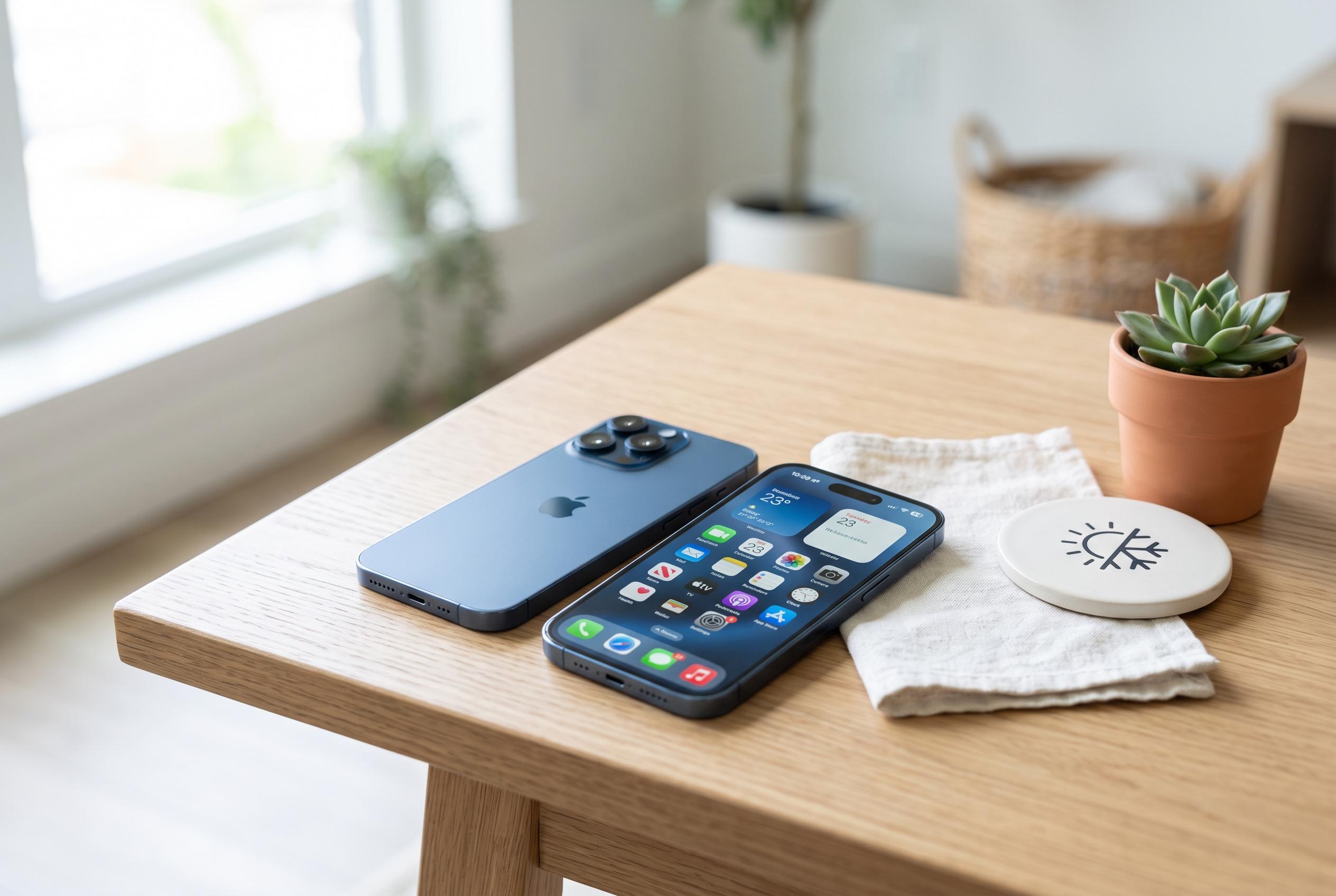

Apple advises users on how to manage and prevent iPhone overheating during hot weather, emphasising proper usage to avoid damage and performance issues.
Hot weather can make an iPhone feel alarmingly warm, but that is not always a fault. Apple says iPhones are designed to work between 0C and 35C, and higher temperatures can trigger temporary performance limits or, in extreme cases, damage the battery. In practice, the device may dim the screen, slow down the processor or pause charging until it cools. According to Apple, leaving a phone in direct sunlight or in a parked car is especially risky.
If the phone is simply hot but still working, the safest response is to stop using it. Lock the screen, and if necessary switch it off completely. Remove the case if it is trapping heat, then move the device into shade and place it on a hard surface that allows air to circulate. A fan can help, but cold air from an air conditioner should not be directed straight at it. Apple also advises against charging a hot iPhone, especially with fast charging, because that adds more heat to the battery.
Where the device shows a temperature warning, the advice is the same but more urgent: stop using it and let it cool naturally. Apple says charging may be held while the phone is too hot or too cold, and a “Charging On Hold” alert can appear until conditions return to normal. TechRadar has also warned against putting an overheated iPhone in a fridge or freezer, because a rapid temperature change can cause condensation and internal damage.
What not to do matters as much as what to do. Do not cool the phone with ice packs, do not wet it and do not leave it in a sealed bag or in direct sun. Even water-resistant models are not meant to be stressed by extreme temperature shifts. If the phone repeatedly overheats under normal use, or becomes hot without an obvious reason, Apple recommends having it checked by support.
Prevention is usually easier than recovery. Heavy tasks such as gaming, video recording, video calls, GPS navigation and streaming all increase heat output, as do high screen brightness and weak mobile signal, which can force the device to work harder. When possible, use Wi-Fi instead of mobile data, close demanding apps and avoid charging the phone while using it for intensive tasks. In hot weather, the best approach is to keep the device cool before it overheats.
Disclaimer: This content is intended for informational purposes only. Readers are advised to exercise their own judgement, conduct due diligence, or consult a qualified expert before acting on any information provided.



