

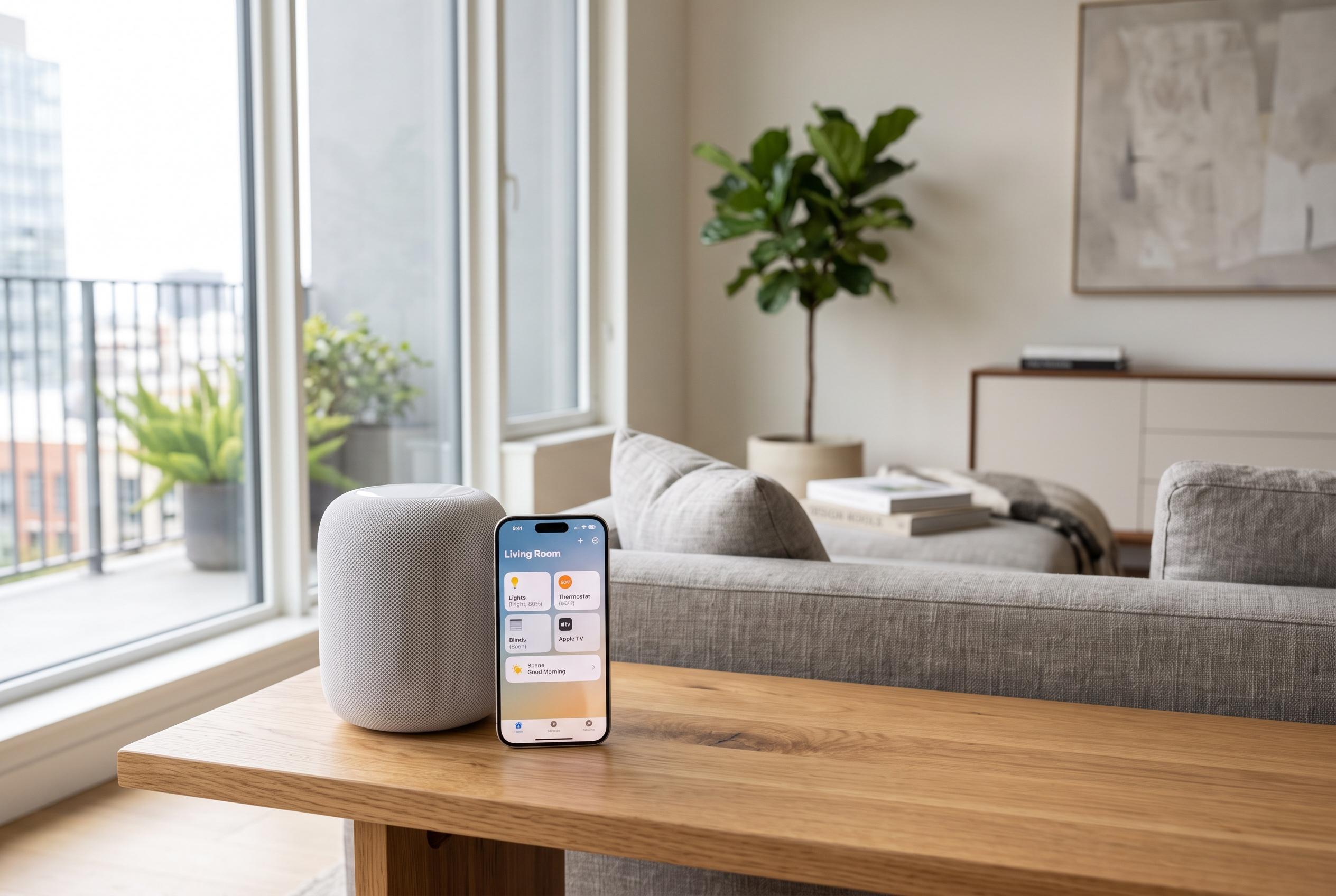

Apple is expanding Siri’s capabilities within its smart home ecosystem, enabling more practical automation, security management, and scene control for HomePod, iPhone, and iPad users, with new features making voice commands more powerful and customisable.
Siri is becoming more useful in the home as Apple adds smarter features and expands its smart home plans, but many users still only scratch the surface of what it can do. For anyone with a HomePod, iPhone or iPad linked to the Apple Home app, voice control can handle far more than music or timers. Apple’s own support material says Siri can operate compatible HomeKit accessories, trigger scenes and automations, and manage devices remotely when a home hub is set up.
The simplest commands remain the most practical. You can switch lights on and off by room, change brightness or colour where supported and adjust thermostats without opening an app. Apple’s guidance and third-party HomeKit walkthroughs both show that the key is accurate naming in the Home app, since Siri responds best when rooms, zones and devices are clearly labelled. That applies whether you are controlling a heater, a bedroom lamp or an entire floor.
Security features are another strong use case. Siri can lock compatible doors, arm alarm systems and bring up camera feeds in Apple Home, including on Apple TV when the right hardware is in place. Apple’s support page also explains remote access through a home hub, which is what makes these commands useful when you are away from the house. As Apple’s smart home platform develops, camera and security integrations are expected to become more capable, which makes these commands worth learning now.
Scheduling is where Siri starts to save more than a few seconds. Apple Home supports automations that can run at a set time, at sunset or sunrise, or after a delay. That means you can tell Siri to lock a door in the evening, switch on a porch light at dusk or turn off a fan after a few hours. TechRadar notes that scenes and automations are among the most useful HomePod and HomeKit features because they bundle several actions into one command.
Siri can also answer questions about the home rather than only carrying out instructions. Users can ask whether lights are off, whether a garage door is closed or what temperature a room is holding, provided the right sensor or accessory is connected. That same logic extends to Find My, where Family Sharing and correctly labelled devices let Siri report the location of people, bags or other tagged items. For households already using AirTags, iPhones and AirPods, that turns Siri into a quick status check as well as a controller.
The most effective use of Siri in the smart home comes from combining commands into scenes. Apple’s platform supports routines such as arriving home, leaving for work or starting the morning, each of which can control several devices at once. Apple’s support documentation, along with guides from MacRumors and iDownloadBlog, shows that scenes can switch on lights, adjust temperature, manage locks and activate other accessories in one phrase. T3 also notes that HomePod owners need not rely on voice alone, since the speaker’s touch controls provide another way to manage playback, calls and alarms when speaking is inconvenient.
Disclaimer: This content is intended for informational purposes only. Readers are advised to exercise their own judgement, conduct due diligence, or consult a qualified expert before acting on any information provided.



