

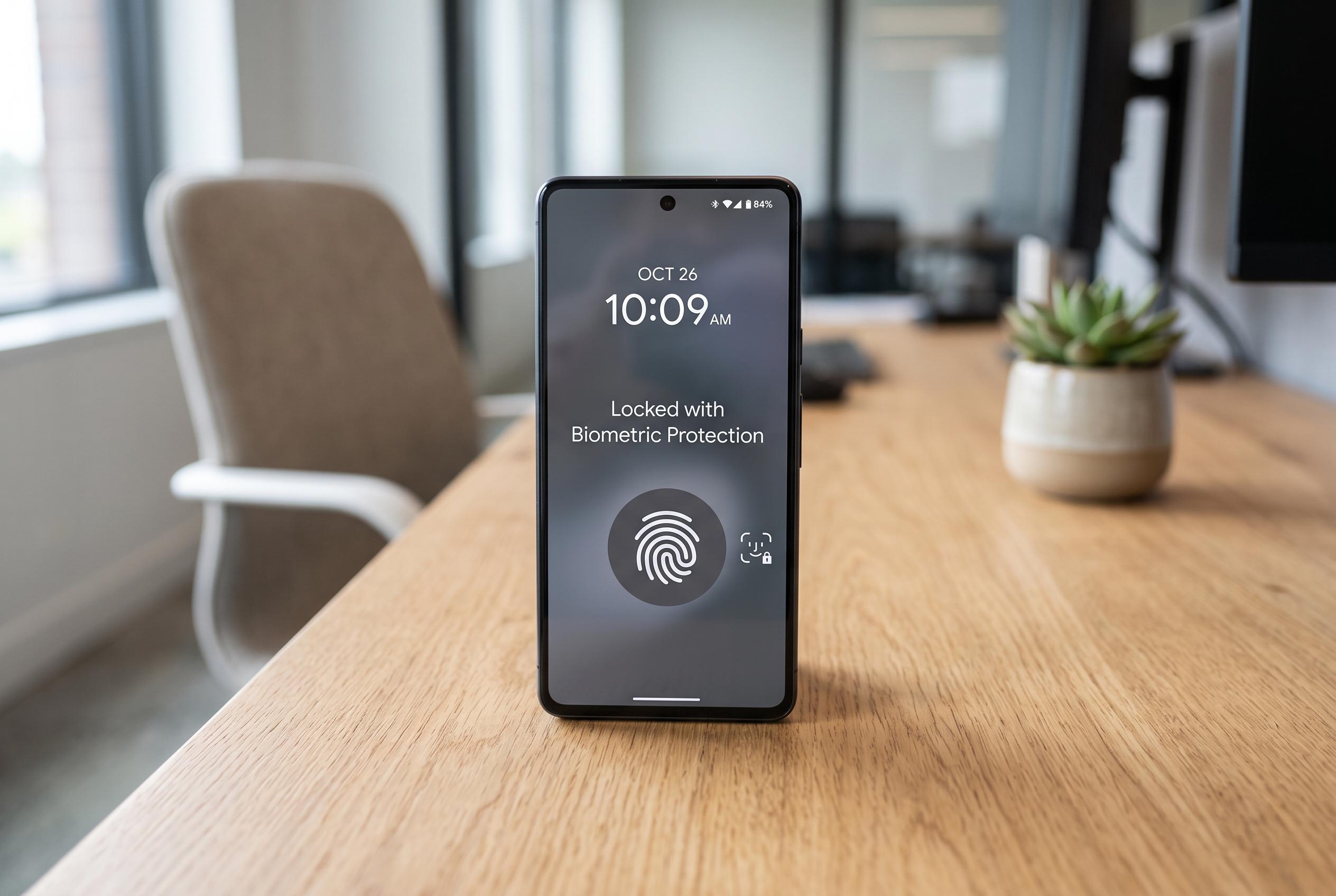

Apple’s latest iOS updates introduce advanced security settings, including biometric protections and lock screen controls, to make stolen devices harder to exploit and easier to trace, marking a significant step in personal cybersecurity.
A widely shared checklist of iPhone settings has been recast as a kind of digital shield against theft, but the real value lies in ordinary security tools rather than anything magical. The practical aim is simple: make a stolen handset harder to exploit, harder to reset and easier to trace, even if a thief already has the device in hand. Apple’s own support material shows that the strongest protection starts with Stolen Device Protection, a feature added in iOS 17.3 and designed to block sensitive actions unless the owner confirms them with Face ID or Touch ID.
That setting is the most important one to switch on first. Apple says it requires biometric authentication for actions such as changing the Apple ID password, turning off Find My or erasing the phone, and recommends setting it to “Always” rather than limiting it to unfamiliar locations. That matters because a thief may also have access to familiar places, including the owner’s home. Macworld and MacRumors both describe the feature as a response to theft patterns in which a passcode alone is not enough to protect the account.
The next layer is reducing what can be done from the lock screen. Apple’s guidance allows owners to control which functions remain available before the phone is unlocked, including Control Centre. Turning that off can stop a thief from quickly switching on Airplane Mode, which Apple notes disables cellular, Wi-Fi and Bluetooth connections. That is important because cutting radio links can make it harder to keep tracking the device through Find My.
Another useful protection is limiting wired accessories while the iPhone is locked. Apple’s security settings allow wired accessories to be blocked unless the device is unlocked, which helps reduce the risk from hardware tools that attempt to communicate through the charging port. In practical terms, it closes one more route for a stolen handset to be probed without the owner present.
The article’s advice also matches Apple’s broader account and recovery tools. A stronger passcode is harder to guess than a short one, and Find My becomes far more useful when it is enabled alongside Send Last Location, which can transmit the handset’s final position before the battery dies. Removing old and unused devices from the Apple ID account also matters, because each trusted device can become another path for verification codes.
Finally, the list goes beyond theft response and into prevention. Enabling SIM PIN makes a stolen SIM card less useful for intercepting bank codes and other SMS messages, while keeping iOS updated closes known security gaps. Reviewing Location Services is also sensible, since many apps request access they do not need. Taken together, these settings will not make an iPhone impossible to steal, but they do make the device much less rewarding for a thief and much easier for the owner to recover.
Disclaimer: This content is intended for informational purposes only. Readers are advised to exercise their own judgement, conduct due diligence, or consult a qualified expert before acting on any information provided.



