

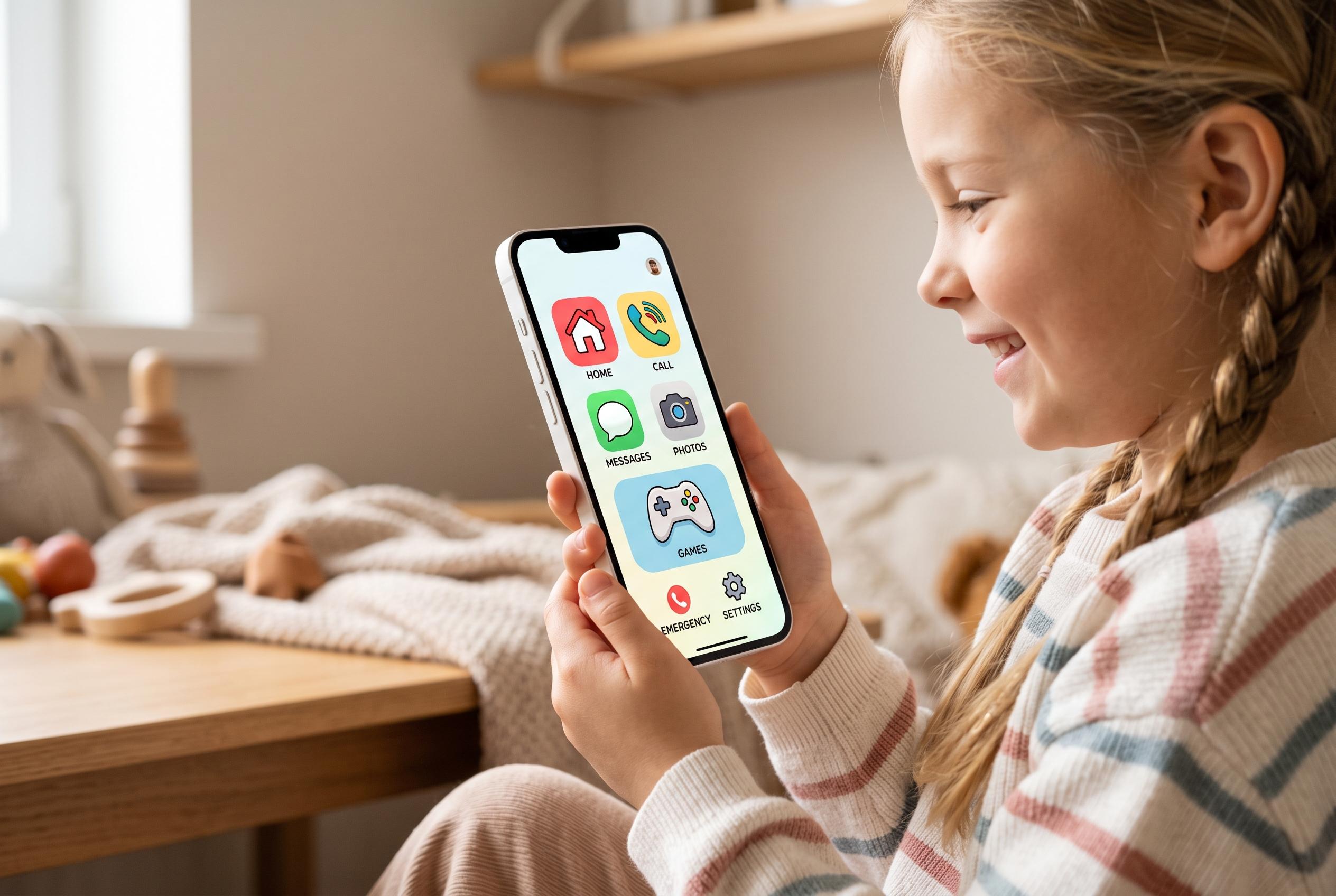

Apple has introduced Assistive Access, a feature that simplifies iPhones into basic, child-friendly devices by restricting apps and controls, offering a tailored communication tool for young users and those with cognitive disabilities.
Apple’s Assistive Access can turn an old iPhone into a stripped-back handset with only the functions a child actually needs. The feature is built into iOS and is intended to reduce complexity by enlarging controls, limiting distractions and allowing only approved apps or even specific app features. Apple says it was designed for people with cognitive disabilities, but it can also suit families that want a basic, communication-first device rather than a full smartphone.
The setup begins in Settings under Accessibility, where users can launch Assistive Access and choose which apps remain available. Apple’s support material says trusted supporters can personalise the experience, including visual alternatives such as emoji-only input or video selfies, while third-party guides note that parents often restrict the device to essentials such as calls, messages, camera and maps. On an iPhone that is being repurposed for a child, that means the handset can keep its core communication tools while leaving out the rest of iOS’s usual clutter.
For a child-friendly configuration, it helps to prepare the chosen apps first. The device owner should sign in to any services that will be allowed, grant the necessary permissions and decide which contacts count as favourites if calls and texts are to be limited. One widely used approach is to permit only a small set of apps such as Phone, Messages, Camera, Photos and YouTube, then narrow each one further where iOS allows it. In practice, that can mean calls only to favourites, messages only to approved contacts and the camera limited to a few simple modes.
Security matters as much as simplicity. Apple recommends setting a Screen Time passcode so a child cannot leave the restricted mode without permission, and the exit process itself is deliberately awkward: on supported devices, the side button must be pressed three times. Tom’s Guide says Assistive Access works on an iPhone XR or later running iOS 17 or newer, and the setup flow also lets users choose between a grid or row layout depending on what is easiest to read and tap. Once enabled, the phone returns to normal only after the passcode is entered, with all apps and data still intact.
Disclaimer: This content is intended for informational purposes only. Readers are advised to exercise their own judgement, conduct due diligence, or consult a qualified expert before acting on any information provided.



