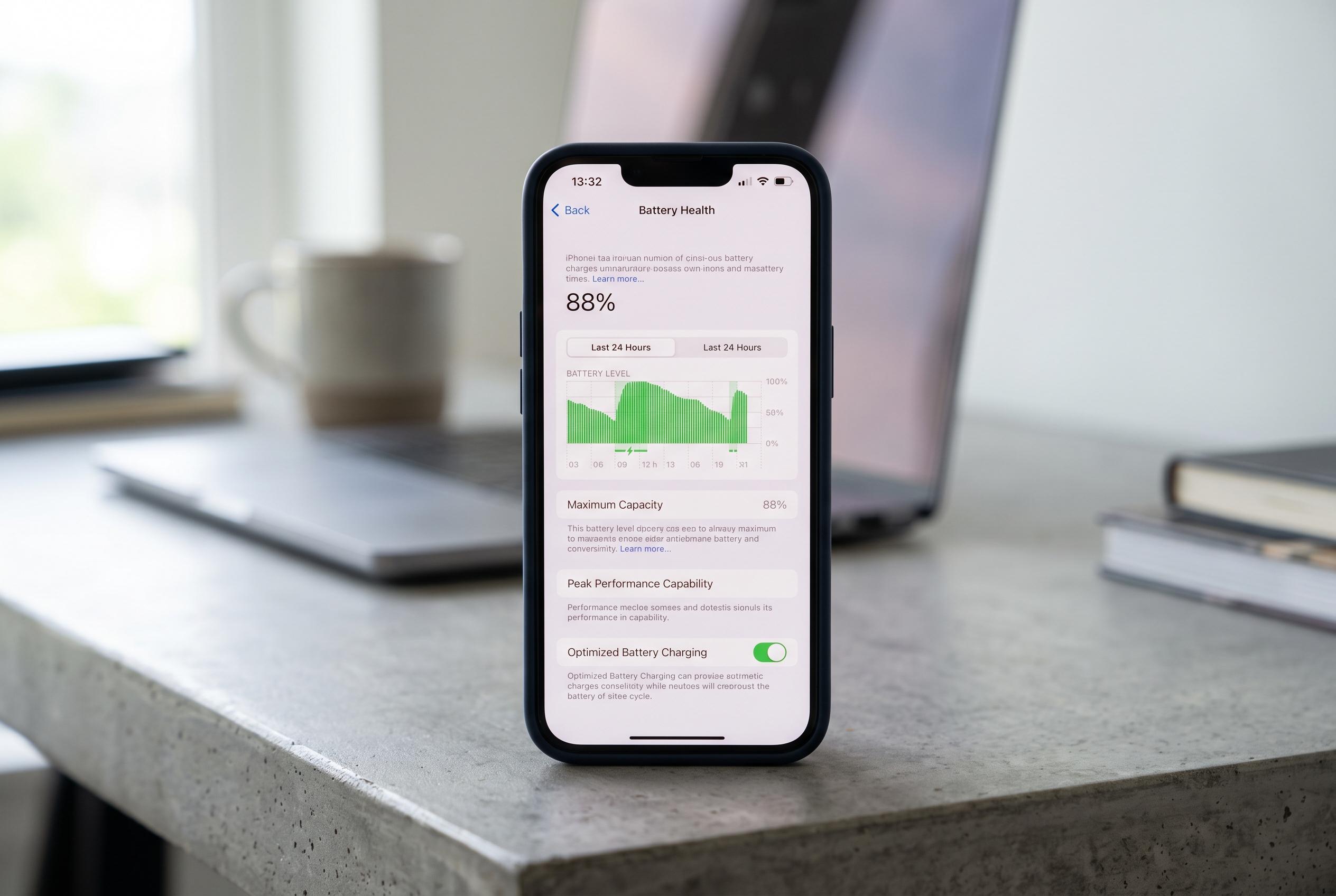

With iOS 26, Apple enhances battery management features, giving users more control and insights to extend their iPhone’s lifespan amid ongoing concerns over power drain and battery health.
Battery life remains one of the main practical concerns for iPhone users, and Apple’s own guidance makes clear that no single setting is usually to blame. Screen brightness, mobile signal quality, app behaviour, background activity and charging habits can all affect how quickly a phone runs down. In iOS 26, Apple has also expanded the Battery section in Settings so users can see weekly usage patterns and identify the apps and system functions drawing the most power.
That makes diagnosis the first step. Rather than switching off features at random, users can open Settings, then Battery, to review which apps are consuming the most energy and whether the drain is coming from background activity, notifications or weak reception. If one app repeatedly appears near the top of the list, reducing its background use is often more effective than disabling unrelated functions across the phone.
Display settings are another major variable. Apple says high screen brightness is a frequent cause of unnecessary power loss, and its support material recommends using auto-brightness and auto-lock to reduce strain on the battery. On newer iPhones, keeping the screen on for shorter periods is especially useful because display power use scales quickly when brightness stays elevated.
iOS 26 also adds more formal power-management controls. MacRumors reported that Apple has introduced an Adaptive Power Mode alongside Low Power Mode, giving users a more flexible way to cut consumption. Low Power Mode still applies broader restrictions, while Adaptive Power Mode makes smaller performance adjustments in the background when usage is unusually heavy. That means users now have a clearer choice between aggressive conservation and lighter-touch optimisation.
Other settings can also help, especially for people who notice battery decline after an update. Tom’s Guide and Asurion both note that background app refresh, unnecessary notifications, location access and always-on display behaviour can all contribute to faster drain. Apple likewise recommends checking battery health and replacing the battery if maximum capacity has fallen significantly, since software tweaks can only do so much once the cell itself has aged.
Disclaimer: This content is intended for informational purposes only. Readers are advised to exercise their own judgement, conduct due diligence, or consult a qualified expert before acting on any information provided.