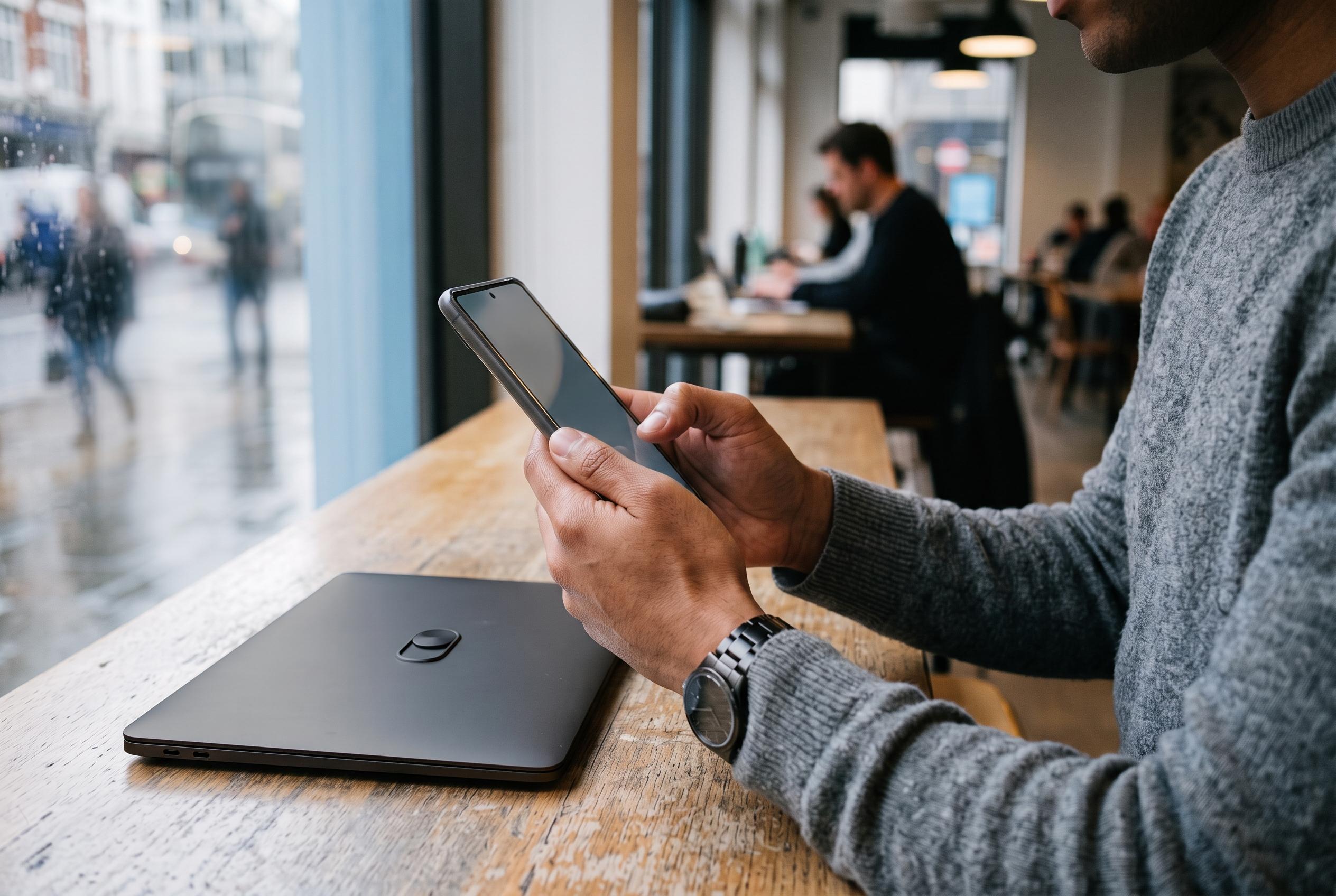

While iOS 27 expands Apple’s privacy tools, the OS lacks a built-in privacy screen, prompting users to adopt manual display adjustments and shortcuts for temporary obscurity in public spaces.
Apple’s iOS 27 does not include a built-in privacy screen for keeping prying eyes off your display, even though the operating system does expand the company’s wider privacy and safety toolkit. Apple’s own privacy pages for iPhone continue to focus on features such as Communication Safety, Screen Time, Family Sharing and Sensitive Content Warning, while the iOS 27 support material highlights new and expanded child-safety controls rather than a dedicated screen-shielding mode.
For users who want immediate protection in public, the practical answer is to combine existing Accessibility tools with display adjustments. The method outlined by iReviews uses Zoom at a low magnification, the Zoom Filter set to Low Light, and Reduce White Point at a stronger setting to soften the display and make on-screen content harder to read from an angle. In effect, this does not create true hardware-level privacy film, but it does reduce visibility enough to discourage casual viewing on trains, in cafés or in shared offices.
The same guide recommends turning those settings into a Shortcut so the sequence can be triggered in one tap rather than changed manually each time. That shortcut can then be added to Control Centre, placed on the Home Screen or assigned to the Action Button on supported iPhone models, giving users a faster way to switch into a lower-visibility mode when they need it. A separate App Store listing for Privacy Screen Browser shows that some users also favour dedicated third-party tools, although those are focused more on browsing privacy than on system-wide display filtering.
Apple’s broader iOS 27 changes make clear that its current privacy emphasis is elsewhere. The company and reporting around the update point to stronger parental controls, including the new “Ask to Browse” Safari approval flow and a refreshed Screen Time interface with Time Allowances, alongside the usual communication and content-protection tools. Against that backdrop, the iPhone privacy-screen workaround remains a user-built solution: flexible, quick to enable and useful in everyday situations, but still distinct from a native privacy display feature.
Disclaimer: This content is intended for informational purposes only. Readers are advised to exercise their own judgement, conduct due diligence, or consult a qualified expert before acting on any information provided.