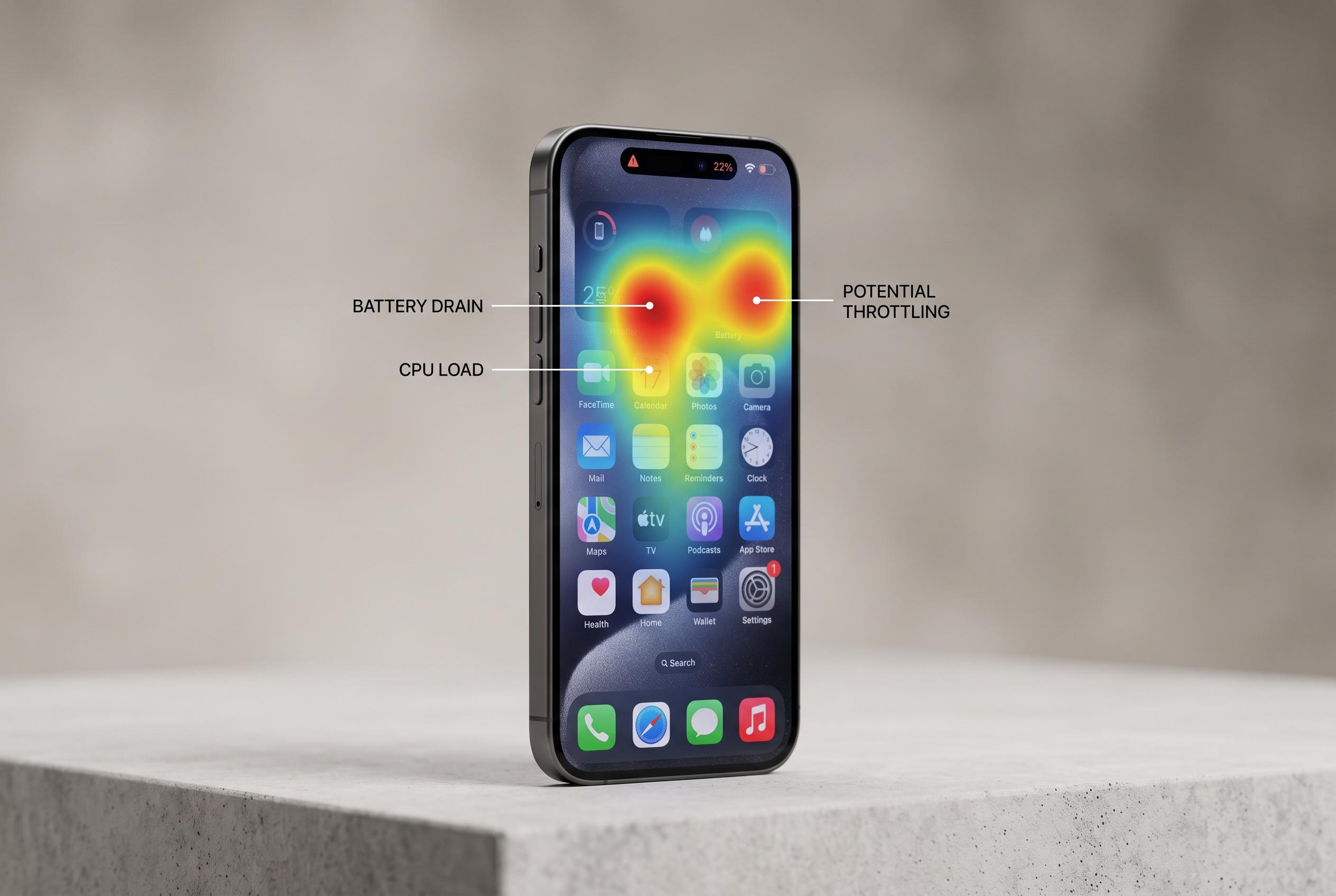

Excessive background activity from popular apps like Facebook, navigation, and messaging services significantly impacts iPhone battery life and speed, prompting users to adopt new management strategies.
After months of heavy use, an iPhone that once felt snappy can start to seem oddly sluggish. The blame is not always the handset itself. In many cases, the real culprit is a handful of apps that keep working quietly in the background, holding on to memory, polling for updates and using radios or sensors long after they appear to have been closed. Reports from Apple communities and technical forums have long pointed to that pattern, especially when storage is tight and background activity has been left unchecked. Apple’s own support guidance also notes that low available storage can affect performance.
Facebook is one of the best-known examples. Facebook acknowledged in 2015 that its iPhone app had caused major battery drain because of a network-code problem and silent background audio sessions, and later said it had fixed the issue in an update. The Guardian had earlier reported that users were seeing the app stay active even after they left it, draining power despite background refresh being switched off. The broader lesson still applies today: an app does not have to be open on screen to continue consuming resources.
That helps explain why some iPhone owners find Facebook still feels heavy after long periods of use. Its cache can grow over time, while notifications, media and account data are repeatedly refreshed. A simple reinstall can clear some of that clutter, but so can less drastic changes in iOS, such as limiting background refresh, trimming notifications and reducing location access to “While Using” or “Never”. These are small adjustments, but they can reduce the strain on battery and storage without removing the app entirely.
Navigation apps create a different problem. Waze and similar services depend on constant location tracking, live traffic data and a steady network connection, which means they can be demanding in the car, especially where signal is weak. Google’s own Waze support advises checking location permissions, restarting the device and testing GPS function if there are problems. Community discussions around the app also describe heavy battery use from continuous GPS activity, with some users recommending that certain location-reporting features be turned off.
Messaging and video apps can be just as troublesome, but for different reasons. WhatsApp, Telegram and Messenger often fill a phone with photos, clips, voice notes and forwarded files, sometimes using tens of gigabytes before the user notices. Meanwhile TikTok, Instagram, Snapchat and YouTube can keep the graphics chip busy by loading clips ahead of time and encouraging long, uninterrupted scrolling. The practical fixes are straightforward: clear large chats, disable automatic downloads where possible, review storage regularly and put more pressure on the apps that are doing the most work behind the scenes.
Disclaimer: This content is intended for informational purposes only. Readers are advised to exercise their own judgement, conduct due diligence, or consult a qualified expert before acting on any information provided.