

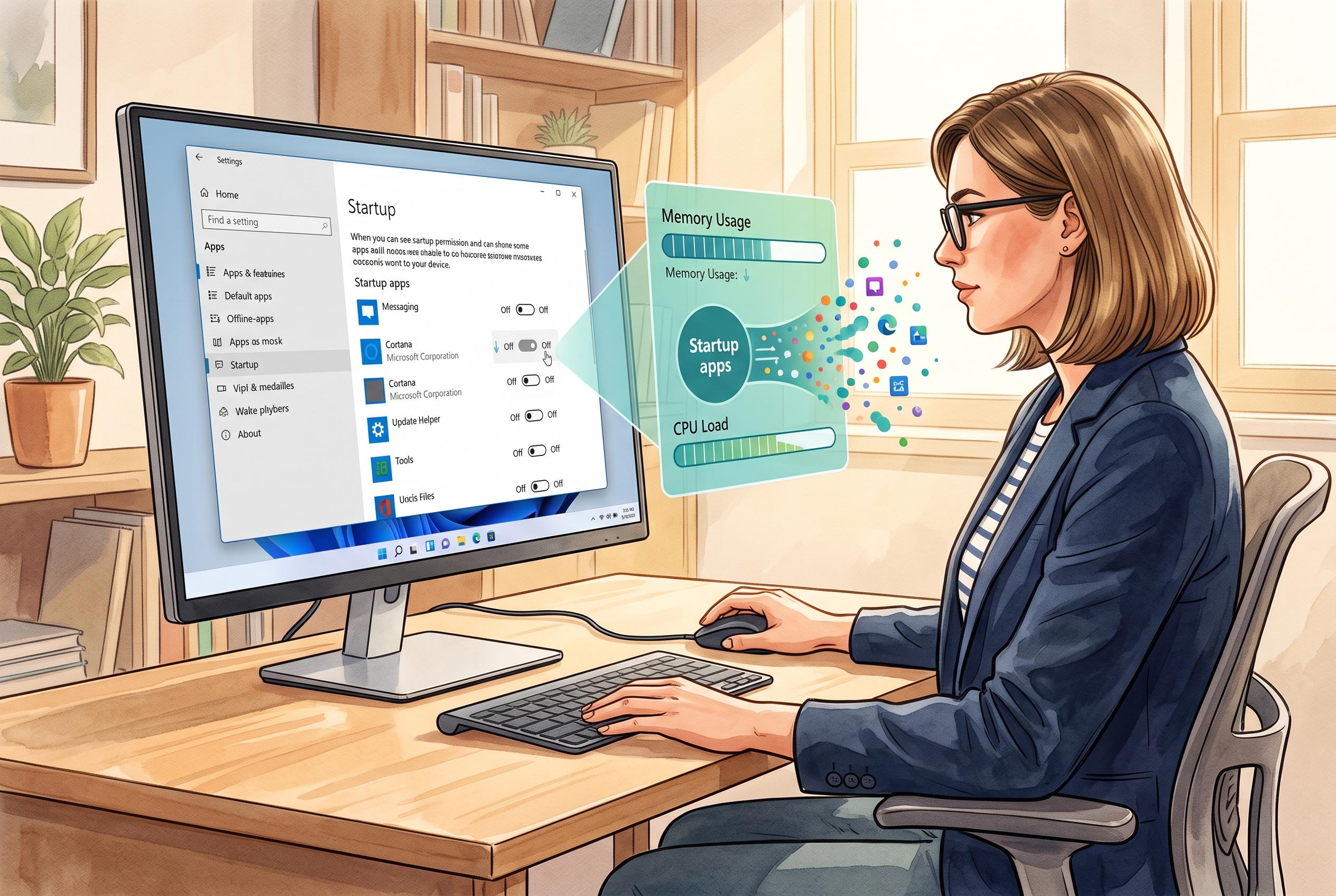

Many older PCs experience sluggishness with Windows 11, but managing startup applications via Settings or Task Manager offers a simple, effective way to improve boot times and free up system resources, according to Microsoft guidance.
If a Windows 11 machine has become sluggish, Microsoft’s own guidance points to a simple first check: review what launches when the system starts. According to reporting by UNIAN, many older PCs with 2GB to 4GB of memory are especially affected because background apps can consume resources before any work begins.
The basic fix is to trim the startup list. Windows 11 lets users do this in Settings under Apps and Startup, where individual programmes can be switched off. A more informative route is Task Manager, which shows each app’s estimated impact on boot time and labels it low, medium or high. That makes it easier to separate genuinely useful tools from software that can wait until later.
Several guides, including Windows Central, Guiding Tech and Micro Center, say this is one of the most effective ways to improve boot speed without uninstalling anything. The key point is that disabling a startup item does not remove the programme from the PC; it simply stops it launching automatically after sign-in. That means it can be re-enabled later if needed. Microsoft also advises caution, because some high-impact entries may be tied to security, drivers or other essential functions.
There is also a reverse option for users who want a programme to open automatically. Microsoft support material explains that a shortcut can be placed in the Startup folder, which Windows checks at log-in. That avoids third-party tools and gives users a manual way to control what starts with the system. For lightly specified machines, the approach can reduce boot time and free some memory and processor capacity.
Disclaimer: This content is intended for informational purposes only. Readers are advised to exercise their own judgement, conduct due diligence, or consult a qualified expert before acting on any information provided.



