

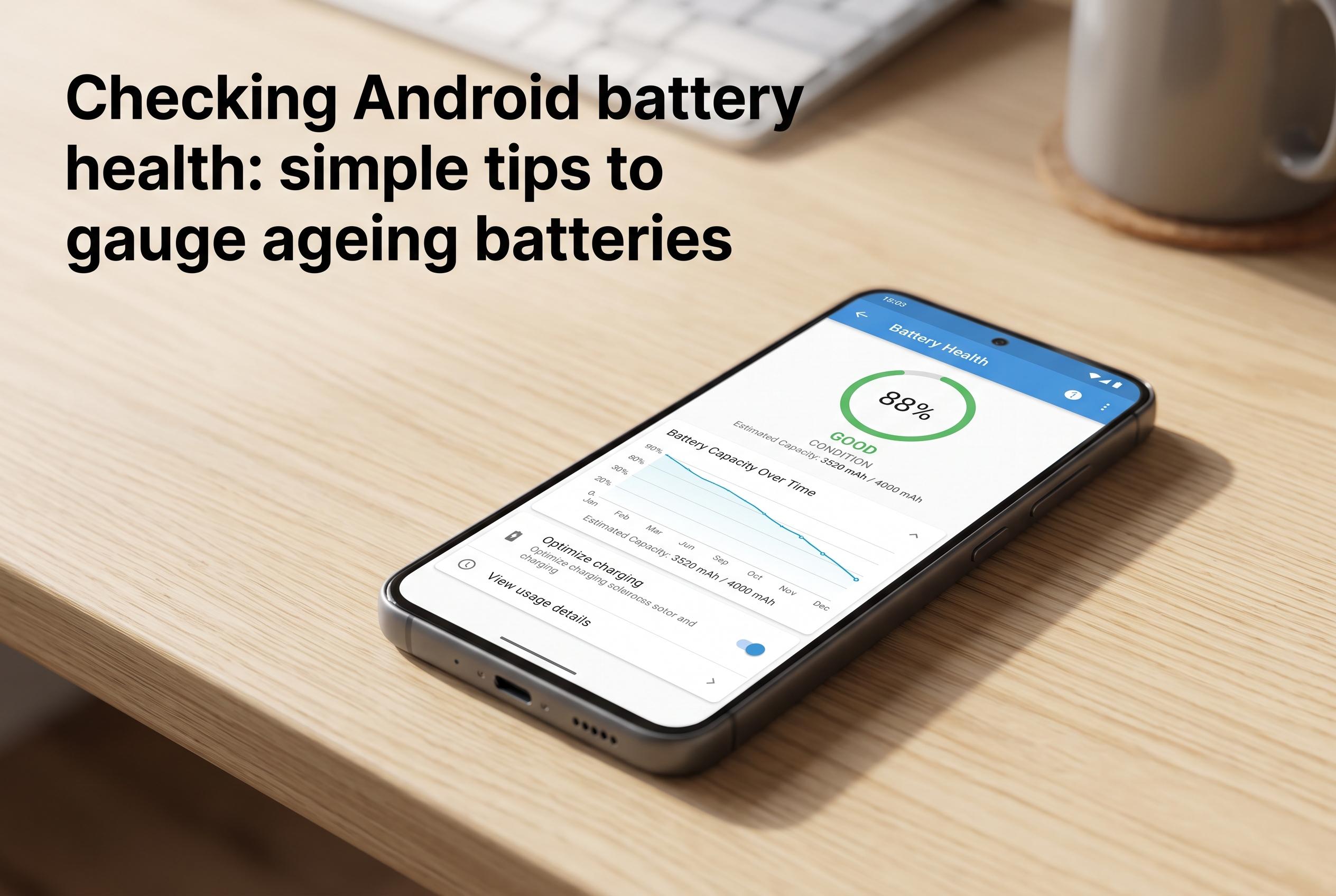

A quick guide reveals how Android users can determine if their phone’s declining performance stems from battery wear rather than software issues, using hidden menu codes, settings, or third-party apps.
A smartphone that seems to lose charge too quickly is not always suffering from a software fault. In many cases, the real issue is gradual battery wear, which reduces how much energy the cell can hold and shortens the time between charges.
Android users can often check battery health without specialist equipment. One quick option is a hidden service menu, which on some phones opens after entering a dial code in the phone app. The code ##4636## can bring up technical details on supported devices, while some Samsung models use *#0228#. These codes are not universal and depend on the manufacturer, Android version and firmware.
If the dial code does not work, the answer may be in the phone’s settings. Several Android brands now include battery information in system menus, where users may see the battery’s condition or its remaining maximum capacity. That kind of read-out is especially common on phones from Xiaomi, Huawei, OnePlus, Oppo, Vivo, Realme and iQOO, though the exact menu name varies by brand.
Third-party battery analysis apps offer another route, but they usually need time to collect data. By tracking charge and discharge cycles, they can estimate the battery’s actual capacity and compare it with the original figure. That makes them useful for spotting long-term degradation, but not for instant confirmation.
In practical terms, a battery that once held 5,000 mAh but now falls well below that level will power the phone for less time, even if the device still appears to charge normally. That decline is a normal part of ageing, but a large drop in capacity is a clear sign that the battery is nearing the end of its useful life.
Disclaimer: This content is intended for informational purposes only. Readers are advised to exercise their own judgement, conduct due diligence, or consult a qualified expert before acting on any information provided.



