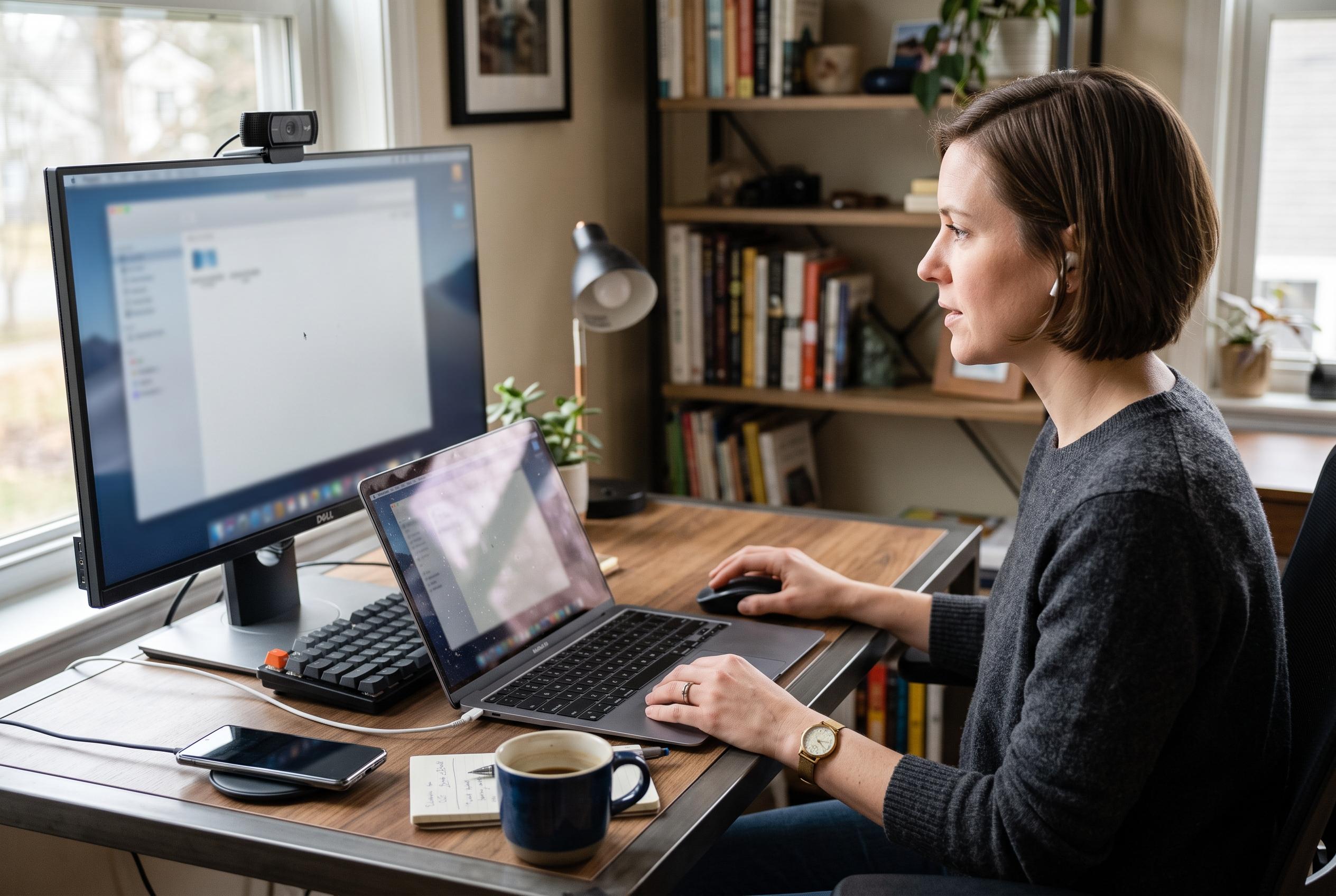

As remote support becomes more essential, selecting the right tool depends on the user’s technical confidence and need for control, with options ranging from simple Quick Assist to advanced RustDesk solutions.
When a family member’s Windows PC fails, the fastest fix is often not the software problem itself but the way support is delivered. For users who can follow a few steps, Microsoft’s Quick Assist is usually the lightest option. It is built into Windows and opens with the keyboard shortcut Ctrl+Windows key+Q, letting a helper generate a six-character security code, view the other person’s screen and, with permission, take control long enough to sort out the issue. Microsoft also says the tool includes extras such as chat, annotations and a laser pointer for guidance.
That simplicity is also Quick Assist’s limitation. The person seeking help still has to open the app, enter the code and approve the connection, which can become awkward if they are not confident with Windows. For a technically cautious relative, the process may consume more time than the repair itself. Microsoft’s older Remote Assistance feature can also be enabled for trusted help, but it still depends on the user being able to set up access on the machine first.
For more regular support, Chrome Remote Desktop is better suited to recurring access. Once it is installed and configured on the remote PC, the helper can return to that machine later without walking the user through the connection process each time. That makes it practical for relatives who need repeated assistance but are unlikely to cope well with repeated prompts, codes and approval screens. In effect, it shifts the burden from live hand-holding to one-time setup.
RustDesk sits at the more capable end of the spectrum. It requires installation on both machines, then uses an ID and one-time password for connection, with the option to set a permanent password or unattended access for later sessions. That extra flexibility comes with more advanced controls, including file transfer, clipboard sharing, chat and display management. Comparisons from specialist software review sites also place RustDesk ahead of Chrome Remote Desktop on several practical criteria, including unattended access, transparency and overall feature depth, although Chrome Remote Desktop remains the easier choice for basic, occasional support.
The main lesson is that remote support is not one-size-fits-all. Quick Assist is a sensible default for simple, one-off fixes when the other person can follow instructions. Chrome Remote Desktop is more convenient when you expect to return to the same PC repeatedly. RustDesk is the stronger option when you need fuller control and more serious remote administration tools. The right choice depends less on the software than on the person at the other end of the call.
Disclaimer: This content is intended for informational purposes only. Readers are advised to exercise their own judgement, conduct due diligence, or consult a qualified expert before acting on any information provided.