

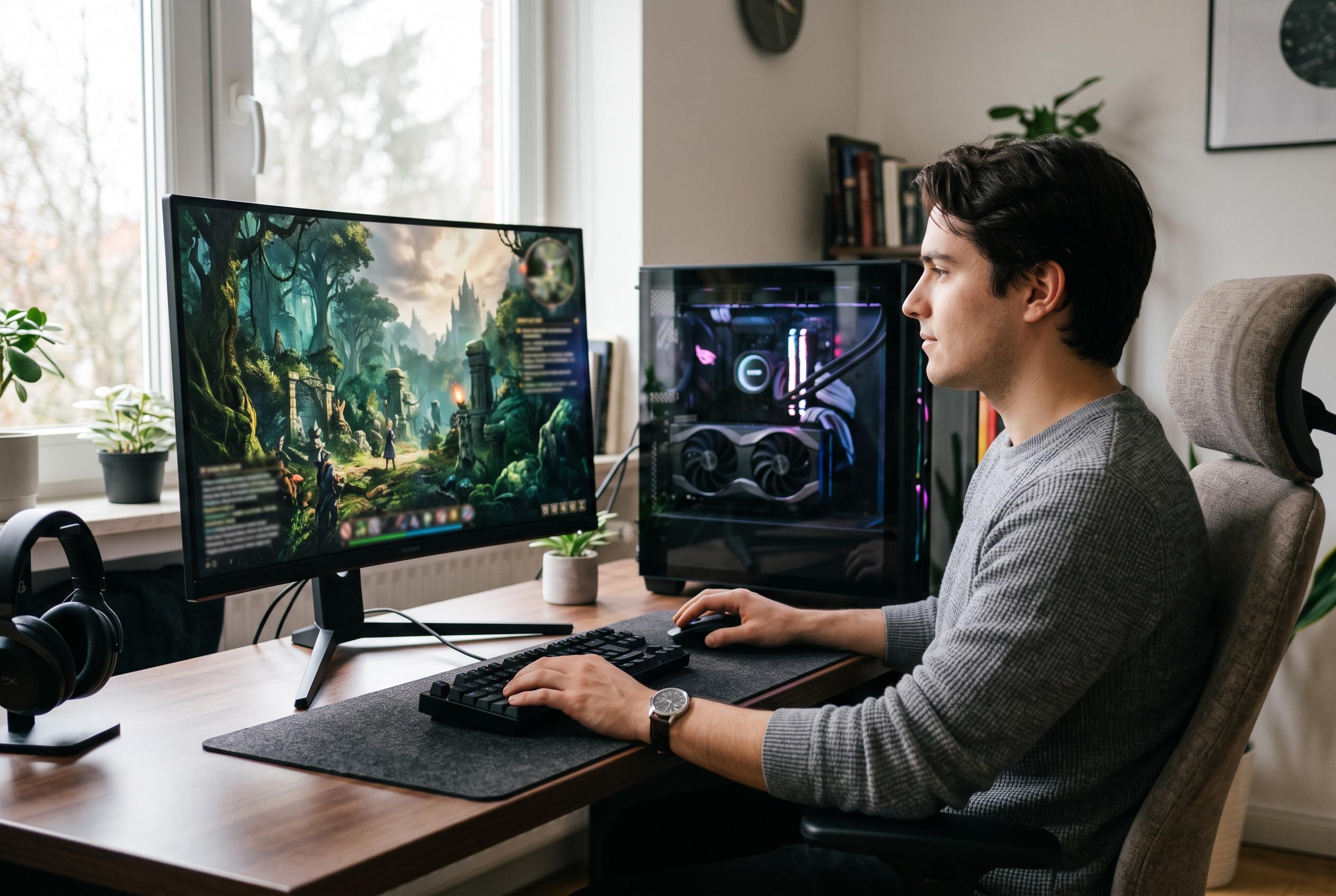

Despite initial high-end hardware expectations, The Blood of Dawnwalker offers manageable system requirements with customisable graphics and upscaling support, making its demanding visuals more accessible to a broader range of players.
The Blood of Dawnwalker arrives as another demanding Unreal Engine 5 game, but its technical ambitions are more measured than first feared. Early system requirement information pointed to extremely high-end hardware, yet Rebel Wolves later softened the published targets, with one reported 4K recommendation landing at an RTX 4070 Ti rather than the far more extreme figures that had circulated earlier in the year. Even so, the game still asks a lot of a PC, particularly when visual settings are pushed to their limit.
That pressure is visible in play. IGN reports that, at 4K with DLSS set to Quality and the Ultra preset enabled, an RTX 5090 can still sit in the 70fps to 90fps range before frame generation is added. That is strong performance, but it also underlines the scale of the workload. The game appears to reserve most of its visual impact for its environments, with town streets, forests, foliage and water carrying much of the weight, while character models are less consistent.
The saving grace is that Dawnwalker offers a genuinely useful set of graphics controls rather than hiding key options behind broad presets. According to the guide, shadows, lighting, reflections and shading are among the first places to look for extra headroom. Those are the settings most likely to be worth reducing on mid-range machines, while handheld systems will need much more aggressive cuts. Volumetric effects, fog and related detail settings also appear to be costly, especially when the CPU is already under strain.
Texture quality is another important pressure point. IGN says the game can use roughly 10GB to 12GB of VRAM with textures maxed out, which makes a strong case for lowering that option on cards with less memory. By contrast, effects quality can be left relatively high on stronger systems, though it is more likely to burden the processor than the graphics card. The guide’s overall message is straightforward: if performance drops, shadows, lighting, volumetrics and textures are the safest first adjustments.
Upscaling support is more flexible than in many recent PC releases. Rather than relying on a single built-in method, the game supports DLSS, FSR and XeSS, allowing players to match the option to their GPU brand. Frame generation is also available and, according to the guide, is worth enabling for most non-competitive players because it can substantially lift frame rates, even if it adds a little latency. Motion blur, bloom, chromatic aberration and depth of field remain subjective choices, with limited performance impact in most cases. For players looking to balance image quality and smoothness, the advice is clear: keep the heavier lighting features in check, use the right upscaler, and treat frame generation as a practical tool rather than a last resort.
Disclaimer: This content is intended for informational purposes only. Readers are advised to exercise their own judgement, conduct due diligence, or consult a qualified expert before acting on any information provided.



