

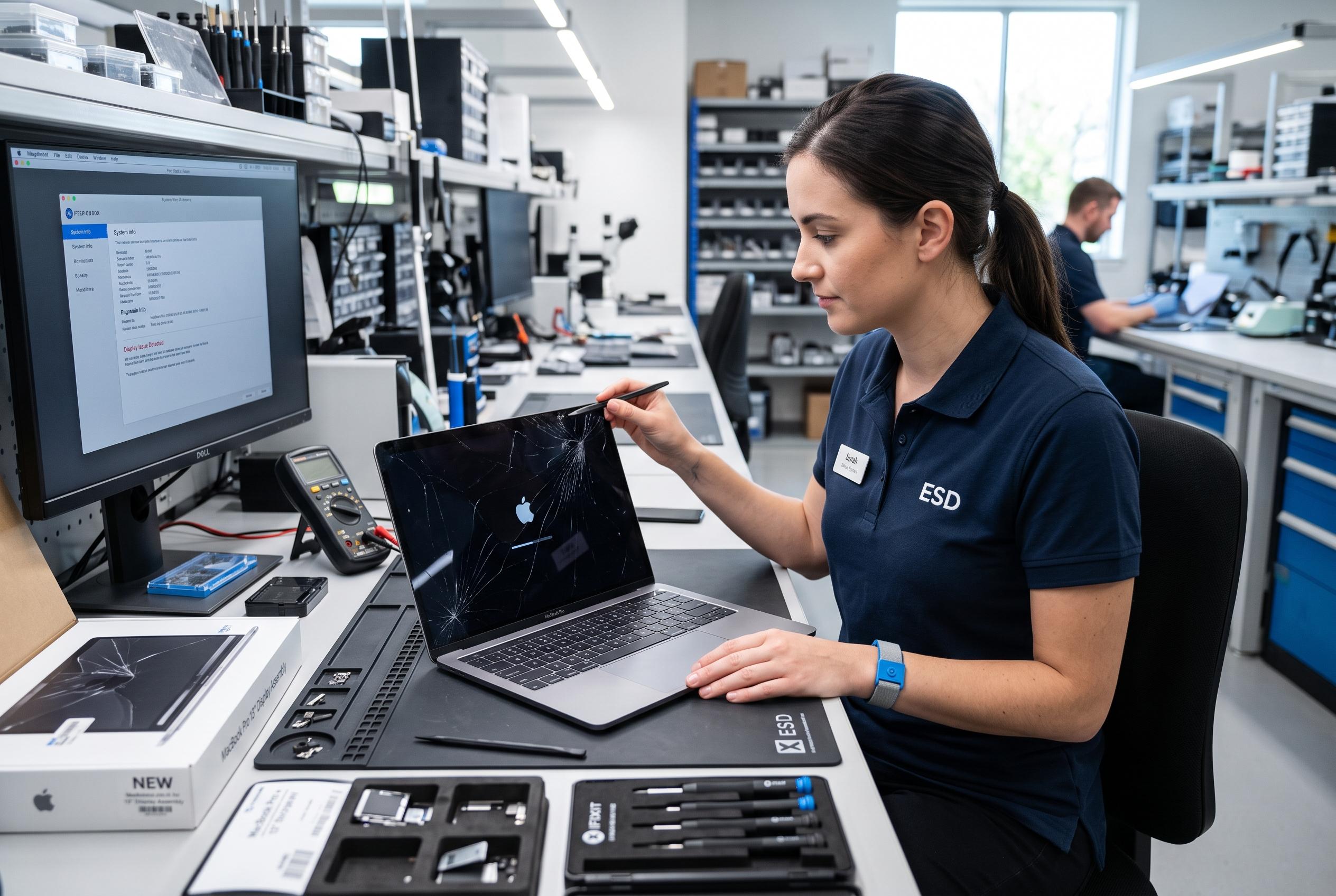

With multiple faults such as cracked displays, failing batteries, or logic-board issues, MacBook owners must weigh technical diagnosis, overall condition, and value before opting for repair or replacement, experts reveal.
A MacBook with a cracked display, failing battery or suspected logic-board fault is not automatically ready for the bin. The real decision is whether the fault is isolated, whether the rest of the machine is still sound, and whether the repair will leave you with a laptop that remains useful for your workload.
The first step is diagnosis, not a judgement based on age. Two MacBooks of the same vintage can be in very different condition. One may need little more than a new battery, while another may already have a damaged screen, unreliable ports and board-level instability. Repair becomes harder to justify when several expensive faults are competing for the same budget.
Display problems are often the most visible and the easiest to spot, but they are not always straightforward. A cracked panel, dark patch or obvious impact damage usually points to the screen assembly itself. More ambiguous symptoms, such as flickering, vertical lines or a blank display that changes when the lid moves, can also involve connectors, backlight circuitry or the logic board. As repair specialists cited in the supplied material note, accurate testing matters because the visible symptom is not always the failed part.
Battery faults are usually a different calculation. Because batteries are consumable, reduced runtime alone does not mean the MacBook is nearing the end of its life. Short battery life, sudden shutdowns, unstable charge readings and abnormal heat are common warning signs. A swollen battery is more serious: according to the repair guides supplied, it can press on the trackpad, case and nearby components, so it should be dealt with promptly rather than ignored.
Logic-board problems need the most care. The board controls many core functions, so a fault there can mimic display, charging or power issues. Specialist repair articles supplied for this brief say many apparent motherboard failures are actually localised circuit faults, such as shorted rails or damaged components, and may be repairable at component level. That distinction matters because replacing an entire logic board can be far more expensive than repairing one damaged circuit.
The condition of the whole machine should shape the decision. A MacBook with a working keyboard, reliable ports, healthy storage and adequate performance is a stronger repair candidate than one with multiple ageing parts. If the computer already struggles with everyday tasks, has too little storage or cannot run the software you need, a successful repair may still leave you with a machine you are ready to replace soon afterwards.
Cost also needs context. A quote is only meaningful when compared with what the MacBook will be worth after the work is done. Industry guides supplied here repeatedly stress the value of professional diagnostics before approving screen, battery or logic-board work. That is especially important for board repairs, where microsoldering technicians may be able to replace capacitors, power integrated circuits or backlight components without changing the whole board.
Replacement carries hidden costs as well. Moving to another machine can mean transferring files, reinstalling software, reconnecting accessories and re-establishing settings. For people who use a MacBook every day for work or study, that disruption can be significant. Data preservation should also be part of the decision: if the machine contains important files and backups are incomplete, recovery may take priority over hardware economics.
A practical rule is to compare the fault, the rest of the MacBook’s condition, and the usefulness it will have after repair. If the problem is contained and the laptop otherwise performs well, repair is often sensible. If the screen is damaged, the battery is weak and the logic board is also suspect, replacement is usually the clearer option. The aim is not to save every machine, but to spend money where it still creates real value.
Disclaimer: This content is intended for informational purposes only. Readers are advised to exercise their own judgement, conduct due diligence, or consult a qualified expert before acting on any information provided.



