

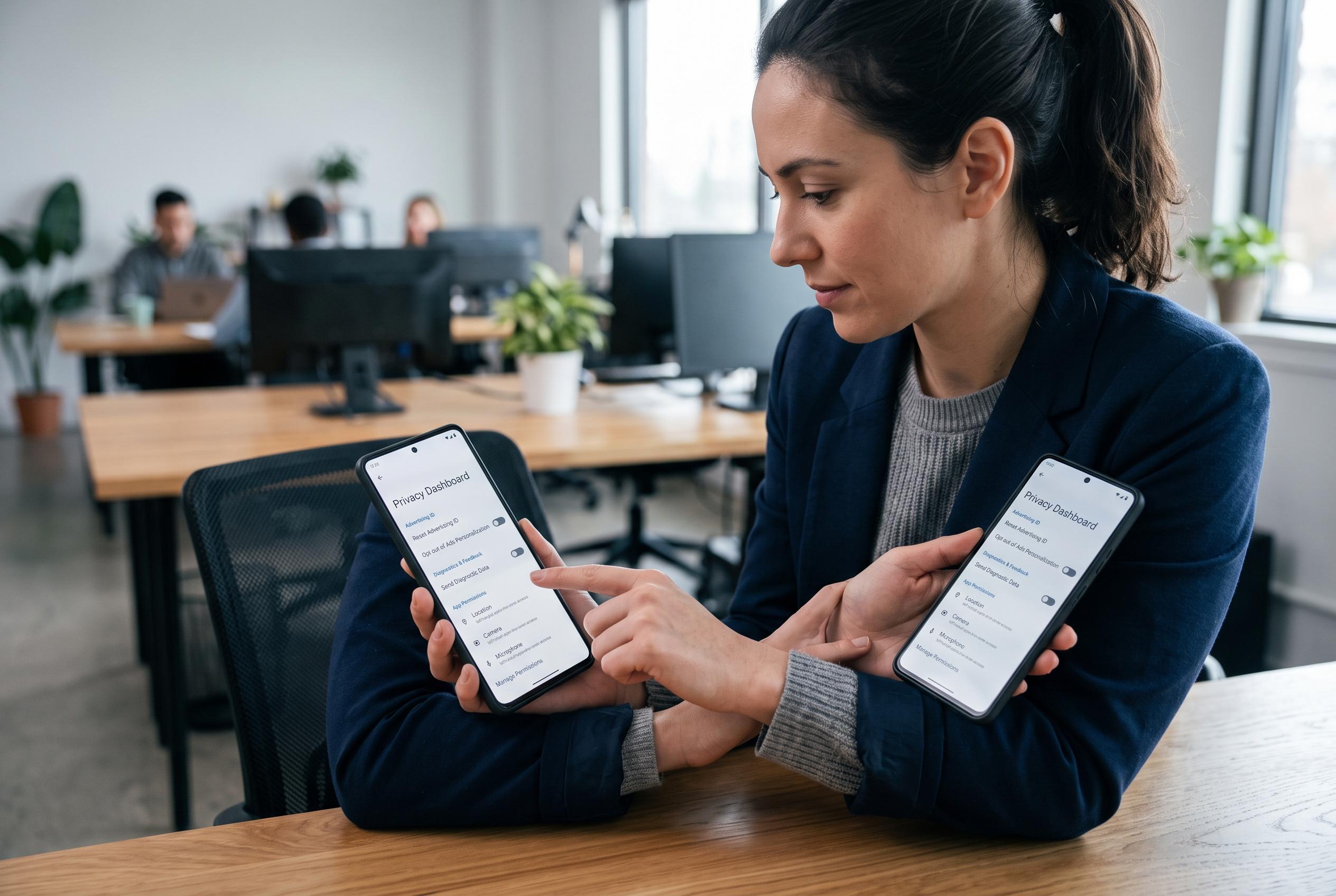

Many smartphone users overlook deeper privacy controls within system menus, risking increased exposure of personal data through advertising IDs, diagnostic reports, phone numbers, SIM security, and app permissions. Understanding and managing these settings is crucial for enhanced privacy protection.
Many people stop at the obvious privacy steps on a phone: a lock code, a permission check and, perhaps, a VPN. That still leaves several deeper controls buried in system menus. The most useful of these affect advertising identifiers, diagnostic uploads, app tracking, SIM security and location services, all of which can reveal far more than most users expect.
One of the most important settings is the advertising ID. Google says Android devices use a resettable, user-deletable identifier for personalised advertising, and that deleting it causes apps to receive a string of zeros instead of a usable value. Apple takes a similar but stricter approach: since iOS 14.5, apps must ask permission before they can track activity across other companies’ apps and websites, and users can manage that choice in the Tracking section of Privacy & Security.
Diagnostic and usage reporting is another area worth reviewing. Phones routinely send crash reports, performance data, app activity, device settings and voice assistant interactions back to Apple or Google. Those reports can help improve software, but they are still data transfers that many users would prefer to limit. On iPhone, the Analytics & Improvements menu lets users disable several categories, while Android devices typically place similar controls under Usage & diagnostics, though the exact path varies by manufacturer.
A phone number is also more exposed than many people realise. It can end up in contact uploads, account registrations, social platforms, public records and broker databases, creating a trail that can support spam, phishing and SIM-swap attacks. That matters because a mobile number is often tied to two-factor authentication and account recovery. Users should check whether their carrier offers directory listings or caller directory services and opt out wherever possible.
SIM protection is a further layer that is often ignored. A SIM PIN can stop anyone who steals a card from moving it into another phone and using the number. Carriers often ship SIMs with weak defaults, so a stronger custom PIN is sensible. Users should also set a separate carrier account PIN, which helps prevent unauthorised changes to the account itself. The trade-off is worth understanding: too many incorrect SIM PIN attempts can trigger a lock that requires the carrier’s PUK code to recover.
Permissions and network settings deserve regular review rather than a one-time check. Android’s Permission Manager shows which apps can use the camera, microphone, contacts, calendar, files and location, and the strongest rule is usually to grant access only while the app is in use. On iPhone, Background App Refresh can also keep apps active longer than needed. Android’s Private DNS adds another useful layer by encrypting domain lookups, although features such as Emergency SOS and Find My services deliberately share location data in exchange for safety and recovery. The broader point is simple: privacy is not a single switch, but a series of deliberate choices.
Disclaimer: This content is intended for informational purposes only. Readers are advised to exercise their own judgement, conduct due diligence, or consult a qualified expert before acting on any information provided.



