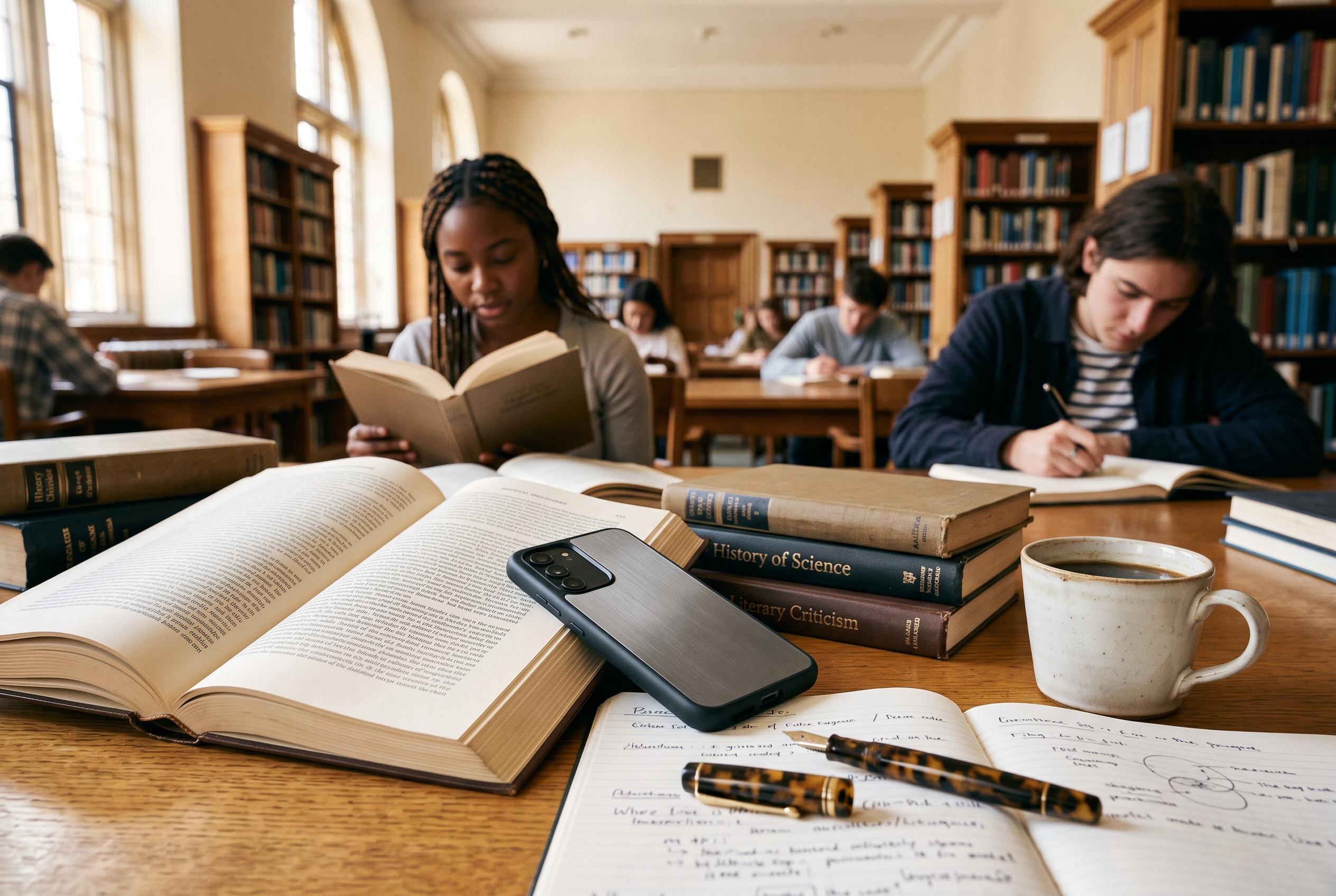

Students and universities are adopting minimalist smartphone setups and analogue activities to combat digital fatigue, reshaping campus life and focus strategies amid increasing awareness of tech distractions.
A stripped-back smartphone, once mostly the stuff of productivity blogs, is becoming a serious campus tactic rather than a lifestyle slogan, as reporting from the Washington Post (washingtonpost.com) shows. In a digital detox psychology course at Loyola University Maryland, students arrived with compulsive habits at striking levels: one picked up her phone 190 times a day, another had 55 games installed, and Patrick Spychalla reduced an app’s projection of lifetime phone use from 32 years to 24 after a semester of analogue classes and 24- to 48-hour fasts from apps or the device itself.
A recent post on The Productive Pixie (theproductivepixie.com) offers the individual version of the same project. Its student author says her daily phone use now sits at about two hours unless she is reading on Libby, and the handset has been reduced to messages, Outlook, GroupMe and WhatsApp, a calendar with smartwatch alerts, Boosted time tracking, Canvas, Goodreads, Pocket Casts, Garmin-linked health tools, a browser and occasional Google Wallet tickets rather than a stack of installed social apps; advice in the same niche from Simply Productive (simplyproductive.com) recommends much the same architecture, with essential utilities kept visible and distracting functions pushed out of sight.
What makes that setup notable is not austerity for its own sake but the decision to reserve the phone for communication, study and longer-form media. That fits the Loyola course described by the Washington Post (washingtonpost.com), where students said notifications had fractured attention, sleep and conversation, and where the response was deliberately old-fashioned: no phones, computers or tablets in class, outdoor games, phone-free hikes and written “digital manifestos” intended to restore boredom, reading and face-to-face contact.
The mechanics behind this kind of setup are now well established. AP’s smartphone-use explainer (apnews.com) and the Guardian’s June guide (theguardian.com) both point users towards Apple Screen Time or Android Digital Wellbeing, app-category limits, Focus modes and even a grey display to make feeds look less seductive; both also warn that these tools are nudges rather than hard barriers, which helps explain why the blogger on The Productive Pixie (theproductivepixie.com) keeps notifications only for urgent chats or class projects and leaves social services off the phone as dedicated apps.
That design choice matters because endless scrolling is not simply a failure of willpower. In a June interactive feature, The Conversation’s Dana McKay and Michael Cowling (stories.theconversation.com) argue that infinite feeds, highly personalised algorithms and incessant notifications are built to prolong engagement because longer sessions make platforms money; moving those services back into a browser and restricting when they can be used, as the blogger does at weekends on The Productive Pixie (theproductivepixie.com), adds friction to a system engineered to remove it.
Some of the strongest interventions are almost physical rather than digital. The Guardian (theguardian.com) recommends leaving the handset behind in short intervals, keeping it out of the bedroom or at least two or three metres away at night, and even using low-tech barriers such as a rubber band or hardware blockers such as Brick; that logic resembles the student blogger’s own routine on The Productive Pixie (theproductivepixie.com), where the phone is turned off overnight and the final stretch of the day is increasingly given to printed library books instead of another session of swiping.
Total retreat, however, remains awkward in modern student life. The Guardian (theguardian.com) notes that feature phones are undermined by QR codes, e-tickets and all-important WhatsApp groups, while AP (apnews.com) points to minimalist handsets from Light, Punkt and Balance but also recounts how even an hour in a time-lock box became inconvenient once credit-card and Amazon authentication requests were stranded on the locked-away smartphone; in the student’s case on The Productive Pixie (theproductivepixie.com), the compromise is to keep Google Wallet for occasional university events and retain a browser for tasks that cannot easily move elsewhere.
That is why digital minimalism has become a setup discipline as much as a self-control exercise. Simply Productive (simplyproductive.com) advises stripping the home screen back to tools such as a timer, calendar and navigation, then switching off Always On Display and Raise to Wake so the device asks for less attention in the first place; AP’s reporting (apnews.com) adds the useful caution that software ceilings are easy to override, so the more durable test is whether the phone’s default state makes distraction slightly harder and purposeful tasks slightly easier, a standard the college blogger on The Productive Pixie (theproductivepixie.com) is trying to meet without pretending the smartphone can disappear from student life altogether.
Disclaimer: This content is intended for informational purposes only. Readers are advised to exercise their own judgement, conduct due diligence, or consult a qualified expert before acting on any information provided.