

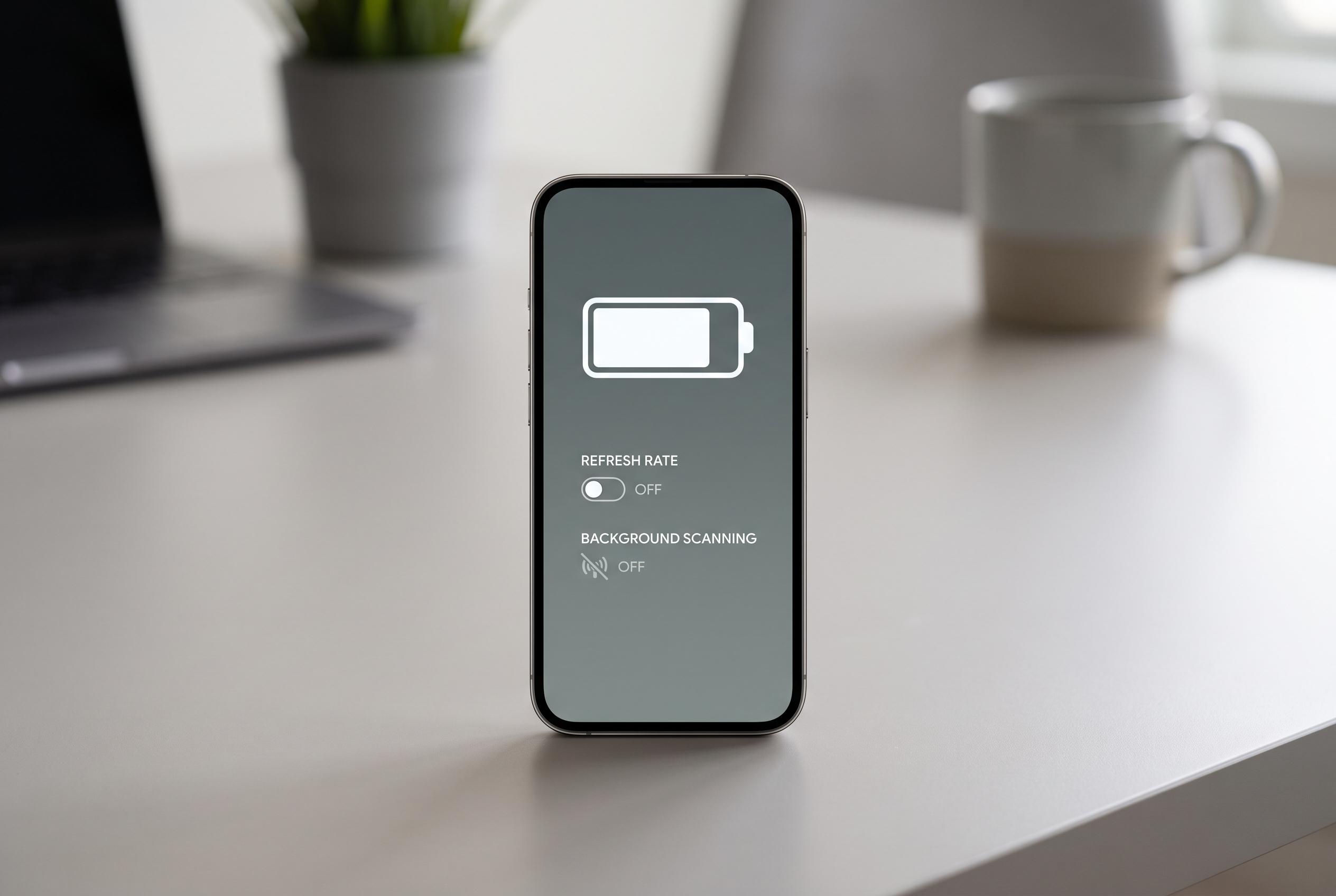

Recent tests reveal that customising display and connectivity settings, such as turning off Smooth Display and background scans, can add nearly an hour to Pixel’s battery life, highlighting effective tweaks beyond basic advice.
Finding the right Pixel battery tweaks can feel guesswork-heavy, because the effect of any one setting is easy to overstate in daily use. That is why a recent XDA Developers test tried to measure the changes more systematically, using PCMark for Android to compare screen-on time under controlled conditions. With the handset set to full brightness and a baseline established at around 5 hours 48 minutes, the exercise was designed to separate real gains from assumptions.
The first lesson was that not all popular advice delivers much in practice. Google’s own Pixel support guidance still points users towards the basics: lower brightness, use Dark theme, shorten the screen timeout, avoid live wallpapers, and keep Adaptive Battery and battery optimisation switched on. Those are sensible long-term measures, but the XDA test focused on settings that can stay enabled or disabled all day without making the phone awkward to use.
Some changes made only a modest difference. Turning off Enhanced HDR brightness had little measurable effect, while lowering the display from maximum resolution to the next tier added only about 15 minutes. By contrast, disabling Smooth Display, which drops the refresh rate to 60Hz, produced the clearest gain, improving runtime by roughly 40 minutes. The test also found that reducing background scanning mattered more than expected: switching off Wi-Fi scanning, Bluetooth scanning and Auto-switch to mobile network together added about 30 minutes.
That finding lines up with broader advice from Android Central and Tom’s Guide, both of which recommend checking which apps are draining power, using Battery Saver when needed, and reducing always-on connectivity features such as background scanning and constant mobile-data activity. Tom’s Guide also notes that changing from 5G to 4G in weak coverage areas can help, while Android Central highlights the value of removing unused apps and managing battery optimisation on a per-app basis.
When all of the tested tweaks were combined, the Pixel lasted 6 hours 42 minutes in PCMark, just under an hour longer than the baseline. That is a useful gain, although it came from a synthetic test with the screen fixed at full brightness, so normal mixed use would usually deliver more practical savings. The broader point is straightforward: the biggest battery improvements tend to come from a small group of display and radio settings, not from one dramatic switch.
Disclaimer: This content is intended for informational purposes only. Readers are advised to exercise their own judgement, conduct due diligence, or consult a qualified expert before acting on any information provided.



