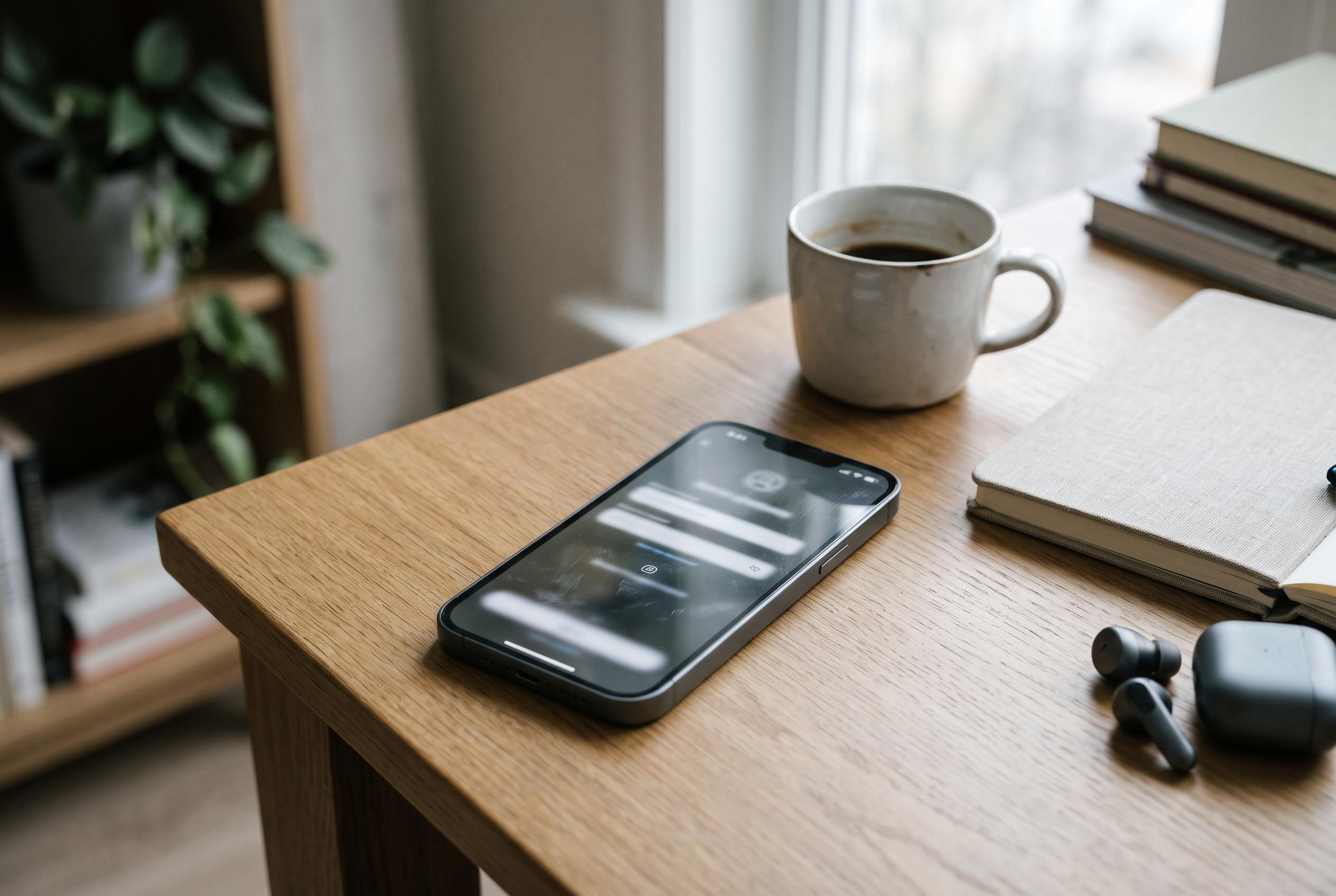

A suspected WebView and account-verification fault is leaving some Galaxy S26 Ultra phones stuck before the home screen after a factory reset, with Samsung yet to confirm a permanent fix.
A small but serious software fault is leaving some Samsung Galaxy S26 Ultra owners unable to finish the initial setup after a factory reset, according to reporting by TechRepublic and related coverage. The problem affects phones running One UI 9 and can halt the device before it reaches the home screen, creating a risk that a reset turns into a lockout rather than a clean restart.
Owners have reported failed Samsung account sign-ins, black screens and browser-style error pages during setup. Android Central said some users are seeing a “webpage-unavailable” message when the phone tries to load Samsung’s account-policy page, while Samsung community posts in South Korea have linked the disruption to instability in Android’s WebView component on certain networks. WebView is the part of Android that lets apps display web content inside the operating system, including pages used during account verification.
The clearest pattern so far is that the failure appears during first-run configuration after a reset, rather than during ordinary day-to-day use. That makes it especially awkward for anyone preparing to wipe and redeploy a phone, whether for troubleshooting, resale or corporate management. Reports so far do not establish every carrier, market or handset configuration that is affected, but the issue seems to have surfaced most visibly in South Korean forums and user complaints.
Samsung has circulated basic workarounds, including switching from mobile data to Wi-Fi, checking whether the Samsung account can be reached through a browser, and updating Chrome or the relevant WebView component if the handset still allows it. Those steps may help in some cases, but they are not a guaranteed remedy, and some are difficult or impossible to carry out if the phone is already trapped in setup. The company has not yet confirmed a permanent fix.
The timing is notable because the reports follow Samsung’s September rollout of Android 17-based One UI 9, with the update later reaching more eligible devices. Samsung also pushed another Galaxy S26 series update in South Korea on October 26, with general stability and security improvements, but available release information does not show that the setup failure has been fully resolved. For now, the safest advice for Galaxy S26 Ultra owners is to avoid unnecessary factory resets, back up important data before any reset, and use a reliable Wi-Fi connection if setup must be repeated. IT teams handling multiple devices may also want to test the re-provisioning process before wider deployments.
Disclaimer: This content is intended for informational purposes only. Readers are advised to exercise their own judgement, conduct due diligence, or consult a qualified expert before acting on any information provided.