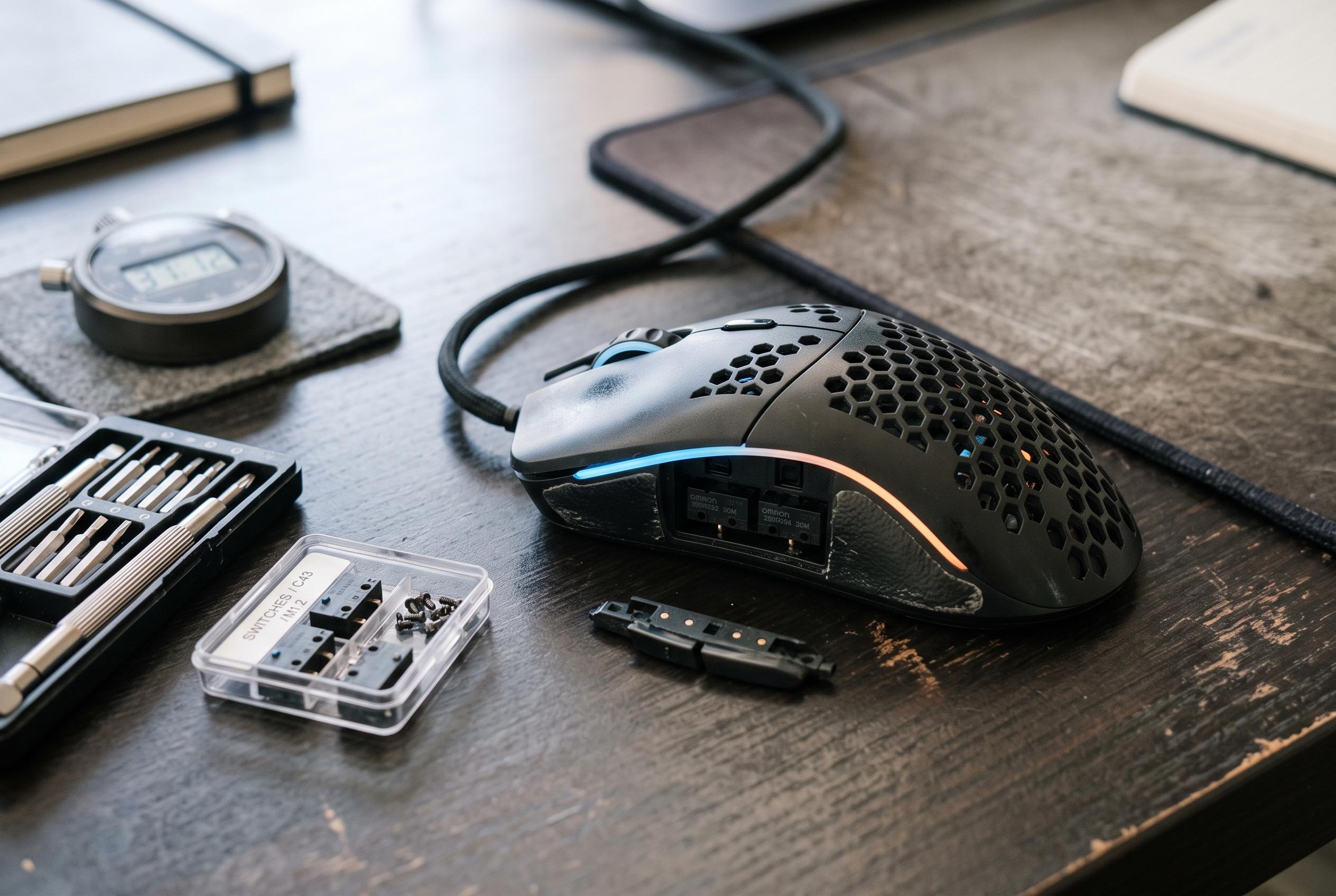

While gaming mice are marketed for durability, real-world usage reveals an average lifespan of 2 to 5 years, with components like switches and buttons wearing out sooner due to intense use and difficulty in repairs.
Gaming mice are sold on durability, but real-world use often tells a more modest story. The Vietnamese article says user experience suggests an average lifespan of about 2 to 5 years, with operational problems often beginning after 18 months to 2 years. That broad pattern matches Tom’s Hardware, which says a well-made gaming mouse can last longer but typically sits in the 2 to 3-year range because it is used constantly and moved more than most other peripherals.
The weakest point is usually the switch, the small mechanism under each button that turns a press into a signal. Manufacturers often advertise ratings in the tens of millions of clicks, yet that figure is only a laboratory estimate and does not cover wear in other parts of the mouse. Dedicated gaming use, especially in click-heavy titles, can bring on failure much sooner. A common symptom is double-clicking, where one press registers as two. Summaries from multiple technical guides note that the sensor itself is usually far more durable because it has no moving parts.
Other components also age. Side buttons, the scroll wheel, feet, cable and battery can all deteriorate over time, while the shell and sensor tend to remain reliable. That is why a mouse may feel worse long before it is completely unusable. The article notes that repairs are often limited because replacement parts are difficult to find, although worn feet are relatively easy to change and can restore smoother glide.
Maintenance can delay replacement. The article recommends reducing force on the buttons, cleaning with a damp cloth and cotton buds rather than harsh liquids and keeping the sensor clear of dust. It also advises neat cable management to avoid internal damage. For wireless models without smart charging, it says unplugging once the battery reaches full charge can help reduce battery wear. ASUS and other hardware guides add that some mice are designed with replaceable switches, which can extend service life substantially, but many budget models still require soldering or a full replacement once the main switches fail.
Disclaimer: This content is intended for informational purposes only. Readers are advised to exercise their own judgement, conduct due diligence, or consult a qualified expert before acting on any information provided.