

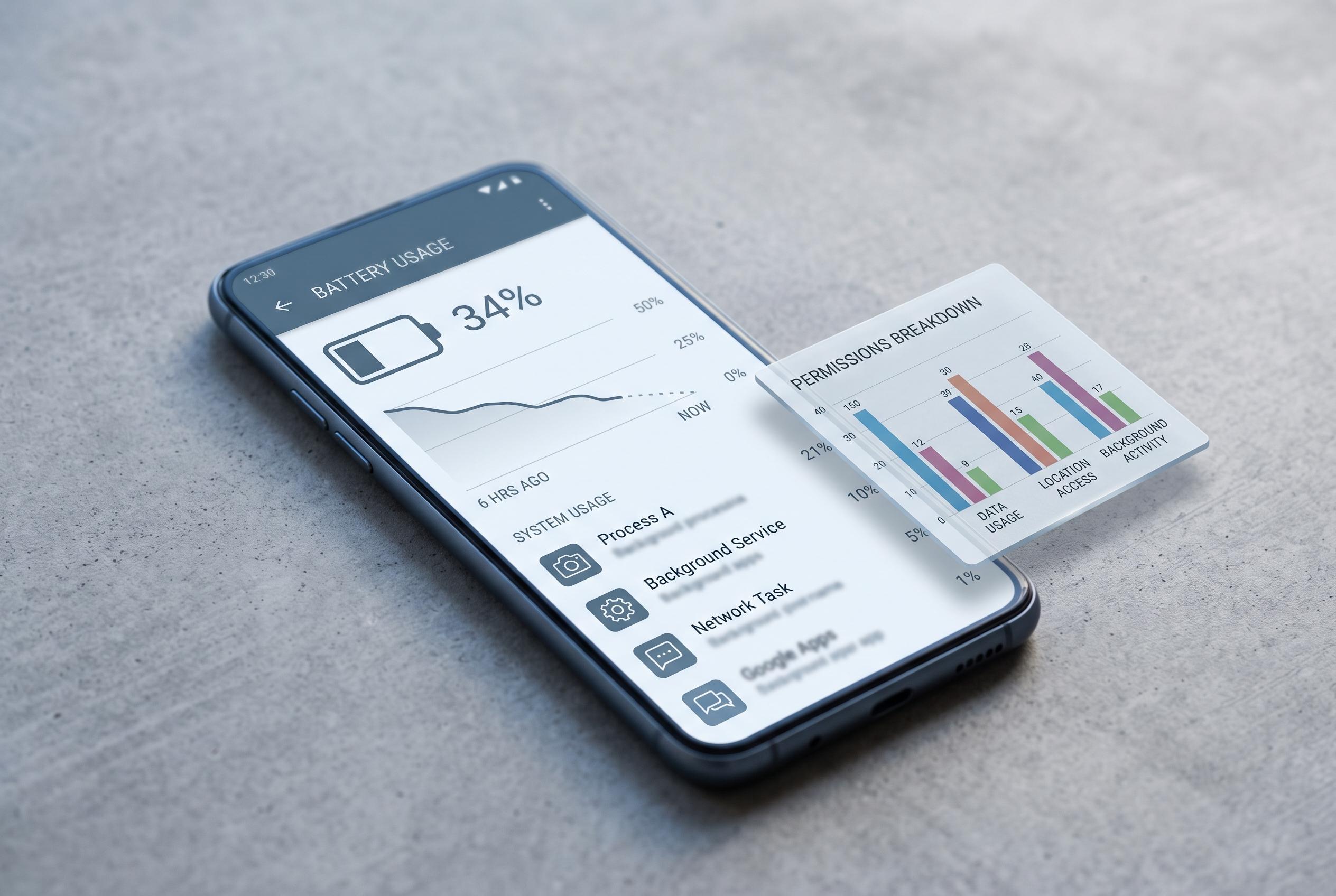

A newly highlighted issue reveals that Google’s default app may be a hidden culprit behind significant battery consumption, prompting users to explore practical solutions and new transparency measures in the Play Store.
The pre-installed Google app can be an overlooked source of battery drain on Android phones, particularly when it works alongside Chrome and keeps refreshing content such as the Discover feed. TechAdvisor said the app can stay active in the background and repeatedly pull in new data, which leaves it among the more power-hungry apps on some devices.
The problem is not unique to Google. Android users often see battery losses from mapping apps, social media clients and YouTube as well, largely because these services keep background processes alive. Google’s own Pixel support guidance says the first step is to inspect battery usage by app in system settings and then restrict the worst offenders if they are consuming an unusual share of power.
Several practical changes can reduce the load. TechAdvisor says users can switch off Discover updates inside the Google app, while Android support materials also recommend limiting background battery use, force-stopping problem apps and reviewing app permissions. Other guides point to clearing cache, reducing background data access, trimming location and device-sensor permissions, and keeping the app updated to avoid inefficient behaviour.
Google has also started flagging some inefficient apps more visibly in the Play Store. According to Android Central, listings that trigger an “Excessive Partial Wake Lock” warning now tell users the app may use more battery than expected because of high background activity. That change reflects a wider push to make battery-heavy apps easier to spot before they become a nuisance.
Disclaimer: This content is intended for informational purposes only. Readers are advised to exercise their own judgement, conduct due diligence, or consult a qualified expert before acting on any information provided.



