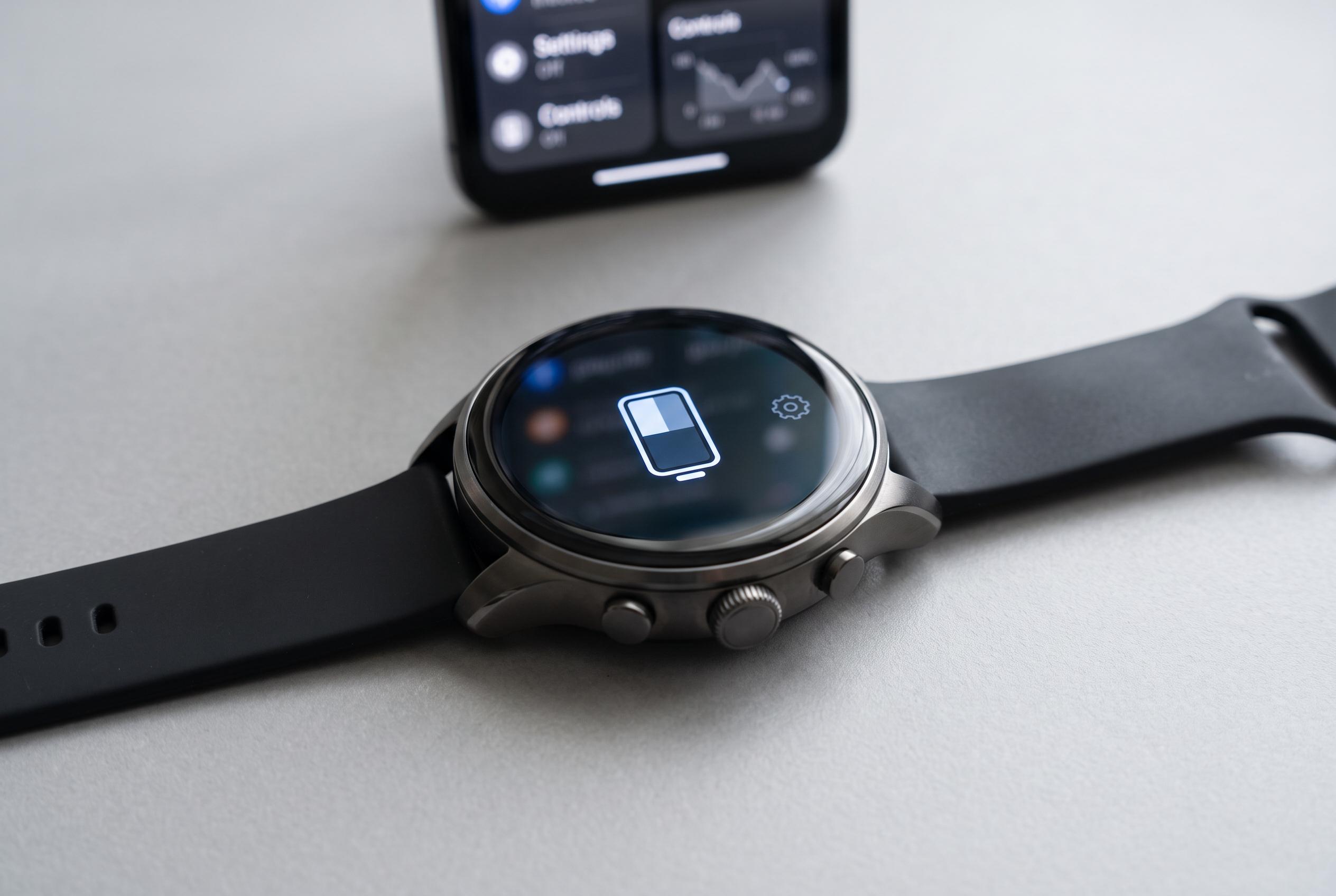

Exploring less-known settings within the Galaxy Watch’s developer mode offers subtle but meaningful improvements in battery performance, particularly for experienced users willing to tweak advanced settings.
Samsung’s Galaxy Watch has a few hidden controls that can make a modest difference to battery life, especially for people who have already tried the obvious fixes. The most useful ones sit inside Developer options, a menu that Samsung documents for debugging and testing but which also exposes settings that affect power use. Samsung’s own support pages also recommend disabling automatic Wi-Fi and using power-saving features when runtime is becoming a problem.
To reach the menu, open Settings on the watch, go to About watch, then Software information, and tap Software version repeatedly until developer mode is enabled. Samsung’s developer documentation says five taps are required, after which Developer options appears in Settings. That menu is intended for development work, so the changes there should be made carefully, but the entry point is simple enough for regular owners to find.
The first useful tweak is Wi-Fi behaviour. Turning off automatic Wi-Fi, and preventing the watch from enabling Wi-Fi while charging, reduces one of the more persistent drains on the battery. Samsung support notes that unnecessary Wi-Fi use can shorten runtime, and the reason is straightforward: Bluetooth uses less power, while Wi-Fi can wake up whenever the watch loses its phone connection. In day-to-day use, the watch can still handle messages, apps and voice features over Bluetooth-linked phone routing without keeping Wi-Fi active all the time.
A second option is to disable the three animation scales in Developer options. That does not transform performance, but it reduces the amount of graphical work the processor has to do, which can shave off a small amount of power draw. The final setting is Force full GNSS measurements. It improves location accuracy for running and cycling by keeping the satellite receiver active more continuously, but that extra precision comes at a battery cost. For most users, the sensible approach is to leave it off and enable it only for workouts that need tighter tracking.
Disclaimer: This content is intended for informational purposes only. Readers are advised to exercise their own judgement, conduct due diligence, or consult a qualified expert before acting on any information provided.