

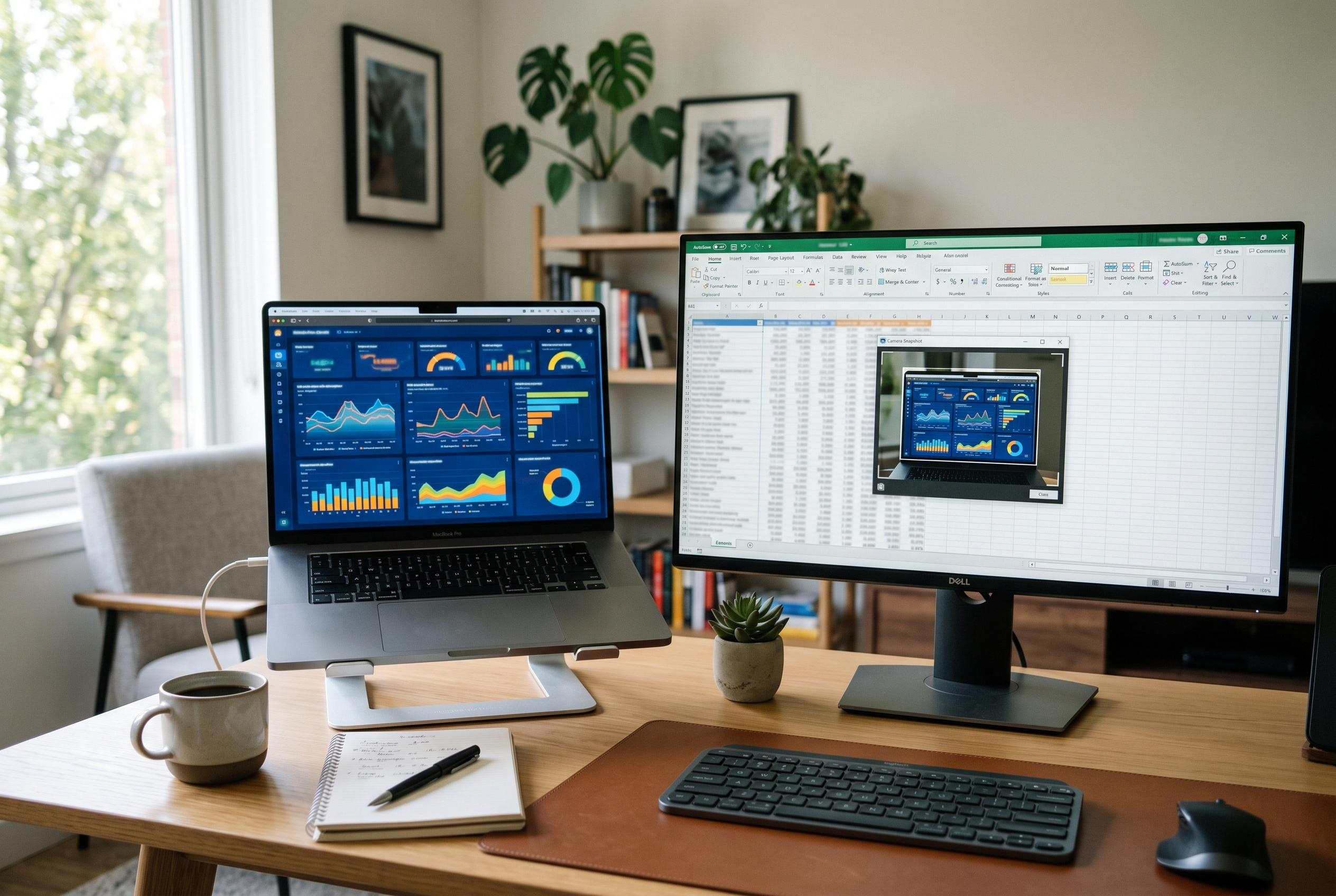

Excel’s often overlooked features, like the Camera snapshot and Flash Fill, can streamline visual summarisation and data transformation, offering powerful tools tucked away in the software’s depths.
Excel’s deepest value often lies in features that are easy to miss. Two of the most practical are its live Camera snapshot and Flash Fill, both of which can remove repetitive manual work and make spreadsheets easier to manage. MakeUseOf highlights these as examples of tools that sit well away from the usual ribbon commands, despite being built into the desktop application for years.
The Camera tool is especially useful when a sheet needs a dynamic visual summary. It creates a linked image of a selected range, so updates in the source cells are reflected automatically in the snapshot. ExcelTip says the feature can be added to the Quick Access Toolbar, then used to place a live image anywhere in a workbook, or even into Word or PowerPoint. That makes it well suited to dashboards and reporting packs where formatted tables need to be reused without breaking the link to the original data.
Flash Fill tackles a different problem: text reshaping. Microsoft Support says the feature detects patterns after you type one or two examples, then fills the rest of the column for you. It can separate names, combine fields or reformat data without a formula, and users can trigger it manually with Ctrl+E on Windows or Command+E on Mac. Microsoft says it is available in current desktop versions including Microsoft 365, Excel 2024, Excel 2021, Excel 2019 and Excel 2016.
The broader point is that Excel still contains a number of capable, low-visibility tools that reward a closer look. Some are aimed at presentation, some at cleaning data, and others at analysis or auditing. The common thread is that they are already included in the software; the challenge is simply knowing where Microsoft has tucked them away.
Disclaimer: This content is intended for informational purposes only. Readers are advised to exercise their own judgement, conduct due diligence, or consult a qualified expert before acting on any information provided.



