

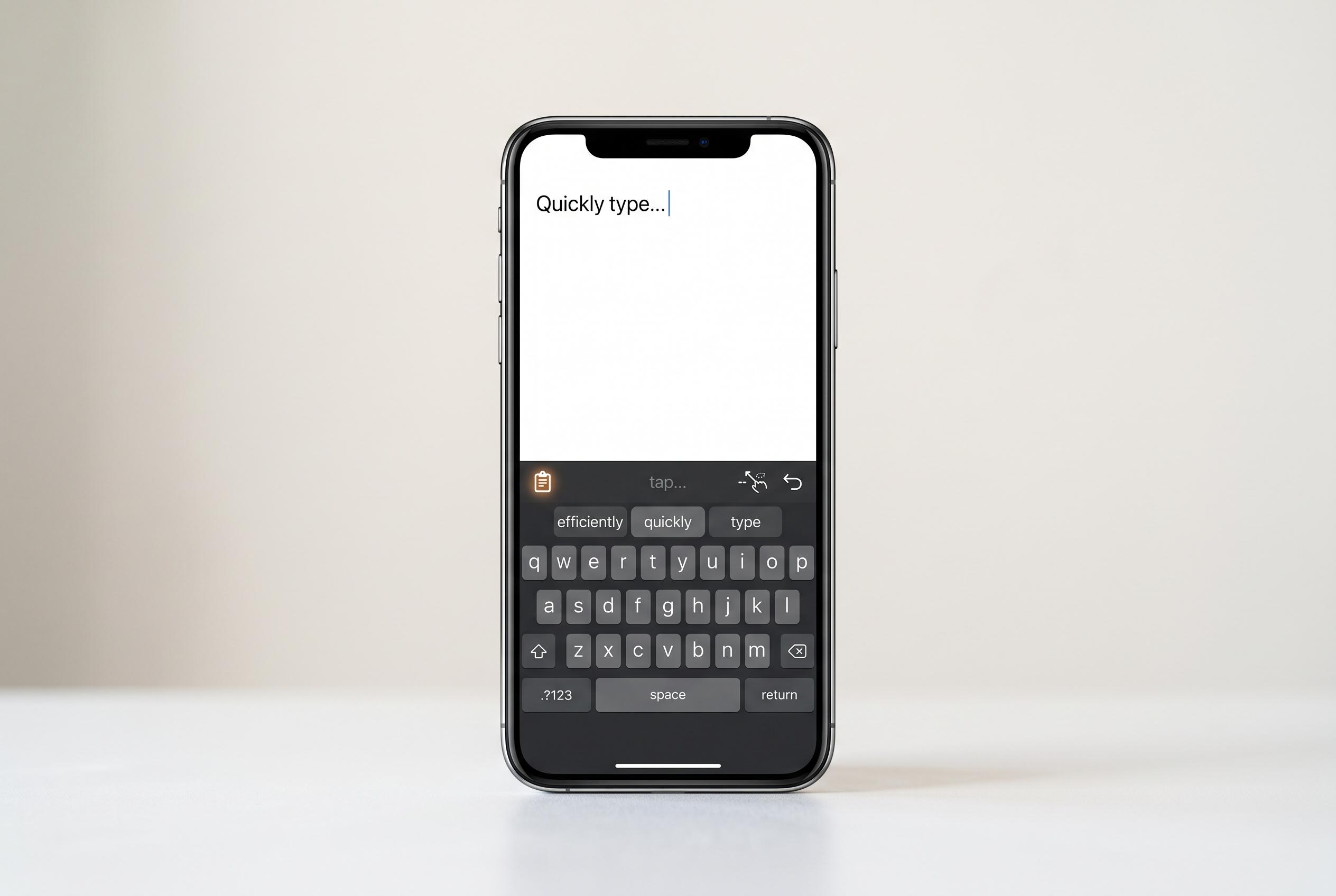

Discover how to unlock powerful yet often overlooked tools within Gboard, from clipboard management to text expansion and gesture shortcuts, to enhance your mobile typing experience.
Gboard may be the default keyboard on many Android phones, but its usefulness goes far beyond basic predictive text and swipe typing. According to Lifehacker, a number of Gboard’s more powerful tools are tucked away in menus that many users never open, yet they can make typing, editing and copying far quicker without changing keyboard apps.
One of the most practical features is the clipboard manager. Google’s support documentation says Gboard can store recent copied items, while pinned entries remain available after the regular history clears. That makes it useful for saving details such as addresses, phone numbers, email templates or other fragments you reuse often.
Gboard’s Personal Dictionary serves a different purpose: it lets users create shortcuts for longer phrases. As Phandroid explains, this is a straightforward way to expand short entries into full text, which is especially helpful for work, study or repeated business messages. It is effectively text expansion built into the keyboard.
Several of Gboard’s best time-saving tools rely on gestures. Lifehacker notes that swiping from Backspace can remove whole words, while holding the space bar lets you move the cursor precisely. The period key also hides access to a full symbols layout, reducing the need to keep switching keyboard views.
For people who type numbers frequently, Gboard offers two useful options. One is a number row that stays visible above the letters. The other is flick typing for symbols, where a quick swipe on a letter produces the alternate character associated with it. Android Central describes both as small changes that can noticeably speed up input.
The keyboard is also designed to cope with larger screens. Lifehacker points out that one-handed mode shifts the keyboard to either side, making it easier to reach on tall phones. The resize control lets users make the keyboard shorter or taller, which can help those who want more screen space or larger keys.
On tablets and large phones, the floating keyboard can be especially useful. Instead of sitting fixed at the bottom of the display, it can be detached and moved wherever it is needed. That is helpful in split-screen use, where part of the screen may need to remain visible while typing.
Gboard also includes a text editing mode that replaces the keyboard with directional controls and basic editing buttons. Lifehacker says this can make cursor movement, selection, cutting, copying and pasting much easier than using touch gestures alone. For anyone editing long passages on a phone, it is one of the most useful built-in tools.
Two final features stand out for convenience. Emoji Kitchen, highlighted by Lifehacker, combines two emojis into a new sticker-like image, giving users more expressive options than standard emoji alone. The same article also points to an Undo button that can be added to the toolbar, which is a simple but valuable safeguard when pasted text or edits need to be rolled back quickly.
Disclaimer: This content is intended for informational purposes only. Readers are advised to exercise their own judgement, conduct due diligence, or consult a qualified expert before acting on any information provided.



