

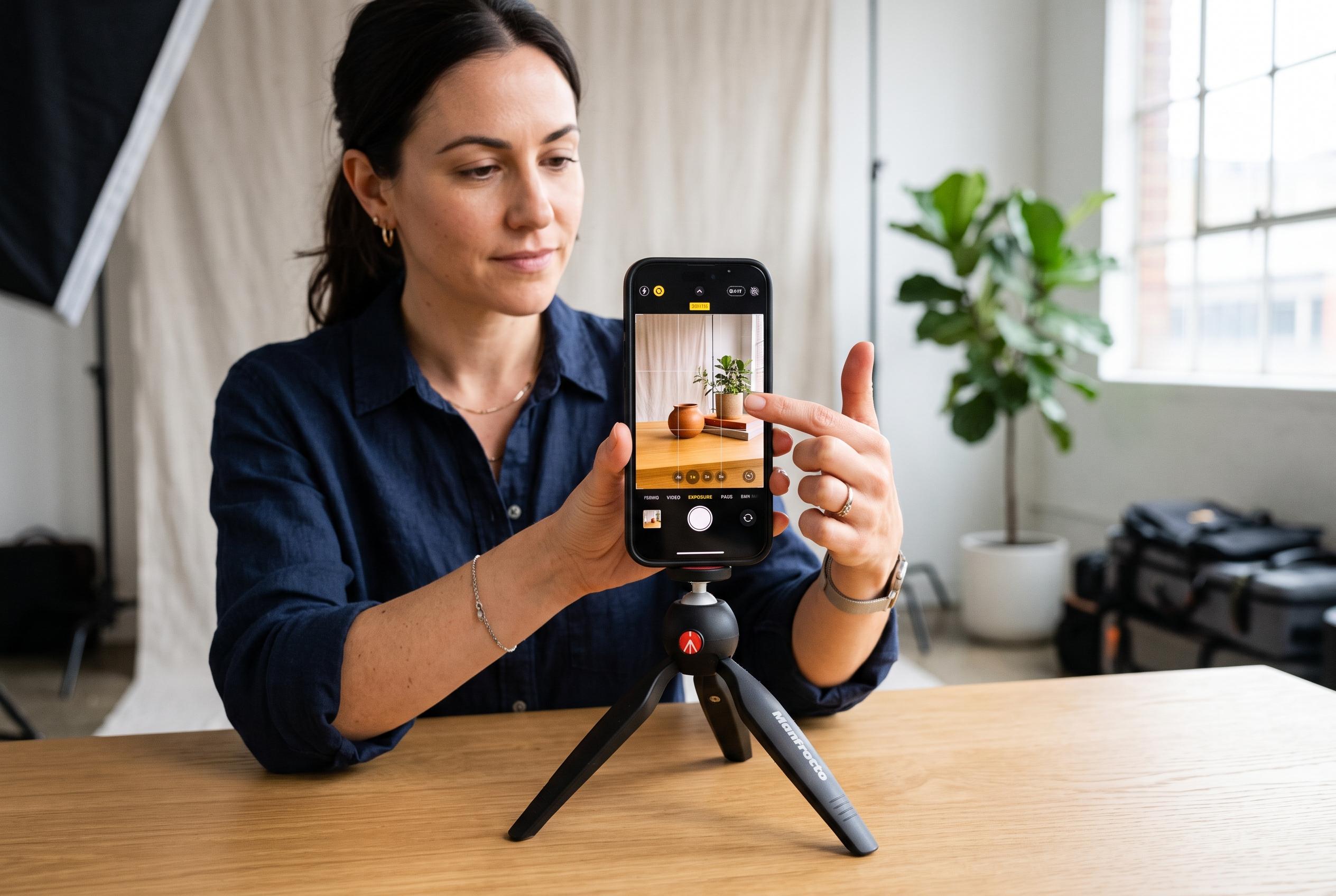

Many iPhone users overlook essential camera settings tucked away in menus, which can significantly enhance photo composition, exposure, and colour. Unlocking these hidden controls can transform casual photos into professional-looking images, especially with recent updates on newer models.
Many iPhone users still miss some of the most useful camera controls because Apple hides them inside menus rather than presenting them on the main viewfinder. Yet those settings can materially improve composition, exposure and colour handling. For anyone who uses the phone as a daily camera, the difference between the default configuration and a tuned one can be significant.
One of the simplest changes is to preserve preferred camera choices between sessions. Apple’s support documentation says the iPhone can remember selected modes, filters, lighting options, depth controls and Live Photo preferences, which means the app opens the way it was last left. That reduces repetitive setup and helps keep a consistent look from shot to shot.
Another overlooked adjustment is the grid display, which can help with framing and alignment. Tom’s Guide says it is one of the quickest ways to improve composition, especially for straight horizons and balanced layouts. The same guide also points to Photographic Styles, which let users adjust tone and colour processing rather than relying on a single default look.
On newer models, higher-resolution capture can also unlock more detail. Tom’s Guide notes that 48-megapixel shooting is available on compatible iPhones and can produce fuller image data for users who want extra flexibility when cropping or editing. MacRumors adds that the latest Photographic Styles tools on the iPhone 16 family go further, allowing colour and shadow adjustments that are saved as a default style and carried across future images.
Other hidden controls are more practical than creative. Tom’s Guide highlights AE/AF Lock, which freezes exposure and focus after a long press, making it easier to shoot moving subjects or scenes with difficult lighting. DB Labs also points to useful tools such as the timer, burst mode, QuickTake video, macro toggles on supported Pro models and the horizon level indicator. Together, these features turn the Camera app from a simple point-and-shoot tool into a more flexible image-making system.
Disclaimer: This content is intended for informational purposes only. Readers are advised to exercise their own judgement, conduct due diligence, or consult a qualified expert before acting on any information provided.



