

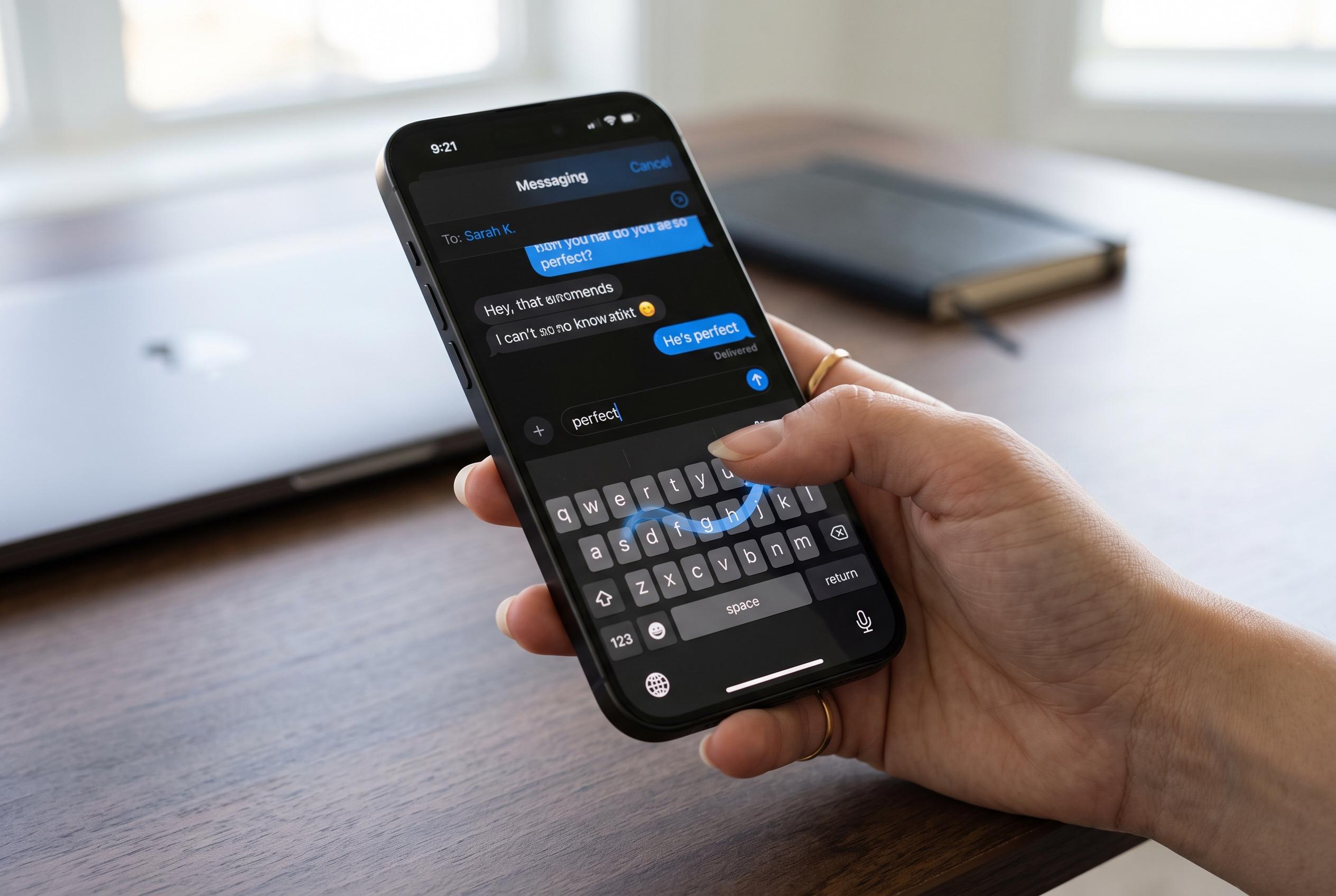

Apple’s iPhone keyboard contains several tucked-away features, such as swipe-based typing, cursor control, and gesture shortcuts, that can significantly enhance everyday messaging and editing efficiency.
Apple’s iPhone keyboard hides several tools that can make everyday typing faster and more accurate, from swipe-based word entry to cursor control and gesture-driven copy and paste. The Winnipeg Free Press noted that these functions are easy to miss because they are often tucked away in long settings menus, yet they can matter in ordinary tasks such as messaging, email and social posts.
One of the most useful options is QuickPath, which Apple’s support guide describes as a way to spell words by sliding a finger from letter to letter without lifting it from the screen. AppleInsider and iDownloadBlog say users can switch it on in Settings, then General, then Keyboard, where it appears as Slide to Type. The feature works best when the motion is continuous and deliberate, and Apple notes that it may not be available in every language. The Winnipeg Free Press also reported that deleting immediately after a swipe removes the whole word rather than a single character.
Another underused tool turns the on-screen keyboard into a trackpad. Apple’s guide says holding a thumb on the space bar lets the keyboard act as a cursor pad, making it easier to move through text precisely. iDownloadBlog says the same method can be used to select text more accurately than tapping and holding alone. That is especially helpful when editing a long message or fixing a sentence in a note or email.
The article also highlights copy-and-paste gestures that use three fingers. Apple and Macworld both note that a pinch-in gesture copies selected text, while spreading three fingers apart pastes it elsewhere. The Winnipeg Free Press found that these shortcuts can be less reliable in some chat apps than in Notes or email, and that they may feel easier on larger screens such as an iPad. Even so, the combination of swipe typing, trackpad control and gesture shortcuts gives iPhone users a practical way to work faster with less tapping.
Disclaimer: This content is intended for informational purposes only. Readers are advised to exercise their own judgement, conduct due diligence, or consult a qualified expert before acting on any information provided.



