

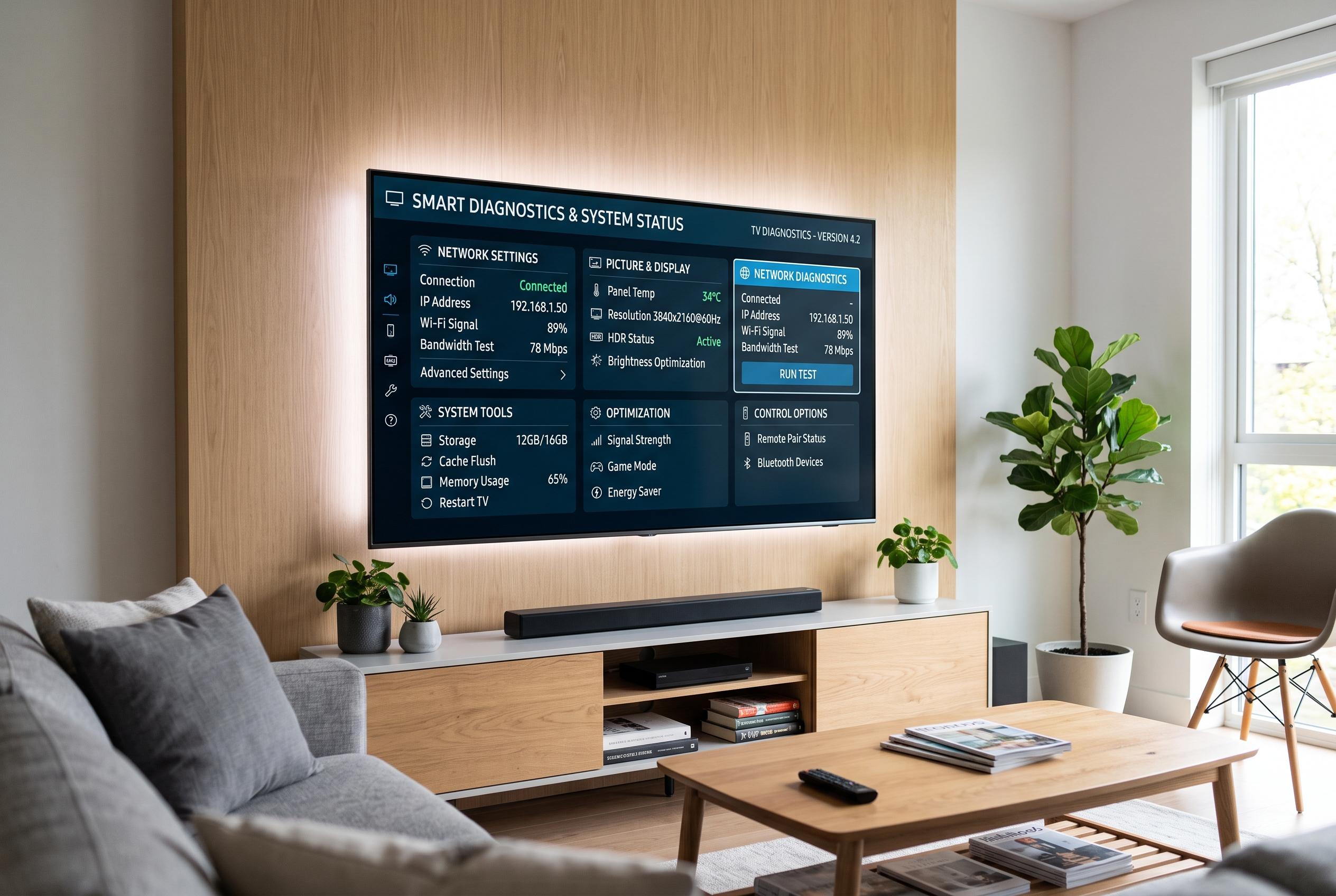

Roku devices hide a wealth of diagnostic and personalisation options beneath their familiar interfaces, enabling users to enhance reliability, improve streaming quality and tailor their viewing experience through advanced menus and network controls.
Roku devices can do considerably more than open streaming apps. Beneath the familiar home screen sits a set of diagnostic menus, network tools and personalisation options that can help users improve reliability, cut buffering and make day-to-day navigation simpler. Much of the value lies in features that are not immediately obvious, but are already built into the platform.
According to Tom’s Guide, several of Roku’s hidden menus can be reached with remote button sequences and open access to technical screens such as wireless diagnostics, channel information, platform data and HDMI settings. These menus are designed for troubleshooting rather than casual use, but they can be helpful when a device needs a reboot, a software refresh or a quick check of system performance. The same reporting notes that some screens also let users test the remote and review deeper device status information.
Network stability is another area where Roku offers more control than many users realise. Roku’s support pages explain that signal strength, router placement and network resets can all make a material difference to streaming quality. The company also points users towards advanced networking features, including support for 5GHz Wi-Fi and IPv6, which may improve compatibility and reduce interference on modern home networks. For households dealing with buffering or dropped connections, these options can be more useful than changing apps or restarting a show.
Audio and accessibility settings add another layer of practical control. Roku supports private listening through its mobile app, captions and volume balancing features that can make dialogue easier to follow and loud passages less disruptive. Tom’s Guide also highlights tools such as volume levelling and guest access, while Roku’s own support materials point to accessibility settings that can make the interface easier to use for viewers with visual or hearing impairments. Taken together, these options make the platform more adaptable to different viewing habits.
App management is another part of the experience that can be improved with a little housekeeping. Unused channels can be removed to keep the interface cleaner, and individual app information screens can help with troubleshooting if a service is behaving oddly. Tom’s Guide notes that Roku also supports features such as unified watchlists and photo streams, which can reduce friction when moving between services or using the device as more than a simple streaming box.
The HDMI secret menu is especially relevant for users with 4K televisions or mixed AV setups. As Tom’s Guide explains, the menu can expose compatibility details such as resolution and frame-rate support, along with settings that affect HDMI behaviour and responsiveness. For people seeing flicker, lag or incorrect aspect ratios, these tools can help identify whether the issue lies with the Roku box, the display or the connection between them.
For technically minded users, Roku’s developer mode goes even further. It allows custom app testing, access to logs and a closer look at how the system is behaving. This is not aimed at ordinary viewers, but it underlines how much functionality is already available inside the platform. The Roku mobile app extends that utility further, letting users control playback from a phone or Apple Watch, manage channels, use private listening and, in some cases, view diagnostic information about the device.
Disclaimer: This content is intended for informational purposes only. Readers are advised to exercise their own judgement, conduct due diligence, or consult a qualified expert before acting on any information provided.



