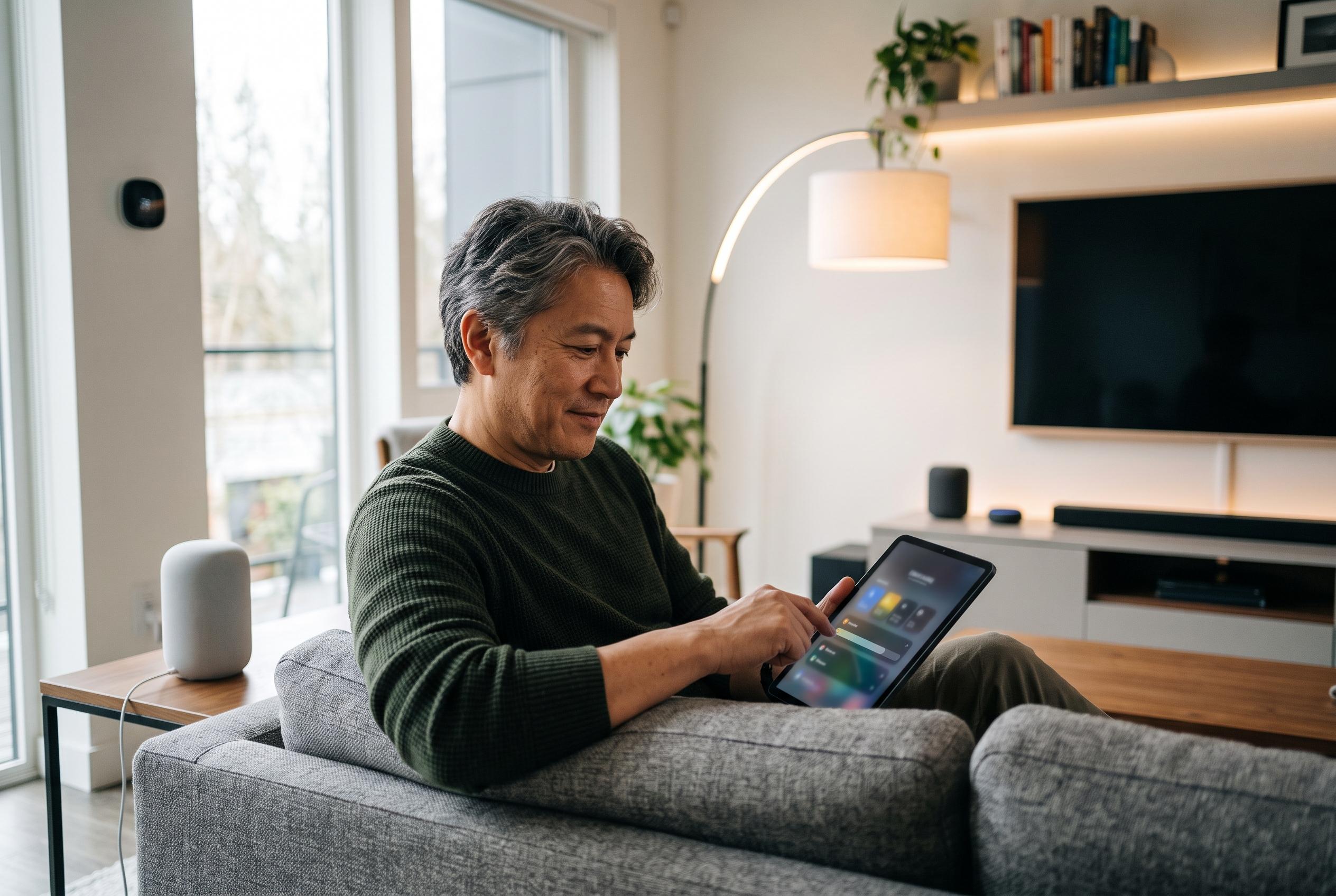

Matter lets Home Assistant control devices locally alongside Apple Home, Google Home and other platforms, but commissioning and reliability still depend on careful network configuration.
Home Assistant’s Matter support is designed to keep smart-home control local, so compatible devices can be managed without relying on a cloud account. The benefit is not just privacy. It also means a device can be controlled by Home Assistant and by the vendor’s own app at the same time, provided it is joined through Matter’s multi-admin model. That makes Home Assistant a practical addition rather than a replacement for an existing ecosystem. The official Home Assistant documentation confirms that Matter devices can be added through Wi-Fi or Thread, with the integration exposing them as entities for dashboards and automations.
Under the hood, Home Assistant splits Matter into two parts. The Matter Server handles commissioning and ongoing device communication, while the Matter integration connects that server to the rest of Home Assistant. For Thread devices, a border router is required to bridge the Thread mesh to the local network. Home Assistant’s own guidance, along with setup guides from other technical publishers, also stresses that IPv6 must be available, because Matter depends on it for communication and discovery.
The first prerequisite is choosing the right Home Assistant deployment. According to the Home Assistant integration page and several independent setup guides, the Matter Server add-on is supported on Home Assistant OS and Supervised installations, while Container users must run the server separately. That distinction matters because the supported add-on path is the simplest and most reliable route. For people using Home Assistant Container, the third-party guides note that a self-managed server is possible, but it adds more network and runtime requirements.
Adding a new device is straightforward in principle. Home Assistant can commission a Matter accessory from the companion app by scanning the QR code or entering the setup code. On Android, this usually follows the standard commissioning flow exposed by the phone; on iOS, the process passes through Apple’s own Matter handling, though the Home Assistant steps remain the same. The key detail is that the phone and the device must be on the same network during commissioning.
The more flexible method is to add a device that is already in use elsewhere. In that case, the device is first commissioned into another controller, such as Apple Home, Google Home, SmartThings or, in the example given by the source article, IKEA’s Dirigera hub. Home Assistant can then join it through a one-time Matter share code generated from that existing app. The Home Assistant documentation and related guides both emphasise that this code can only be used once, so a fresh code is needed for every new controller or after a failed attempt.
This is where many Matter problems begin. The source article says the most common failure is a commissioning process that stalls for roughly two minutes and then ends without a helpful error message. That usually points to IPv6 being disabled or to discovery not working properly. A second class of fault appears after successful pairing, when a device later becomes unreachable. In that case, the likely causes are routing, firewall rules or VLAN separation. The Home Assistant documentation and other setup guides agree that checking IPv6 first is the most useful starting point.
Thread networks add another layer of complexity, but not always one that matters to the user. If a device is being shared from an existing ecosystem hub, Home Assistant can often reach it through that hub’s Thread border router. In that situation, a “preferred Thread network” warning inside Home Assistant may be harmless, because the hub is doing the Thread work. By contrast, if Home Assistant itself is meant to commission Thread devices directly, then its own Thread networking must be set up correctly.
The broader picture is that Matter in Home Assistant is effective once the network is in order. It offers local control, fast response times and the ability to keep using a vendor app alongside Home Assistant. The trade-off is that the standard commissioning experience hides a good deal of networking complexity, especially around IPv6, discovery and Thread. For users running a managed home network, the official documentation and independent guides both point to the same conclusion: the software is mature enough, but the underlying network still has to be configured carefully.
Disclaimer: This content is intended for informational purposes only. Readers are advised to exercise their own judgement, conduct due diligence, or consult a qualified expert before acting on any information provided.