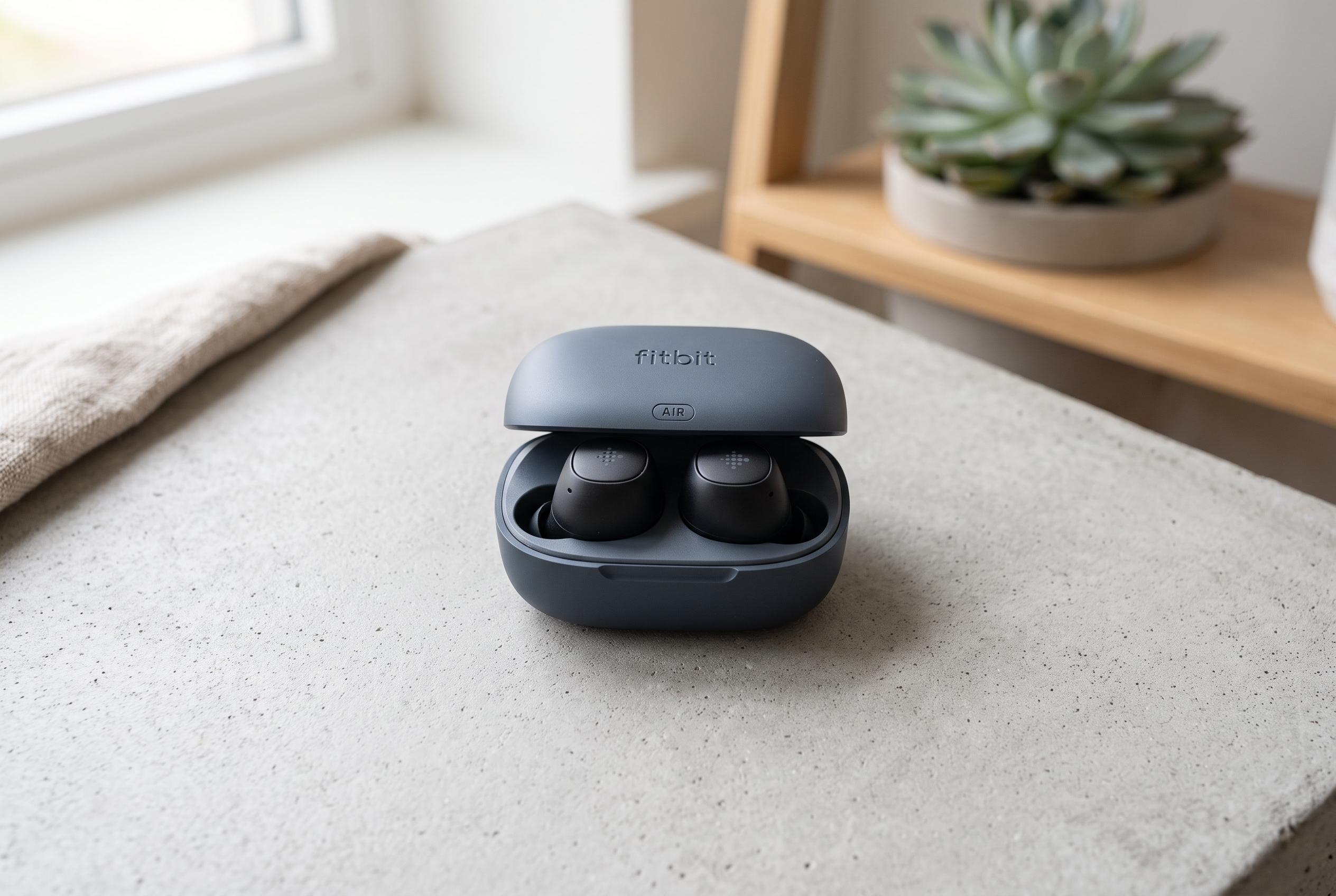

A review of Fitbit Air reveals that small setting tweaks, especially Bluetooth and vibration controls, can significantly improve its battery performance, challenging initial durability concerns and showcasing practical ways to optimise usage.
For more than a month, Google’s Fitbit Air has been on the writer’s wrist almost continuously, and at first its promised seven-day battery life seemed to live up to the billing. But after the first charge cycle, endurance became inconsistent, with the device often needing power after four or five days. The pattern suggested either a faulty battery or a software issue, until a closer look pointed to several setting choices that were quietly increasing power use.
One likely factor was Bluetooth. The tracker depends on a constant connection to the phone for syncing, and repeated connection failures appeared to make things worse. In the writer’s testing, the Fitbit Air at times struggled to reconnect, and on one occasion the pairing had to be rebuilt from scratch. Turning off Bluetooth overnight reduced the drain sharply, especially when the phone was kept out of the background sync loop while sleeping. Android Central also recommends that new owners review the device’s setup carefully, including connectivity and alert settings, to get the best balance between accuracy and battery life.
Vibration settings were another area worth checking. Because the Fitbit Air has no screen or speaker, it uses haptics for alarms and notifications, which makes the motor more important than it might seem on a larger smartwatch. Reducing vibration intensity or disabling it for routine alarms can preserve charge. That fits with broader reviews from Android Central, Tom’s Guide and Tech Advisor, which all describe the device as a screenless tracker designed for continuous wear, with battery life being one of its main attractions.
Wrist placement can also matter. The writer found better efficiency when the device’s dominant- or non-dominant-wrist setting matched the hand it was actually worn on. That is consistent with Android Central’s setup advice, which says the correct wrist preference helps improve tracking accuracy. The logic is simple: if the software is trying to interpret movement from the wrong arm, it may work harder than necessary, which can affect power use.
The broader picture is that the Fitbit Air remains a small, comfortable tracker with strong appeal for sleep and all-day wear. Independent reviews from TechSpot, TechRadar, Tech Advisor and Tom’s Guide say it is light, inexpensive and easy to live with, though it lacks built-in GPS, NFC payments and some higher-end health tools. Some reviews also say its battery can meet or even exceed the advertised week, which suggests results may vary depending on settings, usage and how well the device is paired with the phone. For the writer, the lesson was clear: the battery was not necessarily defective, but it did respond strongly to a few practical adjustments.
Disclaimer: This content is intended for informational purposes only. Readers are advised to exercise their own judgement, conduct due diligence, or consult a qualified expert before acting on any information provided.